July 16, 2026
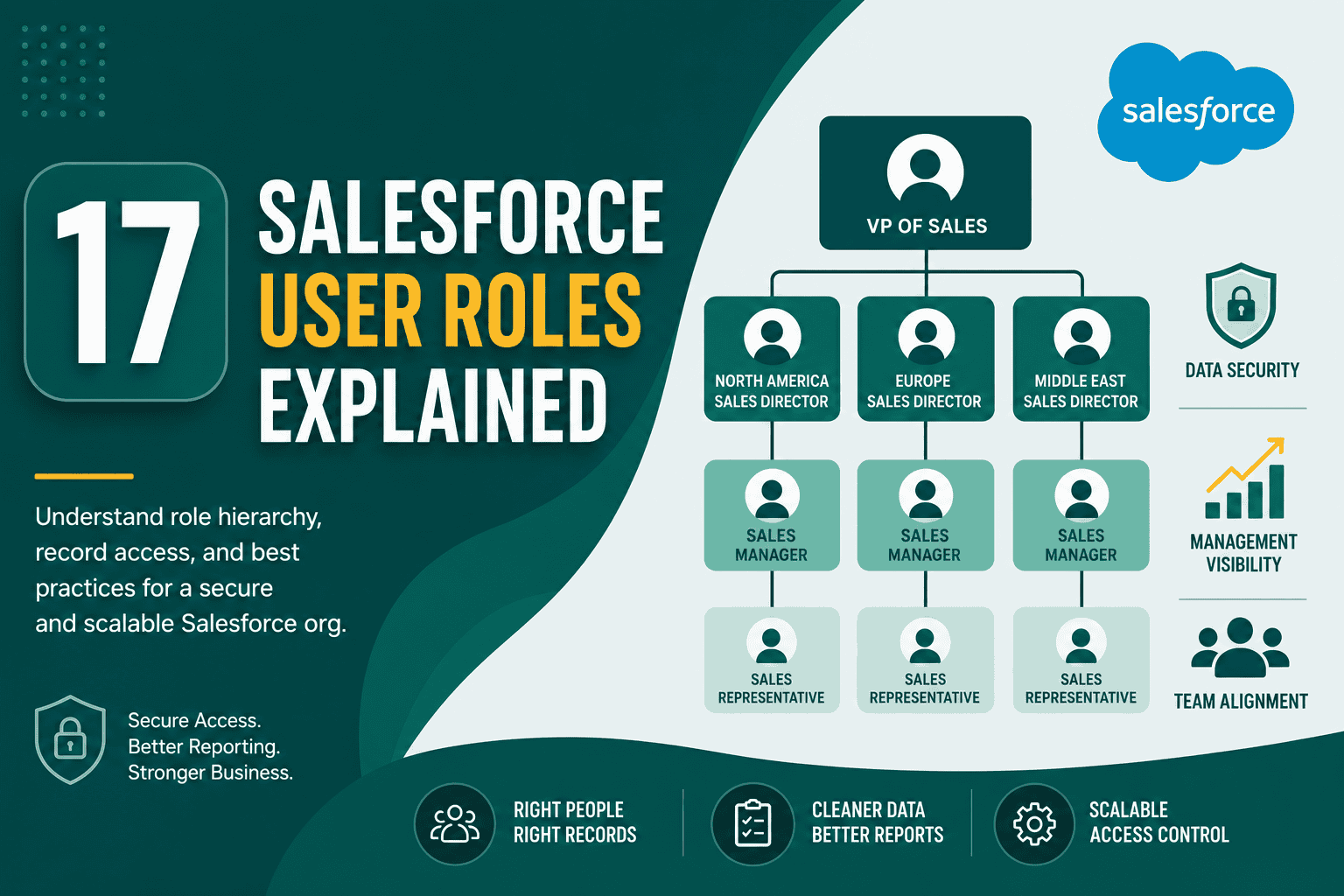
Salesforce User Roles Explained: Roles, Profiles & Access
Salesforce User Roles Explained Understanding Salesfor...
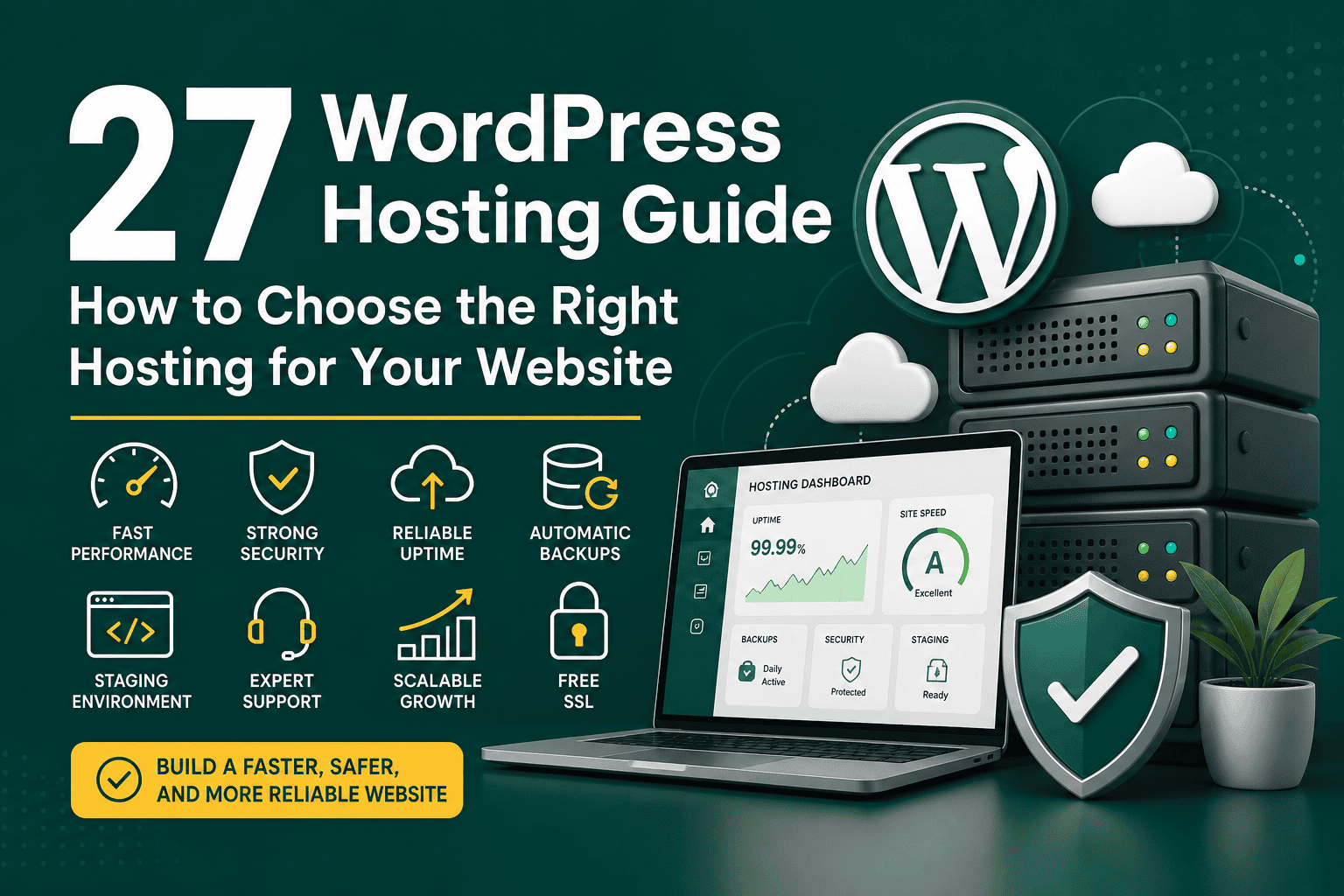
Choosing the right WordPress hosting is one of the most important decisions you will make for your website. Your hosting affects speed, security, uptime, scalability, search engine performance, and the day-to-day experience of managing your site. This WordPress hosting guide explains the main hosting types, key features to compare, performance considerations, security essentials, pricing factors, and practical tips for choosing the best option for your needs.
Whether you are launching a personal blog, business website, ecommerce store, membership site, or high-traffic publication, the goal is the same: find hosting that is fast, reliable, secure, and easy to manage without paying for resources you do not need.
WordPress hosting is a web hosting service configured to run WordPress websites. At a basic level, it provides server space, storage, bandwidth, databases, security tools, and software required to make your WordPress site available online.
While WordPress can run on many standard hosting environments, WordPress-specific hosting usually includes features such as one-click WordPress installation, automatic updates, caching, staging environments, backups, malware protection, and support teams familiar with WordPress issues.
Your hosting provider directly influences how users and search engines experience your website. A slow or unreliable host can cause higher bounce rates, lost sales, poor search visibility, and unnecessary maintenance problems.
Shared hosting is the most affordable option. Your website shares server resources with many other websites. It is suitable for beginners, small blogs, simple business websites, and low-traffic projects.
The main advantage is low cost. The main limitation is performance. Because resources are shared, traffic spikes or resource-heavy websites on the same server can affect your site. Shared hosting is a reasonable starting point, but growing websites often need to upgrade later.
Managed WordPress hosting is designed specifically for WordPress and includes server optimization, backups, updates, caching, security monitoring, staging, and expert support. It is usually more expensive than shared hosting but saves time and reduces technical work.
This type of hosting is ideal for business websites, agencies, ecommerce stores, publishers, and anyone who prefers to focus on content and growth instead of server maintenance.
VPS stands for Virtual Private Server. With VPS hosting, your website receives dedicated portions of server resources while still sharing the physical server with other users. It offers more control, better performance, and greater flexibility than shared hosting.
VPS hosting is a good choice for growing websites that need more resources but do not yet require a dedicated server. However, unmanaged VPS plans may require technical knowledge to configure, secure, and maintain the server.
Cloud hosting uses a network of servers instead of relying on one physical machine. This can improve reliability and scalability because resources can be adjusted more flexibly. Many modern WordPress hosting providers use cloud infrastructure behind the scenes.
Cloud hosting is useful for websites with unpredictable traffic, seasonal campaigns, ecommerce promotions, or rapid growth. It also works well for businesses that need high availability and flexible scaling.
Dedicated hosting gives your website an entire physical server. It provides maximum control, power, and customization, but it is usually the most expensive option and often requires technical management.
This is best for large websites, enterprise platforms, high-traffic stores, or applications with strict performance and security requirements.
One of the most important decisions is whether to choose managed or unmanaged hosting.
Managed hosting includes technical maintenance handled by the provider. This often includes WordPress updates, server optimization, backups, caching, security scans, and support. It is recommended for most business owners, bloggers, and teams that do not want to manage server administration.
Unmanaged hosting gives you more control but also more responsibility. You may need to install software, configure caching, manage updates, secure the server, monitor performance, and troubleshoot issues yourself. It can be cost-effective for developers and technical teams.
Performance should be a top priority. Look for hosting that uses modern server technology, SSD or NVMe storage, current PHP versions, HTTP/2 or HTTP/3 support, server-level caching, and optimized databases.
A fast host gives WordPress a strong foundation. Even if you optimize images and use a lightweight theme, poor hosting can still hold your website back.
Uptime refers to how consistently your website remains online. Look for hosts with a strong uptime record and a clear service level agreement. A common target is 99.9% uptime or higher.
For ecommerce websites, course platforms, and lead-generation sites, downtime can directly cost revenue. Reliability should matter as much as price.
Backups protect your site from mistakes, malware, failed updates, and data loss. A good WordPress host should offer automatic backups, easy restoration, and preferably off-site backup storage.
Daily backups are usually enough for standard websites. Ecommerce stores, membership sites, and active communities may need real-time or hourly backups because data changes frequently.
Your hosting should provide security features such as firewalls, malware scanning, DDoS protection, SSL certificates, login protection, server hardening, and automatic security updates.
WordPress security is a shared responsibility. A host can protect the server environment, but you still need strong passwords, updated plugins, reputable themes, and sensible user permissions.
An SSL certificate enables HTTPS, which protects data exchanged between your site and visitors. It is also expected by users and search engines. Most quality WordPress hosts now include free SSL certificates.
A staging environment lets you test updates, design changes, plugins, and code before applying them to your live site. This is especially important for business websites and ecommerce stores where mistakes can affect customers.
The same principle applies in other digital platforms: testing changes away from the live environment reduces risk. For example, teams working with CRM systems often use sandbox environments, and this guide to Salesforce sandbox types and best practices explains why isolated testing environments are valuable before making production changes.
General hosting support is not always enough. WordPress-specific support can help identify issues related to plugins, themes, PHP versions, caching conflicts, database errors, and update failures.
If your website is important to your business, support quality can be more valuable than saving a few dollars per month.
Hosting is not the only factor in SEO, but it affects several technical signals and user experience metrics. A well-optimized host can support faster loading times, better crawlability, fewer errors, and improved stability.
To get the best SEO results, combine strong hosting with a lightweight theme, optimized images, clean code, effective caching, a content delivery network, and regular technical maintenance.
WordPress hosting prices vary depending on resources, features, support, and management level. The cheapest plan is not always the best value, especially if it causes slow performance or downtime.
When comparing prices, check renewal rates, storage limits, traffic limits, backup costs, email hosting, migration fees, premium support, and overage charges. Many hosts advertise low introductory prices that increase later.
For a small blog or personal website, shared hosting or entry-level managed WordPress hosting is usually enough. Prioritize ease of use, backups, SSL, and basic performance.
A business website should use reliable hosting with strong uptime, security, backups, and support. Managed WordPress hosting is often the best fit because it reduces maintenance and provides better performance than basic shared plans.
WooCommerce stores need more powerful hosting than simple blogs. Product pages, carts, checkout processes, customer accounts, and payment integrations create more database activity. Choose hosting with strong performance, scalable resources, real-time backups, SSL, staging, and excellent support.
Membership and course platforms need reliable database performance because users log in, access restricted content, track progress, and submit information. Managed or cloud WordPress hosting is usually a better choice than cheap shared hosting.
News sites, magazines, and large blogs should focus on caching, CDN integration, database optimization, and scalable hosting. Cloud or high-tier managed WordPress hosting is often suitable.
A secure hosting environment is essential, but you should also follow WordPress security best practices. Use this checklist when evaluating or configuring hosting:
Even excellent hosting needs proper configuration. After choosing a host, optimize your WordPress site to get the best performance.
Before you buy a hosting plan, ask practical questions that match your website goals:
Cheap hosting may look attractive, but it can become expensive if your site is slow, unreliable, or difficult to support. Consider total value, not just the monthly fee.
Many hosting companies offer low introductory prices that increase significantly after the first term. Always review renewal pricing before committing.
Assuming your host has reliable backups can be risky. Confirm backup frequency, retention period, storage location, and restoration process.
WooCommerce stores, membership sites, and high-traffic websites can quickly outgrow shared hosting. Starting with underpowered hosting can lead to poor performance and lost revenue.
Updating plugins, themes, or WordPress core directly on a live site can cause errors. A staging site helps you test safely before deployment.
You should consider upgrading your hosting when your current plan no longer supports your website’s performance, traffic, or business needs.
Growing businesses often need hosting that scales with their digital operations. The same scalability principle applies across business software; for example, companies choose platforms with flexibility, security, and integration options, as explained in this article on why businesses choose Salesforce CRM.
For most serious websites, the best setup is managed WordPress hosting with automatic backups, staging, free SSL, server-level caching, malware protection, CDN support, and responsive WordPress-specific support.
If you are just starting a small personal blog, shared hosting can be acceptable. If your website supports a business, generates leads, sells products, or handles customer accounts, managed hosting is often worth the extra cost.
Use this checklist before making your final decision:
The right WordPress hosting gives your website a strong technical foundation. By choosing a reliable provider, matching the plan to your needs, and following performance and security best practices, you can build a faster, safer, and more scalable WordPress website.