July 27, 2026
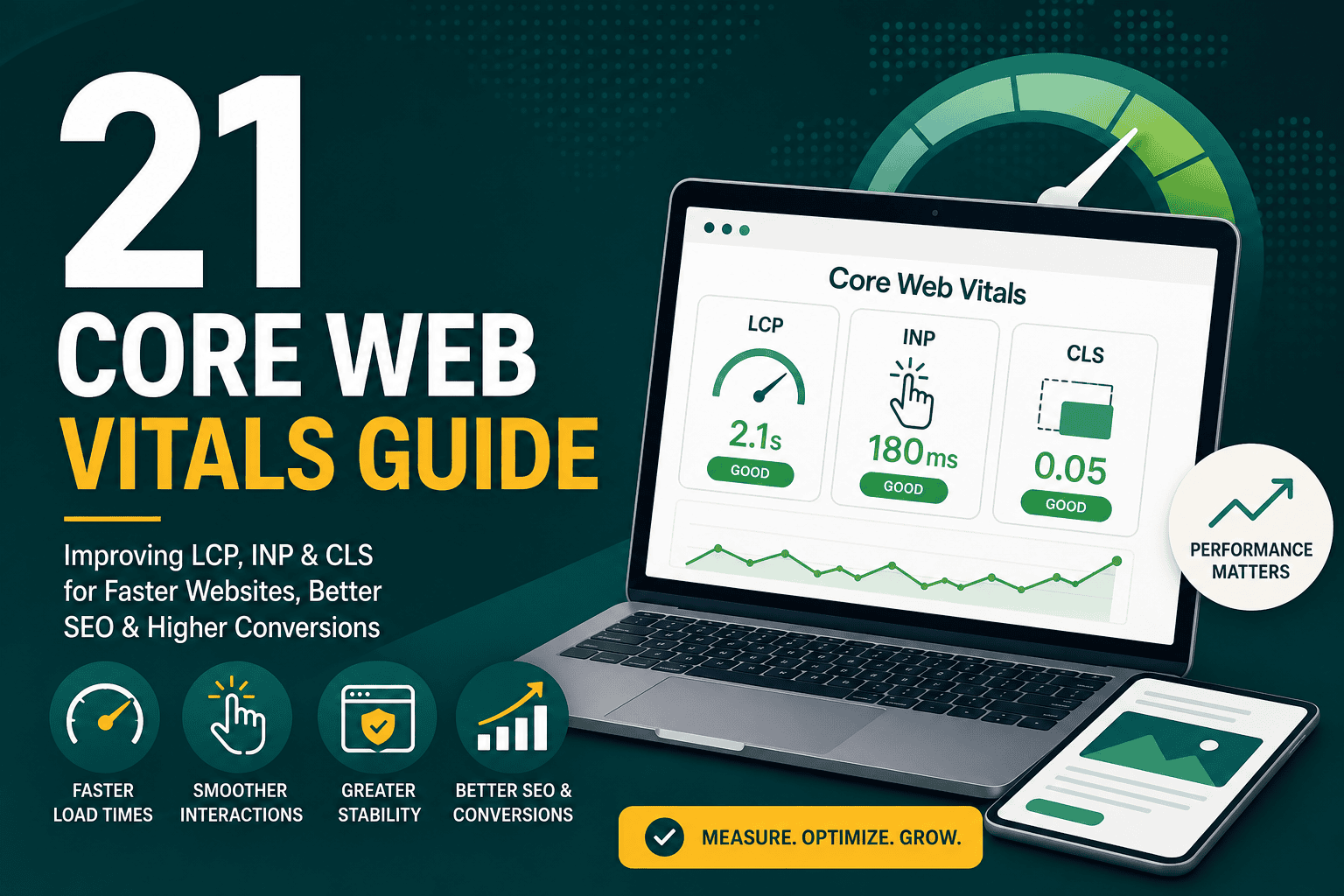
Core Web Vitals Guide: Improve LCP, INP & CLS
Core Web Vitals Guide This core web vitals guide expla...
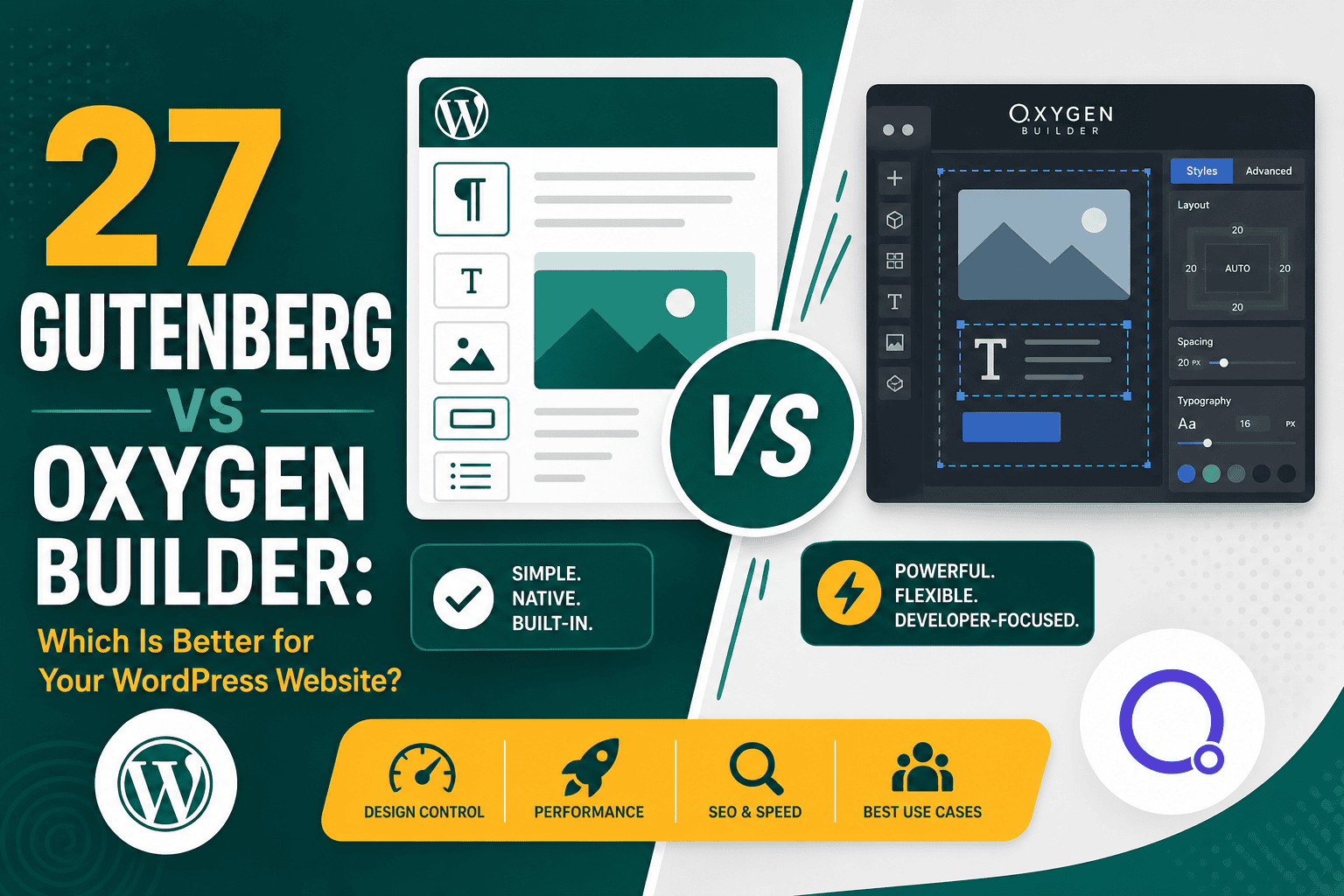
Choosing between Gutenberg vs Oxygen Builder is an important decision if you are building or redesigning a WordPress website. Both tools can help you create pages, publish content, and manage layouts, but they serve different types of users and different project goals.
Gutenberg, also known as the WordPress Block Editor, is the default editing experience built into WordPress. It is simple, native, lightweight, and ideal for content publishing. Oxygen Builder, on the other hand, is a powerful visual site builder designed for developers, agencies, and advanced users who want deep control over design, templates, dynamic data, and front-end output.
The best choice depends on your website type, technical skill, performance goals, design requirements, and long-term maintenance plan. This guide compares Gutenberg vs Oxygen Builder across ease of use, design flexibility, speed, SEO, scalability, client editing, pricing, and best use cases.
| Feature | Gutenberg | Oxygen Builder |
|---|---|---|
| Best for | Blog posts, simple pages, content publishing, business websites | Custom websites, advanced layouts, dynamic sites, agency builds |
| Ease of use | Beginner-friendly | More technical |
| Design control | Moderate | Very high |
| Theme dependency | Uses the active WordPress theme | Replaces the theme templating layer |
| Performance | Usually lightweight | Can be extremely fast when built well |
| Learning curve | Low to medium | Medium to high |
| Client editing | Very good for content teams | Good with careful setup, but less beginner-friendly |
| Dynamic websites | Possible with blocks and plugins | Strong dynamic data capabilities |
| Pricing | Free in WordPress | Paid builder |
Gutenberg is the default WordPress editor introduced to replace the classic editor. It uses a block-based system where paragraphs, headings, images, buttons, columns, embeds, lists, and other content elements are inserted as separate blocks.
Because Gutenberg is built directly into WordPress, it works naturally with posts, pages, reusable patterns, block themes, template parts, and modern WordPress features. For many websites, Gutenberg provides enough flexibility without needing a full visual builder.
Oxygen Builder is a visual WordPress site builder that gives you full control over website structure, design, templates, headers, footers, archives, custom post types, dynamic data, and responsive layouts. Unlike many page builders that work inside a WordPress theme, Oxygen disables the active theme’s front-end output and lets you build the entire site visually.
This makes Oxygen especially attractive to developers and advanced WordPress builders who want cleaner markup, fewer theme limitations, and detailed control over how the site is rendered. If performance is one of your main priorities, the article on why Oxygen Builder is faster explains how its cleaner output and reduced theme bloat can improve speed when implemented correctly.
Gutenberg is easier for most beginners because it is part of WordPress by default. If a user understands how to write a document, add headings, upload images, and arrange blocks, they can usually learn Gutenberg quickly.
Oxygen Builder is more powerful, but it also requires more knowledge of web design concepts. Users benefit from understanding HTML structure, CSS layout, responsive design, classes, spacing, containers, and template hierarchy. It is not necessarily difficult for experienced builders, but it is less intuitive for casual WordPress users.
Winner for ease of use: Gutenberg. It is simpler, more familiar, and easier for content teams to manage.
When comparing Gutenberg vs Oxygen Builder for design freedom, Oxygen is the stronger option. Gutenberg has improved significantly, especially with block themes, patterns, reusable blocks, and full site editing. However, it still works best within the boundaries of blocks and theme-defined styles.
Oxygen Builder gives you much more control over layout, spacing, typography, breakpoints, interactions, reusable components, conditional templates, and global styling. It is closer to a front-end development environment than a basic content editor.
Winner for design flexibility: Oxygen Builder. It provides deeper control for custom websites and complex layouts.
Both Gutenberg and Oxygen Builder can produce fast websites when implemented properly. Gutenberg is generally lightweight because it is native to WordPress and does not require a separate visual builder to render layouts. A simple Gutenberg website with a well-coded theme, optimized images, caching, and good hosting can perform very well.
Oxygen Builder can also be extremely fast because it gives developers control over the final front-end output and avoids much of the bloat associated with some traditional WordPress themes and page builders. However, Oxygen performance still depends on how the site is built. Poor image optimization, excessive scripts, heavy plugins, unnecessary animations, and weak hosting can slow down any website.
If speed is a major factor in your decision, it is worth reviewing a full WordPress speed optimization strategy, because the builder is only one part of performance. Hosting, caching, image compression, database health, fonts, JavaScript, CSS, and third-party scripts all matter.
Winner for performance: It depends. Gutenberg is naturally lightweight for simple sites, while Oxygen can be faster for custom builds when handled by an experienced developer.
From an SEO perspective, both Gutenberg and Oxygen Builder can rank well. Google does not rank a page because it was built with a specific editor. It evaluates content quality, relevance, crawlability, page speed, mobile usability, internal linking, structured data, user experience, and authority signals.
Gutenberg has the advantage of being deeply integrated with WordPress and working smoothly with SEO plugins. It is excellent for publishing optimized articles, service pages, guides, and landing pages.
Oxygen Builder gives more control over HTML structure, templates, layout, and performance. This can help with technical SEO if the developer understands semantic markup, heading hierarchy, schema, accessibility, and Core Web Vitals.
For technical SEO performance, both options should be evaluated against real user experience metrics. The Core Web Vitals guide explains how LCP, INP, and CLS affect website experience and what you can do to improve them.
Winner for SEO: Tie. Gutenberg is excellent for content SEO, while Oxygen is excellent for technical control and custom SEO-friendly layouts.
Gutenberg is usually better for content teams. Writers, editors, marketers, and business owners can easily create and update content without needing to understand the full website structure. Blocks make it simple to add text, images, buttons, quotes, tables, embeds, and reusable sections.
Oxygen Builder can be set up for content editing, but it is not primarily a writing environment. Editing a page in Oxygen feels more like editing a design system or layout. This is powerful for developers but may be too technical for clients who only want to update text and images.
Many Oxygen websites solve this by combining Oxygen templates with WordPress custom fields. The developer controls the layout in Oxygen, while the client updates structured content fields in WordPress. This can work very well, but it requires careful planning.
Winner for content editing: Gutenberg. It is easier and safer for frequent publishing.
Gutenberg works with your active WordPress theme. With modern block themes, Gutenberg can also support full site editing, allowing users to customize headers, footers, templates, and global styles from within WordPress.
Oxygen Builder takes a different approach. It essentially replaces the theme’s front-end output and lets you build the entire site structure with Oxygen templates. This gives you more control, but it also means your website becomes more dependent on Oxygen.
Winner for theme control: Oxygen Builder for advanced control; Gutenberg for native WordPress theme compatibility.
Gutenberg generally has excellent compatibility because it is part of WordPress core. Most reputable plugin developers design their tools to work with the block editor.
Oxygen Builder is compatible with many major WordPress plugins, but because it replaces theme output and handles templates differently, some plugins may require extra configuration. This is especially relevant for plugins that inject content into theme templates or rely on default WordPress theme hooks.
Regardless of which builder you choose, plugin discipline matters. Too many plugins or overlapping features can slow down your website and create maintenance issues. A practical guide to WordPress plugins you actually need can help you keep your setup lean and reliable.
Winner for plugin compatibility: Gutenberg. It has the advantage of being native to WordPress core.
Both Gutenberg and Oxygen Builder can be used for ecommerce websites, but they offer different levels of control.
Gutenberg works well for standard WooCommerce stores, especially when paired with a quality WooCommerce-compatible theme. It is useful for product descriptions, landing pages, buying guides, category content, and store pages.
Oxygen Builder is stronger when you want custom WooCommerce templates, custom product layouts, advanced shop archive designs, and more control over cart, checkout, and product presentation. However, ecommerce websites are more complex than brochure sites, so testing is essential.
Winner for ecommerce: Gutenberg for simpler stores; Oxygen Builder for custom WooCommerce design.
Gutenberg has a strong advantage in long-term WordPress alignment. Because it is part of WordPress core, it will continue to evolve with the platform. This makes it a safer long-term choice for businesses that want a simple, maintainable website.
Oxygen Builder can scale well for advanced websites, especially when built with reusable components, global classes, custom fields, and a clear design system. However, maintenance depends heavily on the developer’s structure. A poorly organized Oxygen site can become difficult for future teams to update.
Winner for long-term simplicity: Gutenberg. Winner for advanced custom scalability: Oxygen Builder.
Gutenberg is free because it is included with WordPress. However, you may still pay for a premium theme, block library, design system, hosting, SEO tools, security tools, and development help.
Oxygen Builder is a paid tool. The software cost is only one part of the total investment. Because Oxygen is more technical, you may also need a developer or agency to build and maintain the site properly.
Winner for lower cost: Gutenberg. It is free and usually requires less specialized development for simple websites.
Your builder choice matters, but hosting can have an even bigger impact on real-world performance and reliability. A poorly hosted Gutenberg site can feel slow, while a well-hosted Oxygen site can feel extremely fast. The reverse is also true.
When choosing hosting, consider server resources, caching, CDN support, uptime, backups, staging environments, security, PHP versions, database performance, and support quality. A detailed WordPress hosting guide can help you choose infrastructure that supports your builder, traffic, and business goals.
Choose Gutenberg if you want a simple, native, maintainable WordPress website that is easy for your team to manage. It is especially strong for content publishing, service pages, blogs, knowledge bases, and smaller business websites.
Choose Oxygen Builder if you need a highly custom WordPress website and have the technical ability to build and maintain it properly. It is a strong choice for agencies, developers, performance-focused builds, custom templates, and dynamic content websites.
Yes, Gutenberg and Oxygen Builder can be used together in some workflows. For example, Oxygen can control the site templates, headers, footers, and layout structure, while Gutenberg can be used for blog posts or content areas.
This hybrid approach can be useful when developers want Oxygen’s template control but clients still need a familiar writing experience. However, it must be planned carefully to avoid confusion, duplicated styling, or inconsistent page layouts.
For agencies, Oxygen Builder can be very powerful because it allows repeatable design systems, reusable components, custom templates, and performance-focused builds. Agencies with strong development processes can create highly customized websites without relying heavily on bloated themes.
However, agencies that build content-heavy websites for clients who need frequent self-service editing may prefer Gutenberg. It reduces training requirements and makes it easier for clients to manage content after launch.
The best agency workflow may be a hybrid model: Oxygen for advanced custom builds and Gutenberg for simpler client-managed websites.
For most small businesses, Gutenberg is often the better starting point. It is easier to use, cheaper to maintain, and less dependent on specialized development. A well-built Gutenberg website can be fast, SEO-friendly, professional, and scalable enough for many businesses.
Oxygen Builder is a better choice for small businesses that want a premium custom website, have specific design requirements, or are working with a skilled developer. It can produce excellent results, but it requires more planning and technical expertise.
Developers will usually appreciate Oxygen Builder more than casual users. Oxygen provides fine-grained control over markup, classes, templates, responsive behavior, dynamic content, and site structure. It feels closer to building a custom front end while still working inside WordPress.
That said, Gutenberg is becoming increasingly developer-friendly. Custom blocks, block patterns, theme.json, and full site editing give developers more ways to create native WordPress experiences. For projects where long-term WordPress compatibility is the priority, Gutenberg can be the smarter development path.
There is no universal winner in the Gutenberg vs Oxygen Builder debate. The right choice depends on your website goals, technical ability, budget, editing needs, and design requirements.
Gutenberg is the better choice for most content-focused websites, blogs, simple business sites, and teams that want an easy native WordPress editing experience. It is free, stable, lightweight, and aligned with the future of WordPress.
Oxygen Builder is the better choice for custom websites, advanced layouts, dynamic templates, and performance-focused projects managed by experienced builders. It offers much more control, but it also requires more skill and planning.
For most standard WordPress websites, Gutenberg is enough. For custom, high-control, performance-focused builds, Oxygen Builder can be an excellent choice when used by someone who understands WordPress development, design systems, and optimization.