September 3, 2026
CRM Automation Ideas: 48 Ways to Save Time & Grow Revenue
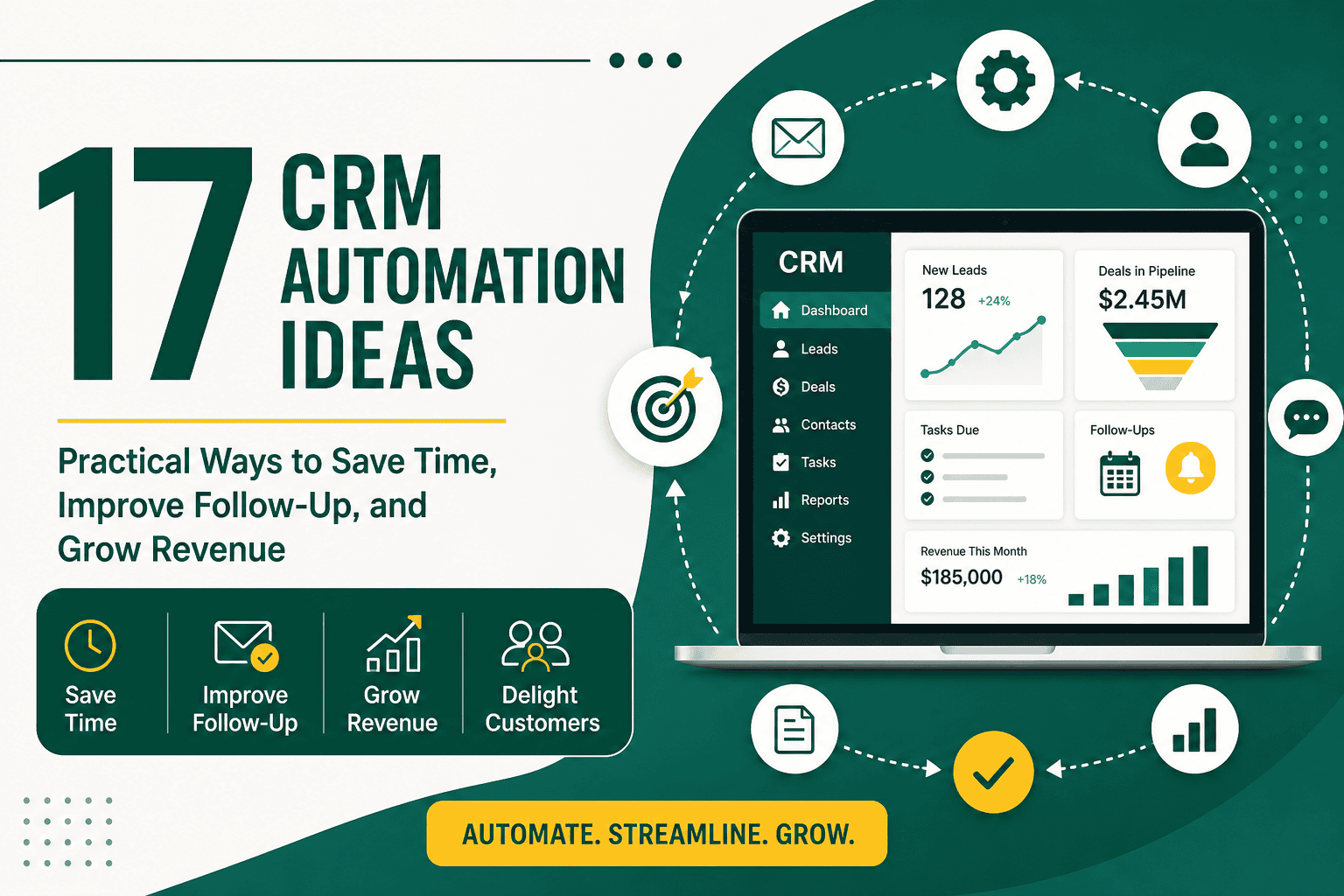
CRM Automation Ideas: Practical Ways to Save Time, Imp...
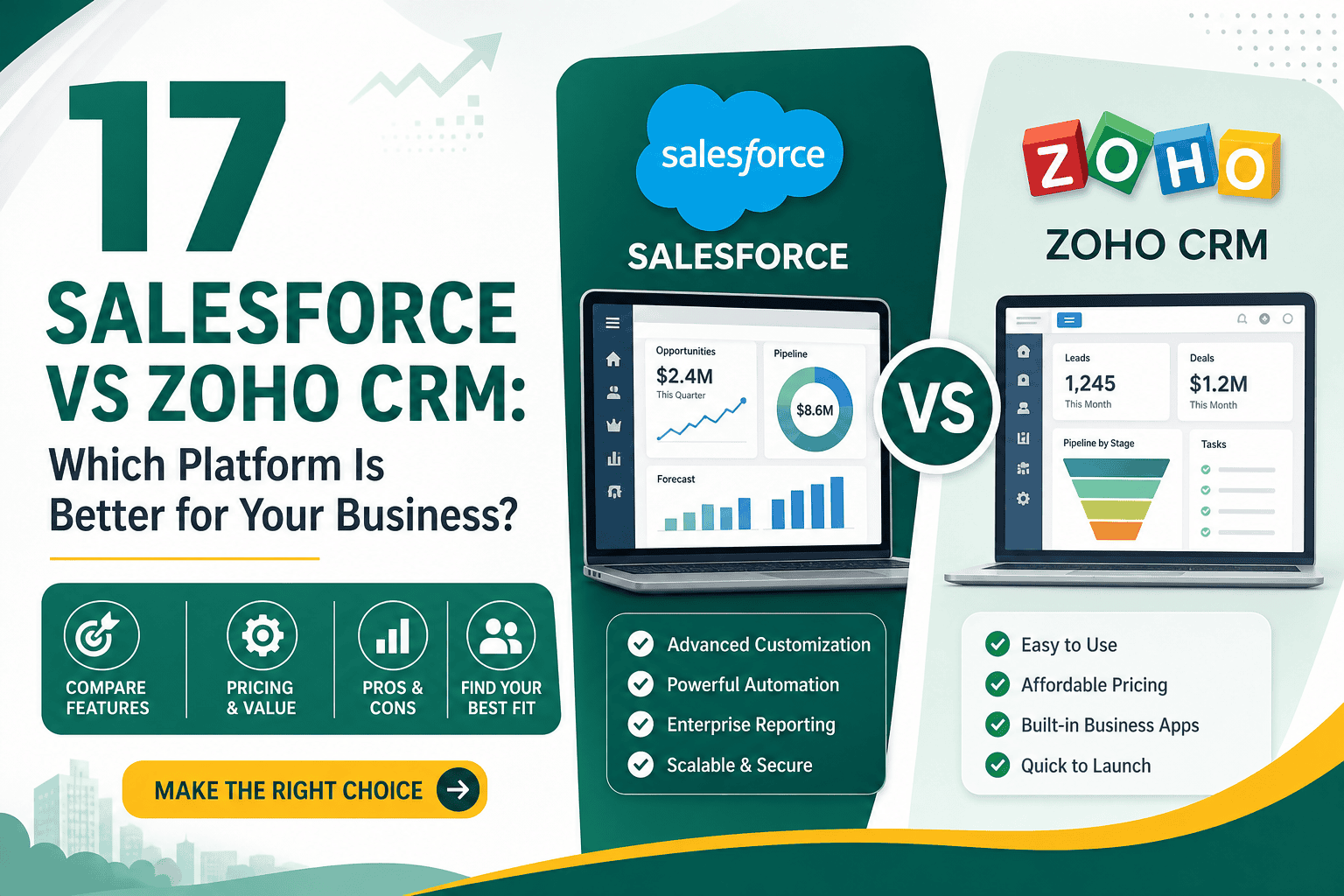
Choosing between Salesforce vs Zoho CRM is an important decision because your CRM affects how your business manages leads, customers, sales pipelines, follow-ups, reporting, automation, marketing, and customer service. Both platforms are popular, cloud-based CRM systems, but they are built for different types of businesses, budgets, team structures, and growth plans.
Salesforce is often viewed as the enterprise-grade CRM leader. It is powerful, highly customizable, deeply scalable, and supported by a large ecosystem of apps, consultants, developers, and integrations. Zoho CRM is known for affordability, ease of use, and a broad suite of connected business apps that can work well for small and medium-sized businesses.
The best choice depends on what your business needs now and what it will need in the future. If you need advanced customization, complex automation, enterprise reporting, industry-specific workflows, and large-scale integrations, Salesforce is usually stronger. If you want a cost-effective CRM that is easier to start with and includes many built-in business tools, Zoho CRM may be the better fit.
| Category | Salesforce | Zoho CRM |
|---|---|---|
| Best for | Growing, mid-market, and enterprise businesses with complex needs | Small to mid-sized businesses looking for affordability and simplicity |
| Ease of use | Powerful but has a steeper learning curve | Simpler and easier for many teams to adopt quickly |
| Customization | Extremely customizable | Customizable, but less flexible at advanced levels |
| Automation | Very advanced automation capabilities | Good automation for common sales and marketing workflows |
| Reporting | Advanced dashboards, analytics, forecasting, and AI options | Solid reporting for many small and medium business use cases |
| Integrations | Large AppExchange marketplace and strong API ecosystem | Strong Zoho ecosystem and many third-party integrations |
| Cost | Usually more expensive, especially with implementation and customization | Usually more affordable and easier to budget for |
| Scalability | Excellent for complex and large organizations | Good for growing businesses, but may become limiting for advanced enterprise needs |
Salesforce is a cloud-based CRM platform used by businesses to manage sales, service, marketing, customer data, analytics, automation, and business processes. It is highly modular, meaning companies can use Salesforce Sales Cloud, Service Cloud, Marketing Cloud, Experience Cloud, and many other products depending on their needs.
Salesforce is more than a contact database. It can become a central operating system for customer-facing teams. Businesses use it to manage leads, opportunities, accounts, contracts, support cases, partner portals, approval processes, integrations, revenue forecasting, and executive dashboards.
If you want a broader explanation of why companies adopt Salesforce, this guide on why businesses choose Salesforce CRM explains its strengths in scalability, automation, analytics, customization, and integrations.
Zoho CRM is a customer relationship management platform designed to help businesses manage leads, contacts, deals, sales activities, email communication, workflows, reporting, and customer engagement. It is part of the larger Zoho ecosystem, which includes apps for email, finance, projects, help desk, marketing automation, forms, analytics, documents, and collaboration.
One of Zoho CRM’s biggest advantages is that it gives businesses many useful CRM features at a lower cost than many enterprise platforms. For startups, small businesses, agencies, consultants, and growing sales teams, Zoho CRM can provide enough functionality without requiring a large implementation budget.
Zoho CRM is especially attractive for businesses that want a practical CRM with built-in tools, quick setup, and access to a wider suite of business applications under one vendor.
Zoho CRM is generally easier to start using. Its interface is more approachable for small teams, and many standard CRM tasks such as adding leads, managing deals, creating workflows, and viewing reports are relatively straightforward.
Salesforce is more powerful, but that power comes with complexity. New users may need training to understand objects, records, dashboards, list views, automation, permissions, and custom processes. Salesforce can be made very user-friendly, but it usually requires thoughtful setup and configuration.
If your team wants the fastest path to a working CRM, Zoho CRM may feel easier. If your team needs a CRM that can be shaped around complex processes, Salesforce offers more long-term flexibility.
Salesforce is one of the most customizable CRM platforms available. Businesses can create custom objects, fields, page layouts, record types, validation rules, flows, permission structures, apps, portals, and advanced business logic. This makes Salesforce a strong choice for companies with unique sales processes, multiple business units, complex approval workflows, or industry-specific requirements.
Zoho CRM also supports customization, including custom fields, layouts, modules, workflows, blueprints, and automation rules. For many small and mid-sized businesses, this is more than enough. However, when customization becomes very advanced, Salesforce typically offers more depth and control.
No matter which CRM you choose, customization should be planned carefully. A poorly customized CRM can become confusing, slow, and difficult to maintain. This guide on CRM customization best practices explains how to build a system that supports users instead of overwhelming them.
Both Salesforce and Zoho CRM can manage leads, contacts, accounts, deals, tasks, notes, calls, emails, and sales pipelines. Sales teams can track opportunities through stages, assign follow-ups, forecast revenue, and monitor performance.
Zoho CRM performs well for standard sales pipeline management. It is useful for businesses that have a relatively clear sales process and need visibility into active deals, sales activities, and rep performance.
Salesforce is stronger for complex pipeline management. It can support multiple sales processes, territories, product lines, account hierarchies, partner sales, enterprise forecasting, quote processes, approval workflows, and advanced revenue operations.
Automation is a major factor when comparing Salesforce vs Zoho CRM. Both platforms can automate repetitive work, but Salesforce usually offers more advanced automation capabilities.
Zoho CRM includes workflow rules, assignment rules, approval processes, scoring rules, macros, schedules, and Blueprint, which helps guide users through structured processes. These tools are useful for automating common tasks such as lead assignment, follow-up reminders, email notifications, and deal stage updates.
Salesforce offers powerful automation through Flow, approval processes, assignment rules, dynamic actions, AI features, and platform automation tools. Salesforce Flow can automate complex business logic across sales, service, operations, and integrations. For businesses with advanced process requirements, Salesforce automation is usually more scalable.
For a deeper look at Salesforce automation capabilities, see this Salesforce Flow automation guide, which explains how flows can improve efficiency when designed correctly.
Both platforms include reporting and dashboard tools, but there are important differences in flexibility and depth.
Zoho CRM provides useful built-in reports, custom reports, charts, dashboards, forecasting, and analytics. Many small and medium-sized businesses can get the visibility they need with Zoho’s reporting features, especially when their data structure is relatively simple.
Salesforce reporting is more advanced for organizations that need detailed visibility across teams, territories, products, campaigns, service cases, and revenue forecasts. Salesforce dashboards can be highly customized, and businesses can extend analytics further with Tableau and other reporting tools.
Whichever CRM you select, reporting quality depends on data quality and clear KPIs. If your team does not enter accurate data, even the best CRM dashboard will be unreliable.
Salesforce has one of the strongest integration ecosystems in the CRM market. Its AppExchange marketplace includes thousands of apps for marketing, sales, customer service, finance, analytics, document management, quoting, project management, and industry-specific needs. Salesforce also has strong API capabilities for custom integrations.
Zoho CRM integrates well with the broader Zoho suite and many third-party tools, including email platforms, telephony systems, accounting software, marketing tools, and productivity apps. If your business already uses Zoho apps, Zoho CRM can be an efficient choice because many tools are designed to work together.
Salesforce is usually better for larger organizations with complex technology stacks. Zoho CRM is often better for businesses that want a simpler, more unified software ecosystem at a lower cost.
Pricing is one of the biggest differences between Salesforce and Zoho CRM. Zoho CRM is generally more affordable. Its monthly license costs are usually lower, and businesses can often get started with less implementation work.
Salesforce is typically more expensive. License costs can increase quickly depending on edition, add-ons, number of users, integrations, support level, data needs, and custom development. Implementation costs can also be significant if the business needs advanced configuration, data migration, automation, reporting, or integrations.
However, cost should not be evaluated only by monthly subscription price. A cheaper CRM that does not support your process can become expensive through lost productivity, poor adoption, manual work, bad data, and missed opportunities. A more expensive CRM may be worth it if it improves performance, reporting, and scalability.
If you are considering Salesforce, review the factors that affect Salesforce implementation cost so you can budget for setup, migration, customization, integrations, training, and ongoing support.
Salesforce is strongest when a business needs a robust, scalable, and flexible CRM platform. Its main advantages include:
Salesforce is powerful, but it is not always the easiest or cheapest option. Common challenges include:
Zoho CRM is a strong choice for businesses that want useful CRM functionality without enterprise-level complexity. Its main advantages include:
Zoho CRM can be very effective, but it may not be ideal for every business. Potential limitations include:
For many small businesses, Zoho CRM is the more practical starting point. It is affordable, easier to configure, and includes enough features for managing contacts, leads, deals, follow-ups, email communication, and basic reporting.
Small businesses often do not need a highly complex CRM on day one. They usually need a system that helps them organize contacts, follow up consistently, avoid missed opportunities, and understand where revenue is coming from. Zoho CRM can do this well at a lower cost.
Salesforce can still be a good option for small businesses if they have ambitious growth plans, complex sales processes, investor-backed scaling goals, multiple teams, or advanced integration needs. However, small businesses should be careful not to buy more CRM than they can realistically implement and maintain.
For mid-sized businesses, the decision becomes more balanced. Zoho CRM may still be sufficient if the company has straightforward sales processes and wants to keep software costs under control. Its value improves further if the business already uses Zoho apps.
Salesforce becomes more attractive when the business needs advanced sales operations, multi-team reporting, complex permissions, custom workflows, integrations with multiple systems, service management, or long-term scalability.
Mid-sized companies should evaluate not only current needs but also future complexity. If the business expects to add more sales teams, service teams, locations, product lines, or integrations, Salesforce may be the more future-proof option.
For enterprise companies, Salesforce is usually the stronger choice. Large organizations often need advanced access controls, complex automation, detailed reporting, territory management, data governance, multiple departments, custom integrations, and enterprise-grade support.
Zoho CRM can serve larger businesses in some cases, especially if the company values affordability and operates with relatively simple processes. However, Salesforce is generally better suited for organizations with advanced CRM architecture, compliance needs, large data volumes, and sophisticated operational requirements.
Both platforms help sales teams manage leads, contacts, accounts, opportunities, tasks, calls, emails, and pipeline stages. The difference is in how much structure and complexity the sales team needs.
Zoho CRM works well for sales teams that need a simple, affordable, and functional pipeline tool. It is good for tracking deals, assigning tasks, automating reminders, and managing follow-ups.
Salesforce is better for sales teams that need advanced forecasting, territory management, quote processes, custom sales stages, account hierarchies, approvals, partner selling, complex dashboards, and integrations with other revenue tools.
Zoho CRM connects with Zoho Campaigns, Zoho Marketing Automation, Zoho Forms, Zoho Social, and other tools in the Zoho ecosystem. This is convenient for businesses that want marketing and CRM tools from the same vendor.
Salesforce can connect marketing, sales, and service data across a more advanced ecosystem. Businesses may use Salesforce Account Engagement, Marketing Cloud, Data Cloud, third-party marketing automation platforms, or custom integrations.
If a business has basic email marketing and lead nurturing needs, Zoho may be enough. If the business needs complex campaign attribution, segmentation, lifecycle reporting, sales and marketing alignment, or enterprise marketing automation, Salesforce is usually stronger.
Zoho CRM can support customer service workflows, especially when paired with Zoho Desk. This can be a cost-effective option for businesses that need ticketing, customer communication, and basic support visibility.
Salesforce is stronger for advanced customer service operations, especially through Salesforce Service Cloud. It can support cases, omnichannel routing, knowledge bases, service automation, field service, entitlements, SLAs, AI assistance, and detailed customer support reporting.
If customer service is a major part of your business, Salesforce may provide a stronger long-term foundation. For smaller support teams, Zoho Desk plus Zoho CRM may be more cost-effective.
Zoho CRM is usually easier and faster to launch for basic use cases. A small business can often configure fields, import contacts, create pipelines, set up users, and start tracking deals relatively quickly.
Salesforce implementation usually takes more planning. Businesses need to consider data structure, user roles, permissions, automation, reporting, integrations, migration, training, and long-term governance. This is especially true when Salesforce is used across multiple departments.
For Salesforce projects, many companies work with specialists to reduce risk. This Salesforce consulting guide explains what consultants do, when to hire one, and how to choose the right partner for implementation or optimization.
Whether you choose Salesforce or Zoho CRM, data quality will determine how useful your CRM becomes. Duplicate contacts, missing fields, outdated emails, inconsistent naming, incomplete deal records, and inaccurate pipeline stages can damage reporting and reduce user trust.
Salesforce and Zoho both provide tools to manage data, but neither platform can fix poor data habits automatically. Your business should define required fields, naming standards, duplicate management rules, ownership rules, lifecycle stages, and cleanup processes.
A CRM should also be reviewed regularly. As your business changes, your fields, automations, reports, integrations, and user permissions may need to be updated.
Salesforce is likely the better choice if your business:
Zoho CRM is likely the better choice if your business:
When comparing CRM pricing, look beyond license fees. The true cost includes setup, data migration, customization, automation, integrations, training, support, reporting, app add-ons, and long-term maintenance.
Zoho CRM usually has a lower total cost of ownership for small and medium businesses. It can be a strong choice when budget control is important.
Salesforce usually has a higher total cost of ownership, but it may deliver more value for businesses that need its advanced capabilities. The return on investment can be strong if Salesforce improves sales productivity, data visibility, customer experience, and operational efficiency.
Before deciding between Salesforce and Zoho CRM, ask these questions:
Zoho CRM is usually cheaper, but price should not be the only factor. If your business needs advanced workflows, integrations, and reporting, choosing the lowest-cost option may create limitations later.
Salesforce is powerful, but not every business needs enterprise-level functionality right away. Buying a complex CRM without the resources to implement it properly can lead to poor adoption.
A CRM only works if people use it. Choose a platform your team can understand, and invest in training, documentation, and support.
Too many fields, stages, rules, and automations can make any CRM difficult to use. Start with essential processes and improve over time.
Moving messy spreadsheets or old CRM data into a new system can create long-term problems. Clean and standardize your data before migration.
In the Salesforce vs Zoho CRM comparison, there is no single winner for every business. Salesforce is the stronger platform for complex, growing, and enterprise organizations that need deep customization, advanced automation, robust reporting, and long-term scalability. Zoho CRM is the better fit for many small and mid-sized businesses that want affordability, ease of use, fast setup, and access to a broad ecosystem of business apps.
Choose Salesforce if your CRM needs are complex or likely to become complex. Choose Zoho CRM if you want a practical, cost-effective CRM that your team can adopt quickly. The right decision should match your business model, budget, processes, team capability, integration needs, and growth strategy.
Most importantly, remember that CRM success depends on more than software. Clear processes, clean data, user training, useful reporting, and ongoing optimization matter just as much as the platform you choose.