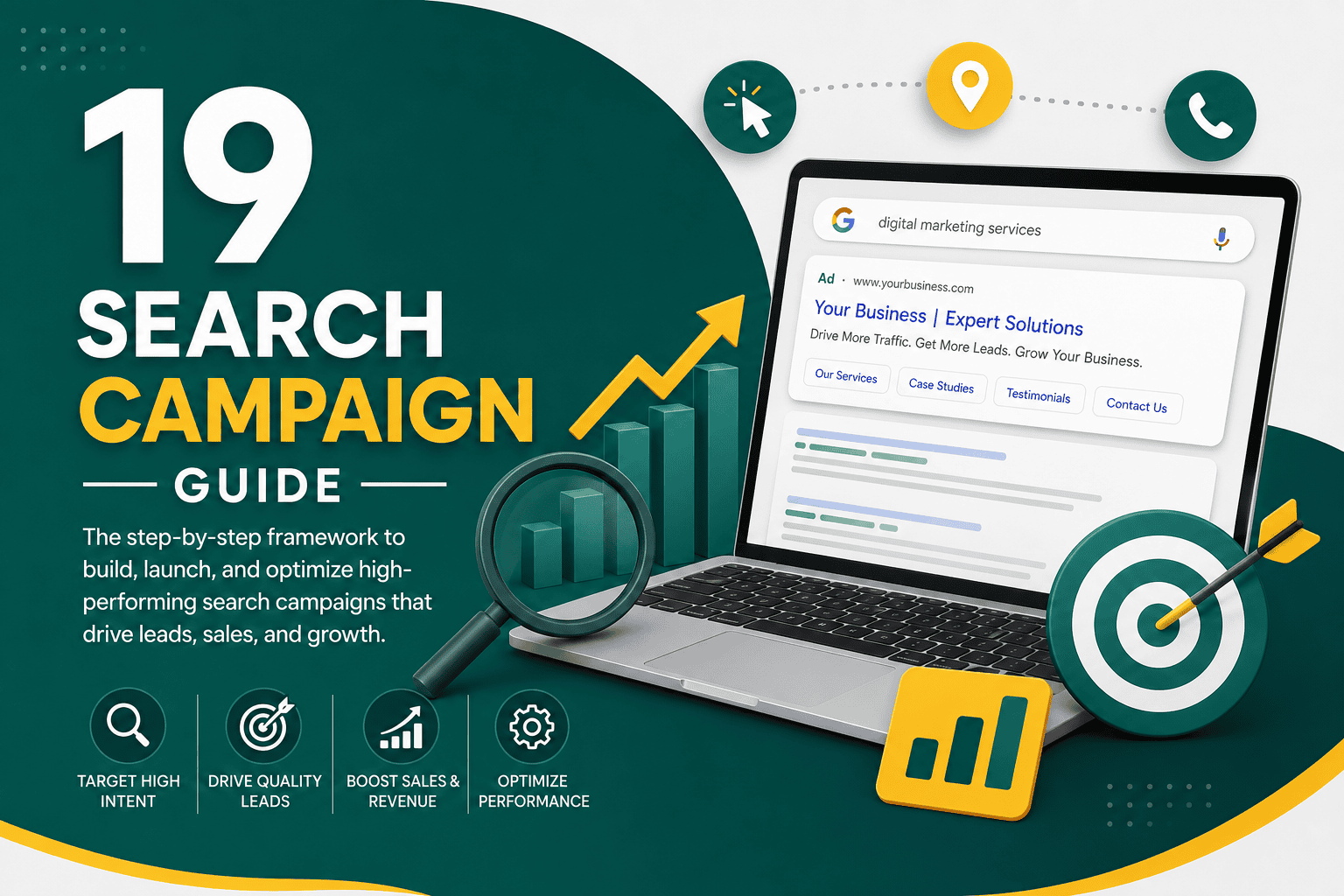
Search Campaign Guide
A strong search campaign can put your business in front of people at the exact moment they are looking for your products, services, or solutions. Unlike many awareness-focused advertising channels, search campaigns are driven by intent. Users type a query into Google or another search engine, and your ad appears when that query matches your targeting, keywords, and campaign settings.
This search campaign guide explains how search campaigns work, how to plan them, how to structure keywords and ad groups, how to write better ads, how to choose bidding strategies, and how to measure performance. Whether you are running Google Ads for lead generation, ecommerce, local services, B2B sales, or SaaS, the goal is the same: attract qualified traffic and convert that traffic into measurable business results.
What Is a Search Campaign?
A search campaign is a paid advertising campaign that shows text-based ads on search engine results pages when users search for relevant keywords. In Google Ads, search campaigns usually appear above or below organic search results and may include headlines, descriptions, sitelinks, callouts, phone numbers, location assets, pricing, promotions, and other ad assets.
Search campaigns are commonly used to generate leads, phone calls, form submissions, purchases, appointments, quote requests, trial signups, and store visits. They work best when there is existing demand and people are already searching for the type of solution your business offers.
Why Search Campaigns Matter
Search campaigns are valuable because they connect advertising spend with user intent. A person searching for “emergency plumber near me,” “best CRM for small business,” or “buy running shoes online” is showing a much stronger intent signal than someone casually scrolling through social media.
Search advertising can support many business goals, including:
- Generating high-intent leads
- Driving ecommerce sales
- Increasing phone calls and appointment bookings
- Promoting local services
- Capturing demand from branded and competitor searches
- Testing market demand for offers, services, or landing pages
- Supporting broader digital marketing and sales funnels
Search campaigns should not operate in isolation. They perform best when they are part of a clear growth plan that connects advertising, landing pages, analytics, CRM processes, and customer follow-up. If you are building the bigger picture, this digital marketing strategy guide explains how paid search fits into a broader marketing system.
How Search Campaigns Work
Most search campaigns work through an auction system. When a user searches for a keyword, Google evaluates eligible ads based on factors such as bid, ad relevance, landing page experience, expected click-through rate, assets, and campaign settings. Winning the auction does not simply mean paying the highest bid. Ad quality and user relevance matter heavily.
Key Search Campaign Components
- Campaign: The top-level container where you set budget, bidding, location, language, networks, and primary objective.
- Ad groups: Groups of related keywords and ads organized around a theme.
- Keywords: Search terms or query themes that trigger your ads.
- Match types: Controls that influence how closely a search query must match your keyword.
- Ads: Text ads shown to users, usually responsive search ads in Google Ads.
- Assets: Additional elements such as sitelinks, callouts, structured snippets, calls, prices, and promotions.
- Landing pages: Pages users visit after clicking your ad.
- Conversions: Valuable actions such as purchases, leads, calls, form fills, or bookings.
Step 1: Define the Campaign Goal
Before choosing keywords or writing ads, define the business outcome you want. A search campaign without a clear goal is difficult to optimize because you will not know whether success means more traffic, lower cost per click, more leads, higher-quality leads, more revenue, or better return on ad spend.
Common search campaign goals include:
- Lead generation: Form submissions, quote requests, consultation bookings, calls, or demo requests.
- Ecommerce sales: Online purchases, add-to-cart actions, repeat orders, or revenue growth.
- Local service growth: Calls, direction requests, local form submissions, or booked appointments.
- Brand protection: Showing ads when users search for your brand name.
- Demand capture: Reaching users searching for solution-aware or purchase-ready terms.
Your campaign goal affects your bidding strategy, keyword selection, landing page design, ad copy, tracking setup, and optimization schedule.
Step 2: Understand Search Intent
Search intent is the reason behind a user’s query. Understanding intent is one of the most important parts of building a profitable search campaign. Two keywords may look similar but produce very different results depending on what the searcher wants.
Main Types of Search Intent
- Informational intent: The user wants to learn something, such as “what is CRM software.”
- Commercial investigation intent: The user is comparing options, such as “best CRM for small business.”
- Transactional intent: The user is ready to act, such as “buy CRM software” or “book accounting consultation.”
- Local intent: The user wants a nearby provider, such as “dentist near me.”
- Branded intent: The user searches for a specific company, product, or brand.
Search campaigns usually perform best when they prioritize commercial, transactional, local, and branded intent. Informational keywords can work, but they often need a different budget, funnel, and remarketing strategy because users may not be ready to convert immediately.
Step 3: Build a Keyword Strategy
Keywords are the foundation of most search campaigns. A keyword strategy should balance reach, relevance, cost, and conversion potential. The goal is not to collect the largest keyword list possible. The goal is to identify search terms that are likely to attract qualified users who can become customers.
Types of Keywords to Include
- Core service keywords: Direct searches for your main offer, such as “Google Ads consultant” or “commercial HVAC repair.”
- Problem-based keywords: Searches related to pain points, such as “website not generating leads.”
- Solution-based keywords: Searches for a specific solution, such as “landing page design service.”
- Location keywords: Queries that include city, region, or “near me” intent.
- Branded keywords: Searches for your business name, product names, or branded services.
- Competitor keywords: Searches for competing brands, used carefully and ethically.
Keyword Match Types
Google Ads keyword match types help control how closely a user’s search must match your selected keyword.
- Broad match: Reaches a wider range of related searches. It can find new opportunities but requires strong conversion tracking and negative keyword management.
- Phrase match: Matches searches that include the meaning of your keyword phrase. It offers more control than broad match while still allowing some variation.
- Exact match: Targets searches with the same meaning or close intent as your keyword. It gives more control but may limit volume.
- Negative keywords: Prevent ads from showing for irrelevant or low-quality searches.
For many accounts, a practical starting point is to use phrase and exact match for high-intent keywords, then test broad match only when tracking, bidding, budgets, and search term reviews are strong enough to manage it.
Step 4: Organize Campaign Structure
A clean campaign structure makes search campaigns easier to manage, measure, and optimize. Poor structure can mix unrelated keywords, weaken ad relevance, confuse bidding algorithms, and make reporting difficult.
Common Search Campaign Structures
- By service or product category: Separate campaigns or ad groups for each main offer.
- By location: Separate campaigns for different cities, regions, or markets when budgets and performance differ.
- By intent level: Separate branded, competitor, transactional, and research-based keywords.
- By profitability: Separate high-margin services from low-margin services so budgets can be controlled properly.
- By funnel stage: Separate immediate conversion keywords from comparison or educational keywords.
For example, a law firm may separate campaigns for personal injury, family law, business law, and branded searches. An ecommerce business may separate campaigns by product category, margin, seasonal demand, or best-selling products.
Step 5: Write Strong Search Ads
Search ads must quickly prove relevance, communicate value, and encourage action. Users scan search results quickly, so your ad copy should align closely with the keyword and landing page.
Elements of Effective Search Ad Copy
- Keyword relevance: Reflect the user’s search intent in the headline or description.
- Clear offer: Explain what you provide and why it matters.
- Unique value proposition: Highlight what makes your business different.
- Trust signals: Mention years of experience, certifications, reviews, guarantees, or proven results where appropriate.
- Call to action: Tell users what to do next, such as request a quote, book a call, shop now, or schedule a consultation.
- Landing page alignment: Make sure the promise in the ad is fulfilled on the page.
Example Search Ad Angles
- Fast response or same-day service
- Free consultation or quote
- Specialized expertise
- Transparent pricing
- Local availability
- High-rated service
- Easy online ordering or booking
- Industry-specific solutions
Avoid vague claims such as “best service” unless you can support them. Strong search ads are specific, relevant, and believable.
Step 6: Use Ad Assets
Ad assets, formerly known as extensions, expand your search ads with additional information. They can improve visibility, click-through rate, and user experience. They also give searchers more ways to interact with your business.
Useful Search Ad Assets
- Sitelink assets: Link to important pages such as services, pricing, contact, case studies, or product categories.
- Callout assets: Highlight benefits such as free shipping, 24/7 support, certified experts, or no-obligation quotes.
- Structured snippets: List service types, brands, destinations, courses, or product categories.
- Call assets: Allow users to call directly from the ad.
- Location assets: Show business location details for local campaigns.
- Price assets: Display pricing for services or products.
- Promotion assets: Highlight sales, discounts, or limited-time offers.
- Lead form assets: Collect leads directly from the search ad in selected cases.
Use assets that genuinely help users make decisions. Do not add assets only to fill space if they create confusion or send visitors to weak pages.
Step 7: Create High-Converting Landing Pages
Your search campaign does not end at the click. The landing page plays a major role in conversion rate, lead quality, Quality Score, and return on ad spend. A weak landing page can waste even the best keyword strategy.
A strong landing page should match the user’s search intent, reinforce the ad message, explain the offer clearly, reduce friction, and make the next step easy. If you run an ecommerce store, improving product pages, checkout, trust signals, and user experience can directly improve paid search performance. This WooCommerce conversion optimization guide covers practical ways to turn more store visitors into buyers.
Landing Page Best Practices
- Use a clear headline that matches the search intent.
- Place the primary call to action near the top of the page.
- Explain the offer in simple, persuasive language.
- Use testimonials, reviews, certifications, or case studies to build trust.
- Keep forms as short as possible while still collecting useful information.
- Make phone numbers easy to tap on mobile devices.
- Remove unnecessary distractions when the goal is conversion.
- Ensure the page loads quickly and works well on mobile.
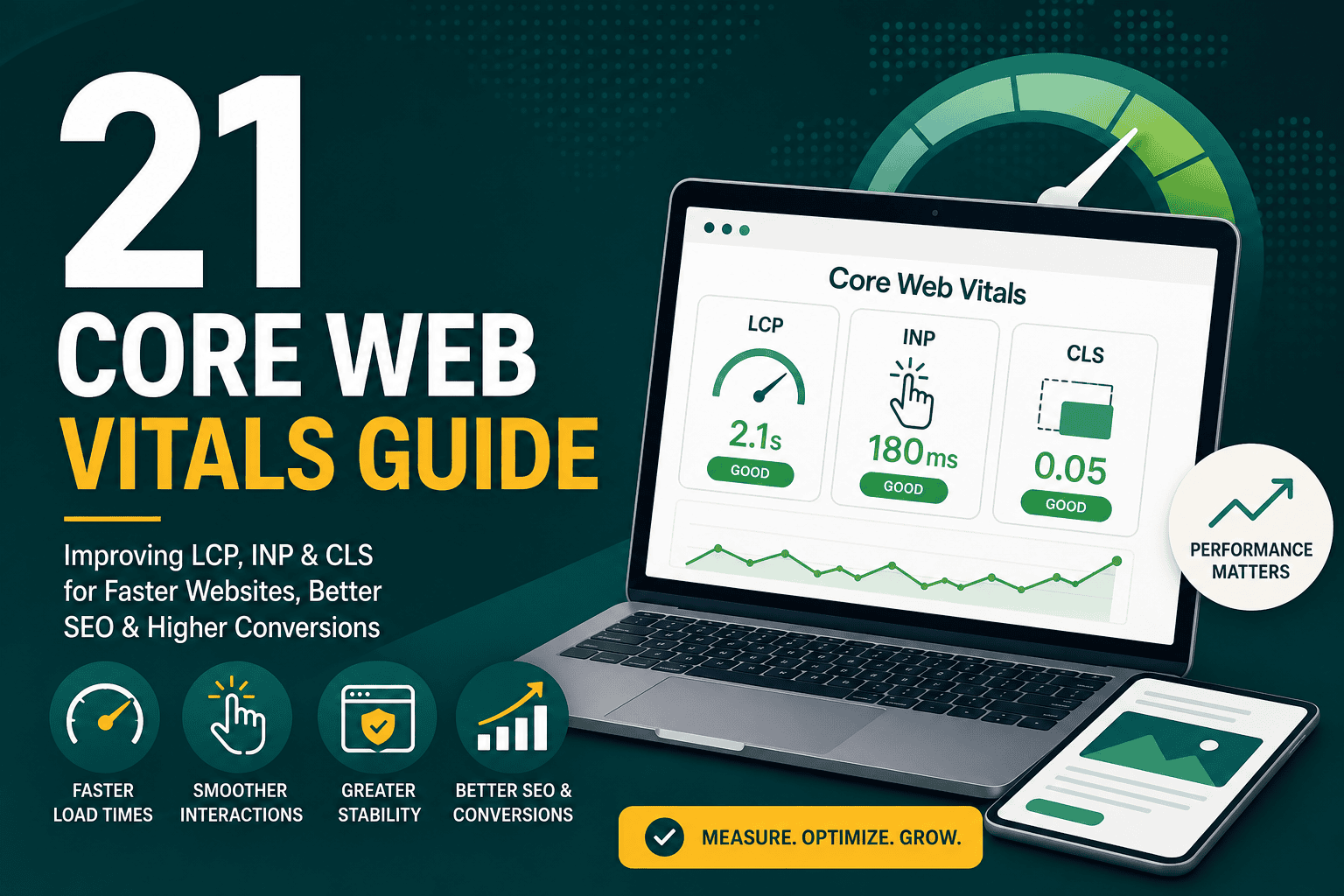
Page speed and user experience also affect how visitors behave after clicking your ad. Slow pages can increase bounce rates and reduce conversions. For technical performance improvements, this Core Web Vitals guide explains how to improve loading speed, responsiveness, and visual stability.
Step 8: Set Up Conversion Tracking
Conversion tracking is essential. Without it, you may know how many clicks you received, but you will not know whether those clicks produced leads, purchases, calls, bookings, or revenue. Search campaign optimization depends on accurate data.
Important Conversions to Track
- Form submissions
- Phone calls from ads
- Phone calls from the website
- Online purchases
- Revenue and transaction value
- Appointment bookings
- Quote requests
- Live chat leads
- Newsletter or trial signups
- Offline sales imported from a CRM
For stronger measurement, especially when browser privacy changes limit traditional tracking, consider enhanced conversions. This enhanced conversions setup guide explains how enhanced conversions work and how they can improve advertising measurement accuracy.
Step 9: Choose a Bidding Strategy
Your bidding strategy tells the platform how to spend your budget in the auction. The right choice depends on your campaign maturity, conversion volume, budget, and tracking quality.
Common Google Ads Bidding Strategies
- Manual CPC: Gives direct control over bids but requires more hands-on management.
- Maximize Clicks: Aims to get as many clicks as possible within budget, but may not prioritize conversion quality.
- Maximize Conversions: Uses automation to generate as many conversions as possible within budget.
- Target CPA: Aims to generate conversions at or near a target cost per acquisition.
- Maximize Conversion Value: Focuses on total conversion value, useful for ecommerce and value-based lead generation.
- Target ROAS: Aims to achieve a specific return on ad spend, usually best when reliable revenue data is available.
Automated bidding can work very well, but it needs accurate conversion tracking and enough data. If your account has very little conversion history or poor tracking, automated bidding may optimize toward misleading signals.
Step 10: Set Budget and Forecast Expectations
Your budget should reflect the competitiveness of your market, average cost per click, expected conversion rate, target cost per lead or sale, and business value of each conversion. A small budget in a highly competitive industry may not generate enough data for meaningful optimization.
Simple Budget Planning Formula
You can estimate a starting budget using this basic logic:
- Estimate average cost per click.
- Estimate landing page conversion rate.
- Estimate target number of conversions.
- Calculate the number of clicks needed.
- Multiply clicks by average cost per click.
For example, if clicks cost $5 and your landing page conversion rate is 5%, you need about 20 clicks to generate one conversion. That means one conversion may cost around $100. If you want 30 conversions per month, you may need a monthly budget around $3,000, before considering optimization improvements or lead quality differences.
Step 11: Add Negative Keywords
Negative keywords stop your ads from appearing for irrelevant searches. They are one of the most important ways to reduce wasted spend, especially when using broad or phrase match keywords.
Examples of Negative Keyword Categories
- Job seekers: jobs, careers, salary, hiring, resume
- Free seekers: free, template, DIY, sample, download
- Research-only users: definition, meaning, examples, tutorial
- Wrong audience: wholesale, used, cheap, student, internship
- Irrelevant locations: Cities or regions you do not serve
- Unwanted services: Services you do not offer
Negative keyword strategy should be an ongoing process. Review search terms regularly and add exclusions when queries are irrelevant, low-quality, or outside your business model.
Step 12: Launch With a Testing Mindset
A search campaign should not be treated as finished on launch day. The first version is only the starting point. Early performance data helps you understand which keywords, ads, audiences, locations, devices, and landing pages are producing valuable actions.
What to Monitor After Launch
- Are ads showing for relevant searches?
- Are the right keywords spending?
- Are irrelevant queries wasting budget?
- Are users clicking but not converting?
- Are conversions being tracked correctly?
- Are mobile users converting differently from desktop users?
- Are certain locations performing better than others?
- Are leads or sales actually high quality?
Do not make major changes too quickly unless tracking is broken or spend is clearly being wasted. Campaigns need enough data to support decisions, but obvious problems should be fixed immediately.
Key Search Campaign Metrics
To manage search campaigns well, you need to understand the metrics that reveal traffic quality, cost efficiency, and business impact.
- Impressions: How often your ads appeared.
- Clicks: How many users clicked your ads.
- Click-through rate: The percentage of impressions that turned into clicks.
- Average CPC: The average cost of each click.
- Conversions: The number of tracked valuable actions.
- Conversion rate: The percentage of clicks that resulted in conversions.
- Cost per conversion: How much you paid for each lead, sale, or action.
- Conversion value: Revenue or assigned value generated by conversions.
- ROAS: Return on ad spend, especially important for ecommerce.
- Search impression share: The percentage of eligible impressions your ads received.
- Quality Score: A diagnostic measure based on expected CTR, ad relevance, and landing page experience.
Traffic metrics such as clicks and impressions are useful, but they should not be the final measure of success. A campaign with fewer clicks but better conversion quality may be more profitable than one with high traffic and weak leads.
Search Campaign Optimization Checklist
Ongoing optimization is where search campaigns improve. Small adjustments to keywords, ad copy, landing pages, bids, budgets, and targeting can significantly affect performance over time.
Weekly Optimization Tasks
- Review search terms and add negative keywords.
- Check conversion tracking for unusual changes.
- Monitor spending by campaign and ad group.
- Pause clearly irrelevant or wasteful keywords.
- Review lead quality or sales quality where possible.
- Check whether any ads or assets are disapproved.
- Review location, device, and time-of-day performance.
Monthly Optimization Tasks
- Evaluate cost per lead, cost per sale, and return on ad spend.
- Test new ad copy and calls to action.
- Review landing page conversion rates.
- Adjust budget allocation based on performance.
- Analyze campaign structure and keyword grouping.
- Review auction insights and competitor pressure.
- Compare paid search results with CRM or sales data.
If your campaigns are already running and you want a structured review process, this Google Ads audit checklist provides a practical framework for finding wasted spend and improving performance.
Common Search Campaign Mistakes
Many search campaigns underperform because of avoidable setup and management mistakes. Fixing these issues can often improve results without increasing budget.
- No conversion tracking: Without tracking, optimization is based on clicks instead of business outcomes.
- Too many broad keywords: Broad targeting without controls can waste spend on irrelevant searches.
- Weak landing pages: Sending all traffic to a generic homepage often reduces conversion rates.
- Poor campaign structure: Mixing unrelated keywords and ads weakens relevance and reporting.
- No negative keywords: Irrelevant searches continue consuming budget.
- Ignoring lead quality: A low cost per lead is not useful if leads do not become customers.
- Changing campaigns too often: Constant changes can disrupt learning and make performance harder to evaluate.
- Using automated bidding too early: Smart bidding needs reliable data to work effectively.
- Not separating branded campaigns: Branded searches often perform differently from non-branded searches and should be measured separately.
- Failing to align ads and landing pages: If users do not find what the ad promised, they leave.
Search Campaigns for Lead Generation
Lead generation search campaigns are designed to capture inquiries from potential customers. The challenge is not only generating leads, but generating qualified leads that sales teams can actually close.
Lead Generation Best Practices
- Track form submissions and phone calls separately.
- Use offline conversion imports when possible to measure lead quality.
- Ask enough form questions to qualify leads without creating too much friction.
- Separate high-value services into dedicated campaigns.
- Use landing pages tailored to specific services or industries.
- Review sales feedback regularly to identify poor-quality keyword sources.
- Measure cost per qualified lead, not only cost per form submission.
For service businesses, the follow-up process is just as important as the ad campaign. Slow response times can waste expensive leads. A search campaign may generate the opportunity, but your sales process determines how much revenue that opportunity becomes.
Search Campaigns for Ecommerce
Ecommerce search campaigns focus on purchases, revenue, and return on ad spend. Search can be powerful for product categories, high-margin products, branded terms, and bottom-of-funnel buying intent.
Ecommerce Search Campaign Best Practices
- Track purchases and revenue accurately.
- Separate campaigns by product category, margin, or priority.
- Use keyword intent to distinguish research terms from purchase terms.
- Send users to the most relevant product or category page.
- Test promotional messaging such as free shipping or limited-time offers.
- Monitor profitability, not just revenue.
- Use remarketing and email campaigns to recover non-buyers where appropriate.
For ecommerce businesses, search campaigns often work best alongside Shopping campaigns, remarketing, email marketing, and conversion rate optimization. Paid search can bring qualified visitors, but the store experience determines whether they buy.
Branded vs Non-Branded Search Campaigns
Branded and non-branded searches should usually be separated. Branded campaigns target users searching for your business name or product names. Non-branded campaigns target users searching for products, services, problems, or solutions without naming your brand.
Branded Search Campaigns
Branded search campaigns often have high click-through rates, lower costs, and strong conversion rates because users already know your business. They can help protect your search results from competitors, control messaging, and direct users to specific landing pages.
Non-Branded Search Campaigns
Non-branded campaigns are usually more competitive and expensive, but they are important for reaching new customers. These campaigns require stronger keyword research, landing pages, ad testing, and budget control.
When reporting performance, evaluate branded and non-branded campaigns separately. Combining them can make overall results look better than they really are because branded traffic often converts more easily.
Local Search Campaign Tips
Local businesses can use search campaigns to generate calls, bookings, direction requests, and form submissions from nearby customers. Local search campaigns depend heavily on location targeting, mobile experience, and fast response.
- Target only the areas you actually serve.
- Use location assets connected to your business profile where appropriate.
- Include local terms in keywords and ad copy.
- Use call assets for mobile users.
- Schedule ads during hours when calls can be answered.
- Create landing pages for important service areas if relevant.
- Exclude locations that produce unqualified traffic.
For local service businesses, call tracking is especially important. Many high-intent users prefer to call instead of filling out a form, especially for urgent services.
How Long Does a Search Campaign Take to Work?
Search campaigns can start generating traffic immediately after approval, but meaningful optimization takes time. The timeline depends on budget, search volume, conversion volume, competition, and tracking quality.
- First few days: Confirm ads are serving, tracking works, and search terms are relevant.
- First two weeks: Begin identifying early waste, keyword patterns, and conversion behavior.
- First month: Evaluate initial cost per conversion, lead quality, and landing page performance.
- Months two and three: Refine bidding, budgets, ad copy, keywords, negative keywords, and landing pages.
- Ongoing: Scale profitable segments and continue testing.
Some campaigns become profitable quickly, while others need several rounds of refinement. Campaigns in competitive industries often require deeper optimization and stronger landing pages to succeed.
Search Campaign Guide: Final Checklist
Before launching or improving a search campaign, use this checklist to make sure the essentials are covered:
- Define the primary business goal.
- Identify the target audience and search intent.
- Build a focused keyword list.
- Choose appropriate match types.
- Create a negative keyword list.
- Organize campaigns and ad groups logically.
- Write relevant, benefit-driven search ads.
- Add useful ad assets.
- Send traffic to relevant landing pages.
- Set up conversion tracking before launch.
- Choose a bidding strategy based on data quality and goals.
- Set a realistic budget.
- Review search terms regularly.
- Measure lead or sales quality, not just volume.
- Optimize based on performance data.
Conclusion
A successful search campaign is built on alignment: the right keywords, the right intent, the right ad message, the right landing page, and the right measurement setup. When these pieces work together, search advertising can become one of the most reliable channels for capturing demand and generating measurable business results.
Use this search campaign guide as a practical framework for planning, launching, auditing, and improving your campaigns. Start with clear goals, track meaningful conversions, control wasted spend, and optimize consistently. Over time, well-managed search campaigns can improve lead quality, increase sales, and create a more predictable path to growth.