July 22, 2026
Why Oxygen Builder Is Faster: Speed & SEO Benefits
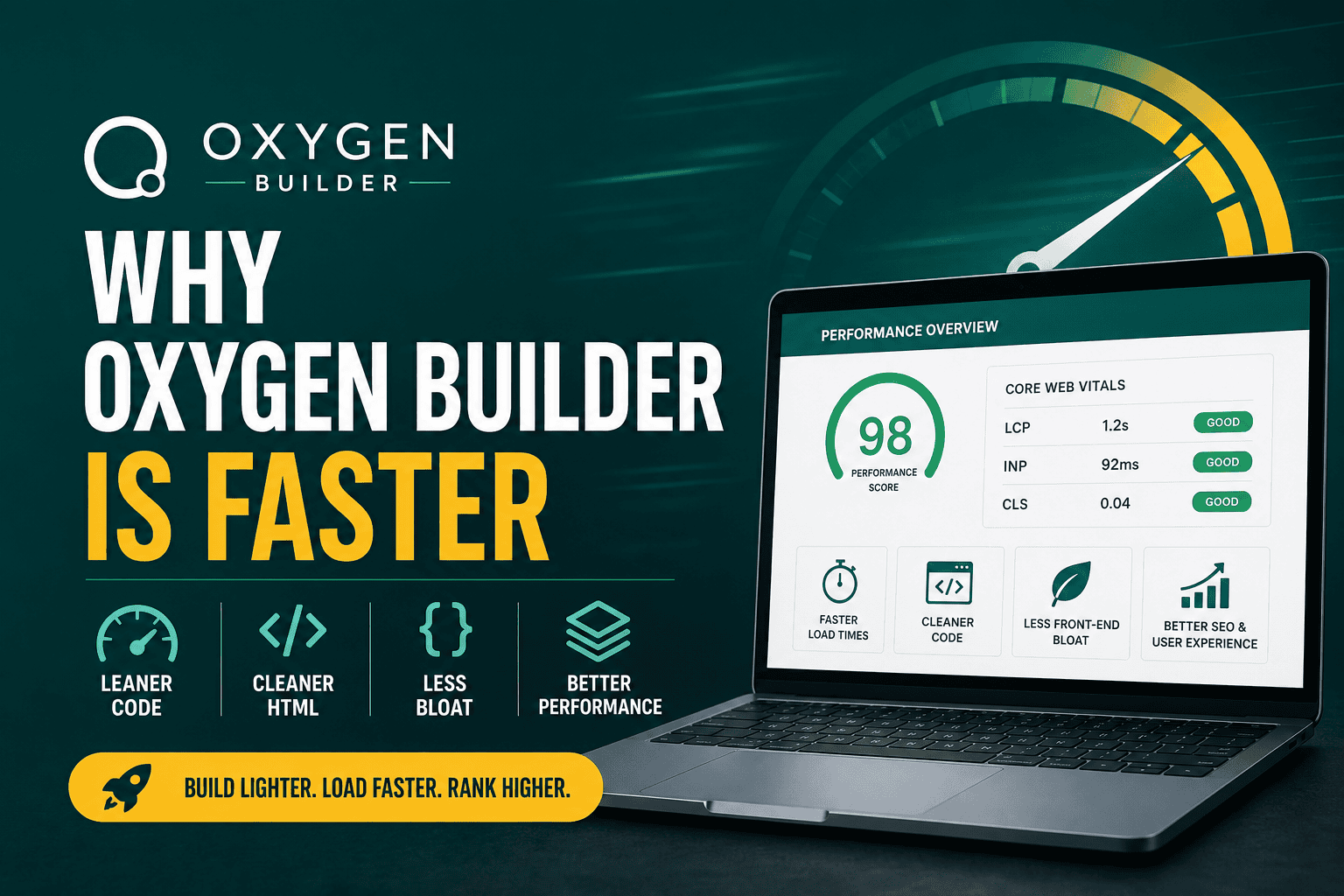
Why Oxygen Builder Is Faster If you are comparing Word...
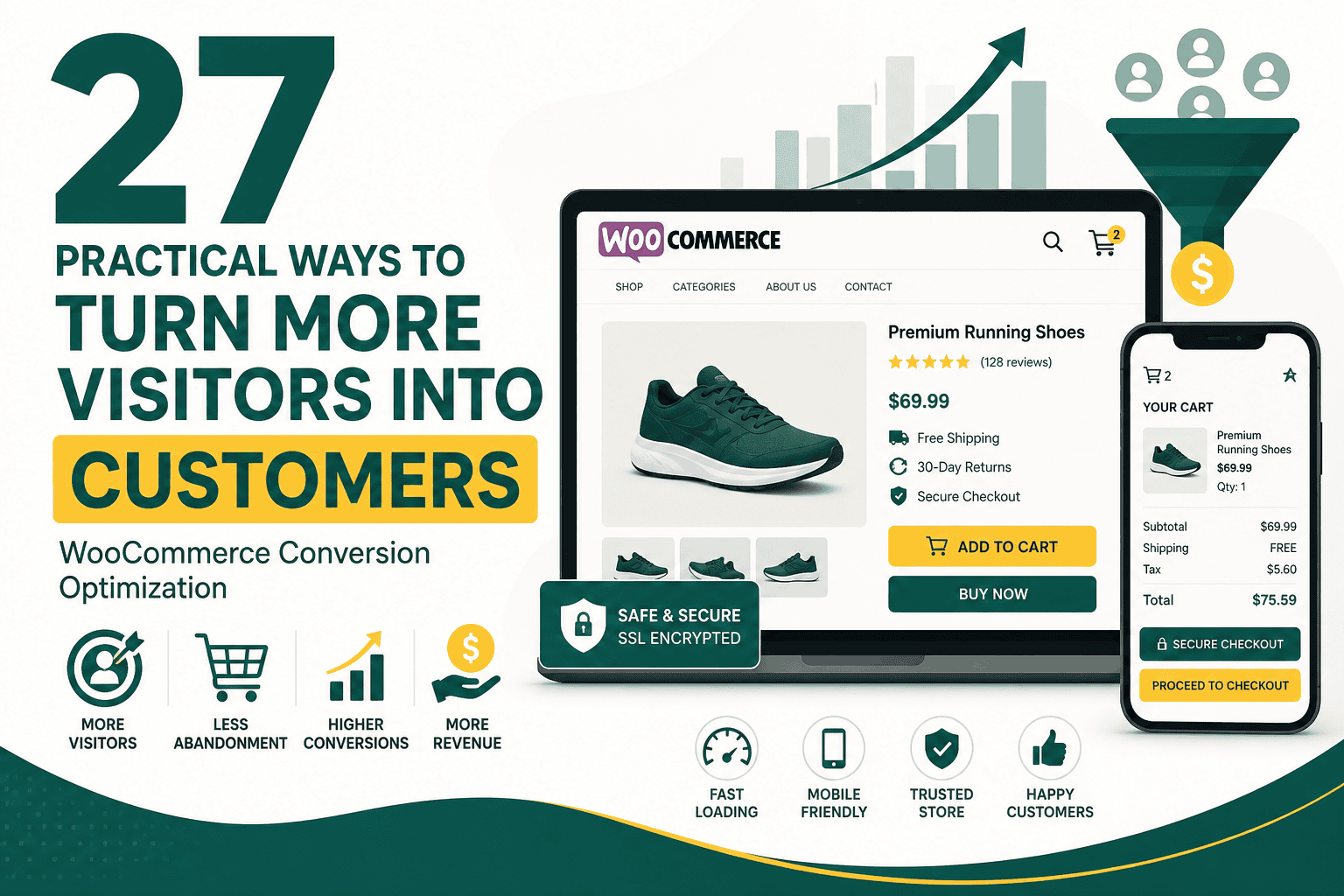
WooCommerce conversion optimization is the process of improving your online store so more visitors complete valuable actions, such as buying a product, joining your email list, requesting a quote, or returning for a repeat purchase. It is not just about changing button colors or adding urgency banners. Real conversion optimization looks at the full customer journey: traffic quality, product pages, pricing, checkout, trust, speed, mobile usability, payment options, email follow-up, analytics, and post-purchase experience.
For WooCommerce store owners, even small improvements can have a major impact. If your store receives 10,000 monthly visitors and converts at 1%, you get 100 orders. If you improve that conversion rate to 2%, you double your orders without doubling your advertising budget. This is why conversion optimization is one of the highest-leverage activities for ecommerce growth.
WooCommerce conversion optimization means systematically improving your WordPress and WooCommerce store to increase the percentage of visitors who take a desired action. The most obvious conversion is a completed purchase, but depending on your business model, conversions may also include:
The goal is not simply to force more sales. The goal is to remove friction, answer customer questions, build confidence, and make the buying process easier for qualified visitors.
Many store owners focus heavily on traffic. They invest in SEO, Google Ads, Meta Ads, influencer campaigns, social media, and content marketing. Traffic is important, but if your WooCommerce store has poor product pages, a slow checkout, unclear shipping information, or weak trust signals, much of that traffic will be wasted.
Conversion optimization improves the return on every marketing channel. Better store performance means your paid campaigns become more profitable, your organic traffic produces more revenue, and your email campaigns generate stronger results. If you are building or improving your store from the ground up, a broader WooCommerce store checklist can help you audit the foundations before focusing on advanced conversion tactics.
Before optimizing, you need to know what to measure. WooCommerce conversion optimization should be based on data, not guesses. The most important metrics include:
A store can have a high conversion rate but low profitability if discounts are too aggressive or average order value is too low. Similarly, a store can have strong traffic but weak revenue if visitors abandon checkout due to shipping surprises, slow loading, or payment friction.
Not all visitors are equally likely to buy. Some are researching, some are comparing prices, some are looking for reviews, and others are ready to purchase immediately. WooCommerce conversion optimization starts by understanding the intent behind each visitor segment.
A visitor searching for a specific product model has different intent from someone searching for a general category. Product-specific traffic should land on a detailed product page. Category-level traffic may need filters, comparison options, and educational content. Brand-aware visitors may need proof, reviews, and fast checkout. New visitors may need trust signals and clear explanations.
Your homepage is usually not the best landing page for paid or search traffic. If someone searches for a specific product, collection, or offer, send them to the most relevant page. The fewer decisions a visitor has to make, the easier it is for them to convert.
Your product pages are where buying decisions happen. A strong product page should answer customer questions, reduce uncertainty, and make the next step obvious.
Product titles should be descriptive and useful. Avoid vague names that only make sense internally. Include key details such as product type, size, material, model, color, or use case when relevant.
Many WooCommerce stores use short, generic product descriptions. This is a missed opportunity. A strong product description should explain what the product is, who it is for, what problem it solves, and why it is better than alternatives.
Use a combination of short summary copy and detailed supporting information. Customers want fast answers, but they also need enough detail to feel confident.
Product images directly affect trust and desire. Use clear, high-resolution images that show the product from multiple angles. If possible, include:
If your product depends on appearance, texture, size, or fit, poor images will reduce conversions even if the product itself is excellent.
Videos can increase conversions for products that require demonstration, assembly, explanation, or emotional appeal. A short video showing how the product works can reduce uncertainty and answer questions faster than text.
Customers should not have to search for the price, discount, payment plan, tax details, or shipping terms. If you offer free shipping, installment payments, bulk discounts, or limited-time promotions, display them clearly near the buying decision.
People do not buy only because they like a product. They buy when they trust the store, the product, and the purchase process. WooCommerce stores should use trust-building elements throughout the journey.
Reviews are one of the most powerful ecommerce trust signals. They show that real people have purchased and used the product. Encourage verified customers to leave reviews and display them prominently on product pages.
High-quality reviews often include specific details, photos, use cases, and objections answered by previous buyers. Do not hide every imperfect review. A mix of honest reviews can look more credible than a perfect but unrealistic rating profile.
If your return policy is hidden, customers may assume the worst. Add a short summary near the product purchase area, then link or expand into the full policy. Shoppers want to know what happens if the product does not fit, arrives damaged, or fails to meet expectations.
Security badges, payment icons, SSL indicators, and checkout reassurance can help, especially near payment steps. However, avoid cluttering the page with too many generic badges. Trust signals should look professional and relevant.
Because ecommerce stores handle payments and customer data, security is also a conversion issue. A store that looks unsafe will lose buyers. A practical WooCommerce security guide can help you protect your store while improving customer confidence.
Category pages are often overlooked, but they are important conversion paths. Many shoppers browse categories before choosing a product. A well-optimized category page helps visitors narrow options quickly.
Useful filters help shoppers find what they want faster. Depending on your products, filters may include:
Filters should be relevant and fast. Too many unnecessary filter options can create confusion.
Allow customers to sort by popularity, latest, price, rating, and relevance. Different shoppers use different decision-making styles. Some want the best sellers, some want the lowest price, and others want new arrivals.
Category descriptions can help SEO and shoppers, but they should not push products too far down the page. Use concise copy that explains the category, key benefits, buying considerations, and internal links to helpful subcategories.
Cart abandonment is one of the biggest conversion problems in WooCommerce. Shoppers may add items to cart but leave because of unexpected costs, slow checkout, lack of payment options, account creation requirements, or simple distraction.
Unexpected shipping, taxes, and fees are major abandonment triggers. Whenever possible, display estimated shipping and taxes before the final step. If you offer free shipping above a threshold, show progress toward that threshold in the cart.
Customers should be able to change quantities, remove items, apply coupon codes, and return to shopping without frustration. A confusing cart experience can make buyers hesitate.
Abandoned cart emails are one of the highest-performing ecommerce automations. Send a reminder after a shopper leaves items in the cart, ideally with the product details, image, and a direct return link. For deeper retention and recovery strategies, review this guide to WooCommerce email marketing.
Checkout is where intent turns into revenue. Every unnecessary field, confusing message, slow step, or surprise cost can reduce conversions. Your checkout should be simple, fast, and trustworthy.
Only ask for information required to complete the order. If you do not need a company name, second address line, birthdate, or extra note field, remove or make it optional. Shorter checkouts usually convert better.
For many stores, forcing account creation reduces conversions. Guest checkout lets customers buy quickly. You can still offer account creation after purchase by explaining the benefits, such as faster future checkout, order tracking, and saved addresses.
Customers have different payment preferences. Depending on your market, consider offering:
Do not add payment methods only for appearance. Choose options that your customers actually use and that your operations can support.
If your checkout has multiple steps, show progress clearly. Customers should know where they are, what remains, and how long the process will take.
Speed affects both user experience and revenue. A slow WooCommerce store creates frustration, especially on mobile. Product pages, category pages, cart, and checkout must load quickly and respond smoothly.
WooCommerce stores can become slow because of heavy themes, too many plugins, large images, poor hosting, unoptimized scripts, bloated page builders, and inefficient database queries. If speed is a concern, a practical Core Web Vitals guide can help you understand performance metrics such as LCP, INP, and CLS.
Speed optimization should be done carefully on WooCommerce because cart, checkout, and account pages often need to be excluded from certain caching rules to prevent order or session issues.
Many WooCommerce stores receive most of their traffic from mobile devices, yet the buying experience is often designed on desktop. Mobile conversion optimization is essential.
Mobile shoppers are often impatient. If your store is hard to navigate on a phone, conversion rates will suffer even if your products and pricing are strong.
Your calls to action should be clear, specific, and easy to find. The main product page action is usually “Add to Cart,” but depending on the product type, you may also use “Buy Now,” “Request a Quote,” “Customize Your Product,” or “Subscribe and Save.”
Do not rely only on design trends. Test whether your button wording, placement, and layout actually improve user behavior.
WooCommerce conversion optimization is not only about getting more orders. It is also about increasing the value of each order in a useful and customer-friendly way.
Bundles can help customers buy related products together. For example, a skincare store might bundle cleanser, toner, and moisturizer. A tech accessories store might bundle a laptop sleeve, mouse, and USB-C hub.
Quantity discounts work well for consumables, supplies, gifts, and products customers naturally buy in multiples. Make the savings clear and simple.
Cross-sells recommend complementary products, while upsells encourage a higher-value version of the product. These should be relevant. Irrelevant recommendations can make the store feel messy and reduce trust.
A free shipping threshold can increase order value when set correctly. If your average order value is $45, a free shipping threshold at $60 may encourage customers to add another item. Make sure the threshold protects your margins.
Customers who use site search often have strong purchase intent. If your WooCommerce search experience is weak, you may lose highly valuable visitors.
Navigation should also be simple. Avoid hiding important categories behind confusing menus. Customers should understand your store structure quickly.
Personalization can improve WooCommerce conversions when it is relevant and respectful. Examples include recently viewed products, recommended items, location-based shipping messages, returning customer offers, and personalized email flows.
However, personalization should not feel intrusive. Use customer data responsibly and avoid overwhelming shoppers with excessive popups or aggressive tracking messages.
Sometimes conversion problems are not caused by design or checkout issues. The offer itself may be unclear or weak. A strong ecommerce offer communicates value quickly.
A discount is not the only way to improve an offer. Better positioning, clearer benefits, faster shipping, stronger guarantees, and useful bundles can all improve conversions without damaging margins.
You cannot optimize what you cannot measure. A WooCommerce store should have accurate analytics for traffic, product views, cart activity, checkout behavior, purchases, refunds, revenue, and marketing attribution.
If you run paid campaigns, conversion tracking quality is especially important. A structured Google Ads audit checklist can help identify tracking gaps, wasted spend, and campaign issues that affect ecommerce profitability.
A/B testing is useful, but many WooCommerce stores should fix obvious problems before testing small variations. If your checkout is broken on mobile, your product images are poor, or your shipping costs appear only at the final step, you do not need an A/B test to know those issues should be improved.
Test one major change at a time where possible. If you change everything at once, it becomes difficult to know what caused the improvement or decline.
Many conversion issues appear repeatedly across WooCommerce stores. If your store is underperforming, check for these common problems first:
Use this checklist to review your store and prioritize improvements:
Not every improvement has the same impact. Prioritize fixes based on potential revenue impact, implementation difficulty, and confidence level.
Start with changes that remove obvious friction from the buying process. Once the fundamentals are strong, move into deeper testing and personalization.
WooCommerce conversion optimization is an ongoing process, not a one-time project. Customer expectations change, competitors improve, plugins update, traffic sources shift, and products evolve. The stores that perform best are usually the ones that continuously measure, test, and improve the shopping experience.
Focus first on the fundamentals: fast loading, clear product pages, strong trust signals, simple checkout, transparent costs, mobile usability, and reliable tracking. Once those are in place, use email automation, bundles, personalization, A/B testing, and advanced analytics to keep improving revenue per visitor and customer lifetime value.
The most effective WooCommerce stores do not simply attract visitors. They guide the right visitors through a clear, trustworthy, and convenient buying journey from first click to completed order and beyond.