August 26, 2026
What Is CRM? Definition, Benefits, and How It Works
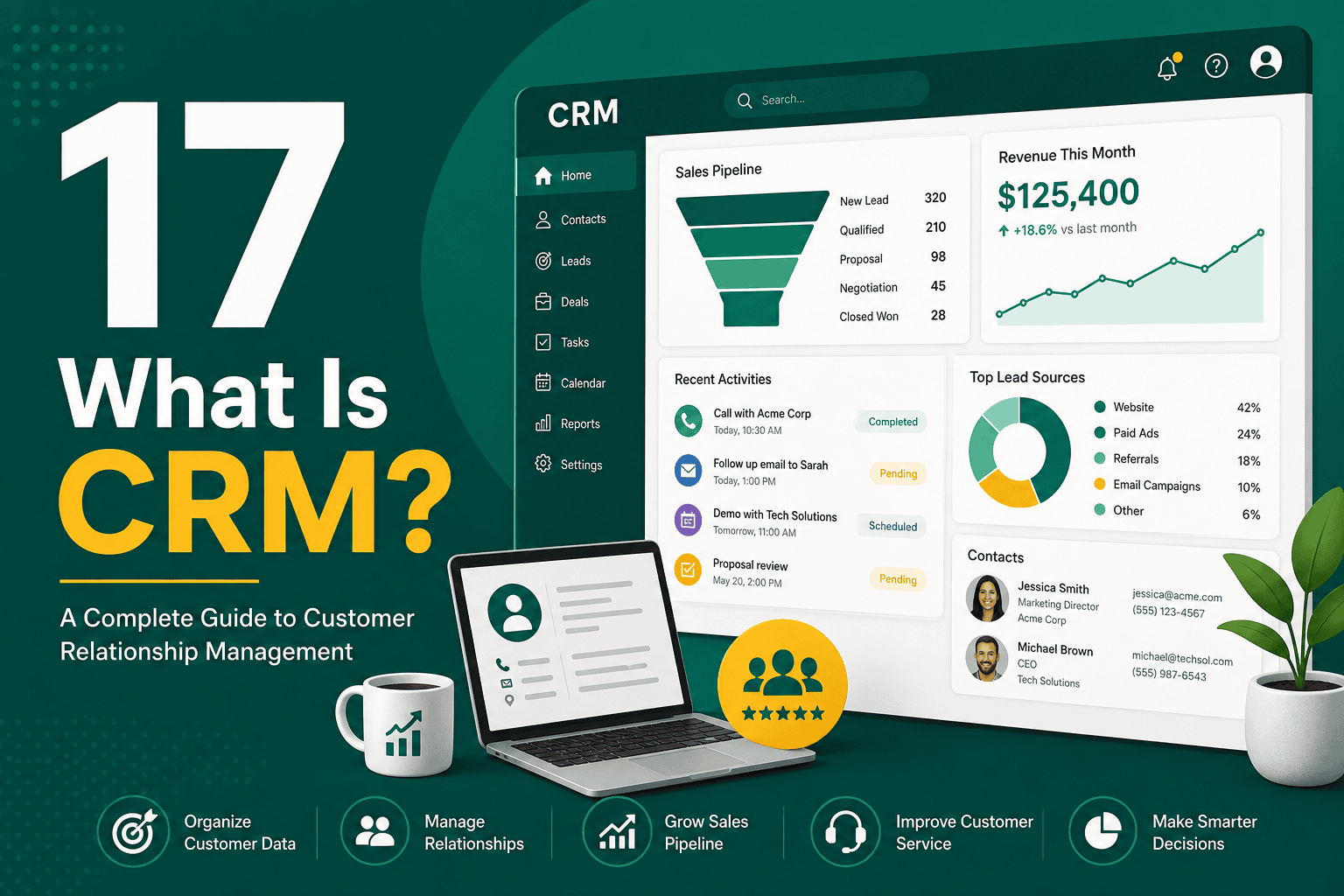
What Is CRM? If you are asking “what is CRM?”, the sim...
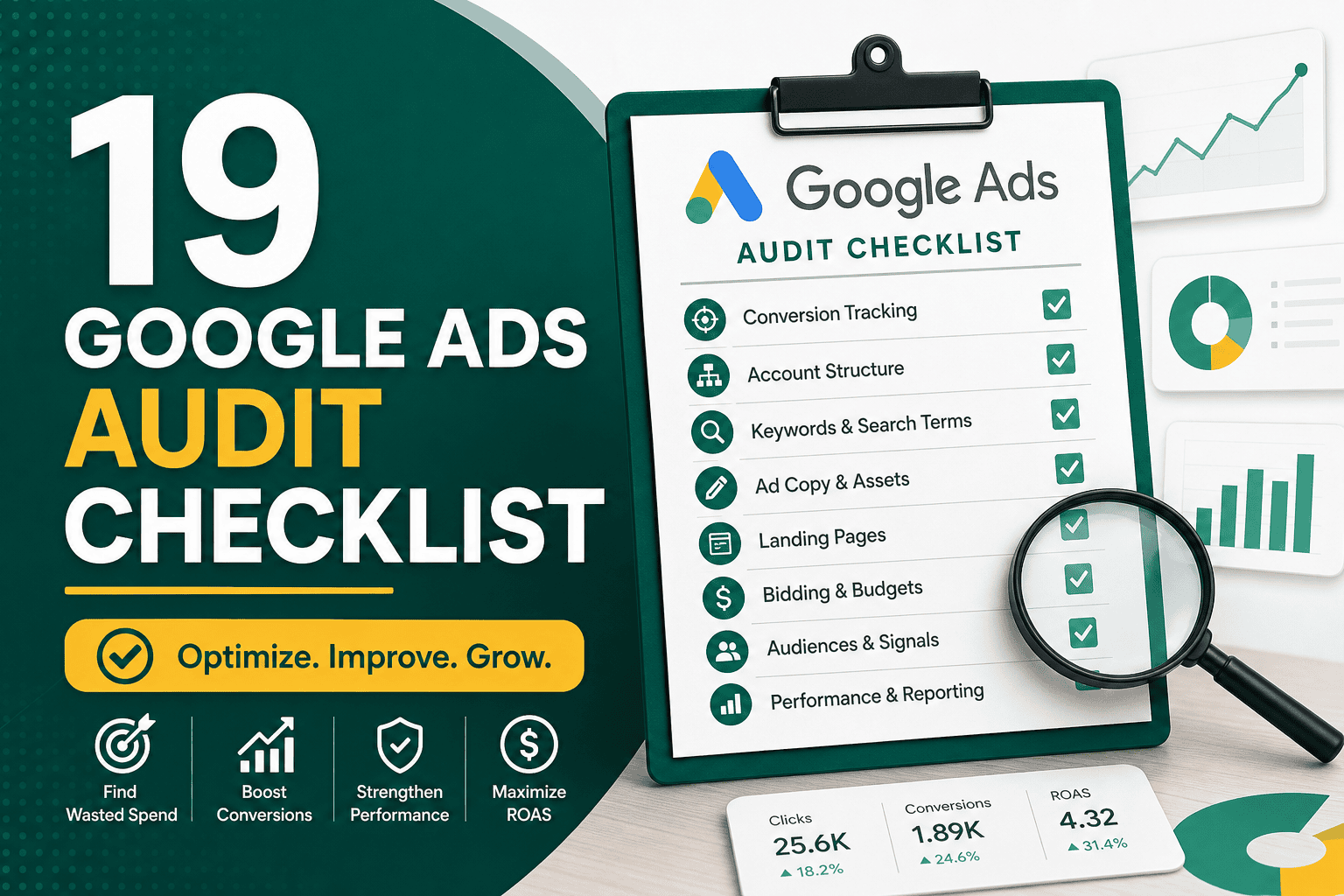
A practical google ads audit checklist helps you find wasted spend, improve conversion tracking, strengthen campaign structure, and make smarter optimization decisions. Google Ads can produce strong results for lead generation, ecommerce, local services, SaaS, and B2B businesses, but only when campaigns are measured correctly and regularly reviewed. Without a structured audit, accounts often accumulate old keywords, weak ads, poor tracking, messy audiences, disconnected landing pages, and budget leaks.
This guide walks through a complete Google Ads audit process you can use to evaluate account health, identify performance problems, and prioritize improvements. Whether you manage campaigns in-house, work with an agency, or are preparing to scale paid search, this checklist will help you review the most important areas of your account.
A Google Ads audit is a systematic review of your advertising account to understand what is working, what is underperforming, and what needs to change. The goal is not simply to reduce cost. A good audit should improve the quality of traffic, accuracy of measurement, conversion rate, budget allocation, and overall return on ad spend.
Google Ads accounts change constantly. Keywords gain or lose intent, competitors adjust bids, landing pages change, tracking breaks, new automation features appear, and business goals evolve. An account that performed well six months ago may now be wasting budget if it has not been reviewed carefully.
A proper audit helps you answer questions such as:
Before reviewing keywords, bids, or ads, confirm the business objective behind the account. A Google Ads audit should always begin with strategy because performance data only matters in relation to a goal.
For example, an ecommerce store may care about profitable revenue, average order value, repeat purchases, and product-level return on ad spend. A B2B company may focus on qualified leads, booked calls, pipeline value, and cost per sales opportunity. A local service business may prioritize phone calls, form submissions, appointment requests, and geographic coverage.
During this stage, review:
If the paid search strategy is disconnected from the wider marketing plan, campaign performance will be harder to evaluate. For a broader planning framework, it can help to align your audit with a complete digital marketing strategy for sustainable growth so that paid traffic supports the full customer journey.
Conversion tracking is one of the most important parts of any Google Ads audit checklist. If conversions are missing, duplicated, delayed, or incorrectly configured, every optimization decision becomes unreliable. Automated bidding strategies also depend on clean conversion data.
Review which actions are marked as primary conversions and which are secondary. Primary conversions are used for bidding and reporting in the main conversions column. Secondary conversions are useful for observation but should not always influence bidding.
Common primary conversions include:
Common secondary conversions include:
During the audit, check for these common issues:
If your campaigns rely heavily on lead generation or ecommerce tracking, enhanced conversions can improve measurement accuracy by sending hashed first-party customer data to Google in a privacy-safe way. For setup details, review this enhanced conversions setup and best practices guide.
Account structure affects reporting clarity, budget control, relevance, and optimization speed. A messy structure makes it difficult to understand which campaigns are profitable and which are wasting spend.
Review whether campaigns are organized by meaningful business categories, such as:
For search campaigns, ad groups should usually be tightly themed around similar keywords and intent. If one ad group contains too many unrelated keywords, it becomes harder to write relevant ads and send users to the right landing page.
Campaign settings are easy to overlook, but they can create major budget waste. Review settings campaign by campaign, especially in older accounts where defaults may have changed over time.
Check whether campaigns target the correct countries, regions, cities, or radius areas. Also review the advanced location setting. In many cases, advertisers should target people “in or regularly in” the selected locations rather than people who only show interest in those locations.
Location mistakes can cause ads to show to users outside your service area, especially for local businesses, real estate, legal services, healthcare, home services, and region-specific offers.
Confirm that language settings match the target audience and landing page content. Do not assume that language targeting works the same as geographic targeting. Google uses interface language and other signals, so review actual search terms and location reports to confirm quality.
For search campaigns, review whether the Google Search Network, Search Partners, and Display Network are enabled. Search Partners may work in some accounts, but performance should be reviewed separately. Display Network expansion inside search campaigns often reduces traffic quality and should be audited carefully.
Review performance by day of week and hour of day. If conversion quality drops outside business hours, after-hours traffic may need bid adjustments, separate call handling, or restricted scheduling.
Keyword quality is central to search campaign performance. A keyword audit should evaluate relevance, intent, match type, cost, conversions, and search term quality.
Not all keywords are equally valuable. Some users are ready to buy, while others are researching, comparing, learning, or looking for free information.
High-intent keywords often include terms such as:
Lower-intent keywords may still be useful for awareness or remarketing support, but they should not consume the same budget as high-converting commercial searches unless the strategy supports it.
Google Ads match types have changed significantly over the years. Broad match can work well with strong conversion tracking and smart bidding, but it can also waste spend if the account has weak signals, limited budget, or poor negative keyword management.
Review performance across:
Look for broad match keywords generating irrelevant traffic, phrase match terms expanding too widely, or exact match keywords with strong results that deserve more budget.
The search terms report shows the actual queries people typed before clicking your ads. This is one of the most valuable sections of a Google Ads audit because it reveals whether your spend is reaching qualified prospects.
Look for:
Negative keywords prevent ads from showing for irrelevant searches. Every account should have a deliberate negative keyword strategy, not just occasional one-off exclusions.
Common negative keyword categories include:
Be careful not to overuse negative keywords. Adding broad negatives without reviewing context can accidentally block profitable searches.
Ads should match user intent, communicate value clearly, and encourage the right kind of click. During the audit, review the quality of responsive search ads, extensions, performance assets, and messaging consistency.
For responsive search ads, review:
Strong ads usually include a mix of keyword relevance, business credibility, benefit-driven messaging, and action-oriented language.
Review all available ad assets, including:
Ad assets improve visibility and can increase click-through rate, but they must be relevant and up to date. Remove outdated promotions, broken sitelinks, old phone numbers, and assets that point to weak pages.
Google Ads performance does not end at the click. Landing pages have a major impact on conversion rate, lead quality, Quality Score, and return on ad spend.
During a landing page audit, check:
Slow landing pages can reduce conversion rates and increase wasted spend. If your website performance is affecting paid traffic results, use a technical performance review such as this Core Web Vitals guide for improving LCP, INP, and CLS to identify user experience problems that may be hurting campaigns.
Bidding strategy should match the account’s data quality, budget, conversion volume, and business goal. Automated bidding can perform well, but it is not magic. It depends on accurate tracking and enough meaningful conversion data.
When auditing bidding, ask:
If the account is optimizing toward weak conversions, smart bidding may increase low-quality leads while appearing successful in the interface. Always compare Google Ads conversions with CRM, sales, revenue, or lead quality data where possible.
A budget audit shows whether money is being spent where it can produce the best business result. Do not evaluate budget only by campaign spend. Look at cost, conversions, conversion quality, revenue, impression share, and missed opportunities.
Review:
For ecommerce accounts, budget decisions should consider margins, inventory, product availability, customer lifetime value, and repeat purchase behavior. For lead generation, decisions should consider lead-to-sale rate and actual revenue, not only form submissions.
Quality Score is not the only metric that matters, but it can help diagnose relevance problems. Google evaluates expected click-through rate, ad relevance, and landing page experience. Poor scores can increase cost per click and reduce competitiveness.
Review Quality Score at the keyword level and look for patterns:
Improving Quality Score usually means tightening keyword groups, improving ad copy, matching landing pages more closely to intent, and removing irrelevant traffic.
Audiences help you observe, adjust, exclude, or target users based on behavior, interests, demographics, or first-party data. In Google Ads, audiences are useful beyond Display and YouTube. They can also help search campaigns understand performance by user segment.
Review whether the account uses:
Audience strategy should be coordinated across platforms where possible. If your business also advertises on Facebook and Instagram, this Meta audience targeting guide can help you compare audience planning across paid media channels.
Performance Max campaigns can reach Search, Shopping, YouTube, Display, Discover, Gmail, and Maps from one campaign. They can be powerful, especially for ecommerce and local campaigns, but they require careful auditing because visibility into placements and queries is more limited than standard search campaigns.
When reviewing Performance Max, check:
Performance Max should not be treated as a set-and-forget campaign. It needs strong conversion tracking, high-quality creative, clean product data where applicable, and careful monitoring against business outcomes.
For ecommerce advertisers, Shopping and Performance Max campaigns require a product-focused audit. The account is not only about campaigns and ads; it is also about product feed quality, pricing, availability, and conversion value tracking.
Review:
If your store runs on WooCommerce, campaign performance is closely tied to store setup, checkout quality, analytics, and product structure. A detailed WooCommerce store launch and optimization checklist can help you review the ecommerce foundation behind your Google Ads results.
Many Google Ads accounts look profitable inside the platform but perform poorly in sales. This usually happens when conversion tracking measures lead quantity but not lead quality. A complete audit should compare advertising data with CRM or sales data.
Review:
If the business uses a CRM, consider importing offline conversions into Google Ads so bidding can optimize toward qualified leads, opportunities, or closed deals rather than basic form submissions.
Auction Insights helps you understand how your ads overlap with competitors. It does not explain everything, but it can reveal changes in competition, impression share, outranking share, and top-of-page visibility.
Look at:
If costs increased suddenly, competitors may have become more aggressive, but do not assume that higher bids are the only answer. Landing page improvements, better ad relevance, stronger offers, and better budget allocation can often improve competitiveness without simply raising bids.
A good Google Ads audit should also review how performance is reported. Bad reporting leads to bad decisions. Make sure reports separate meaningful segments instead of relying only on account-wide averages.
Useful reporting segments include:
Review attribution settings and understand how conversions are credited. Google Ads reporting may differ from Google Analytics, CRM reports, and ecommerce platform data because each system uses different attribution rules, time zones, windows, and data processing methods.
Administrative settings are not glamorous, but they matter. During an audit, review account access, billing, policies, and security.
Check:
Be especially careful with auto-apply recommendations. Some recommendations may be useful, but others can expand targeting, change bidding, add keywords, or adjust ads in ways that do not match your strategy.
A Google Ads audit often produces a long list of issues. The next step is prioritization. Not every issue has the same impact, and trying to fix everything at once can create confusion.
Group findings into three categories:
Start with measurement and budget leaks first. Once tracking is reliable and wasted spend is reduced, you can make more confident optimization decisions.
Use this condensed checklist when reviewing an account:
The right audit frequency depends on account size, spend, and complexity. As a general rule:
You should also audit the account after major performance changes, website migrations, new landing page launches, product feed updates, CRM changes, or shifts in business strategy.
A well-executed google ads audit checklist gives you a clear view of account health and helps you move from guesswork to structured optimization. The most important areas to review are conversion tracking, campaign structure, keyword intent, search terms, bidding strategy, landing pages, and budget allocation.
Google Ads success is rarely the result of one setting or one campaign change. It comes from aligning strategy, measurement, traffic quality, user experience, and sales outcomes. By auditing your account regularly and prioritizing the highest-impact fixes first, you can reduce wasted spend, improve lead or sales quality, and build a more profitable paid search program.