July 15, 2026
Salesforce Integration Guide: Methods, Best Practices & Checklist
Salesforce Integration Guide Salesforce integration is...
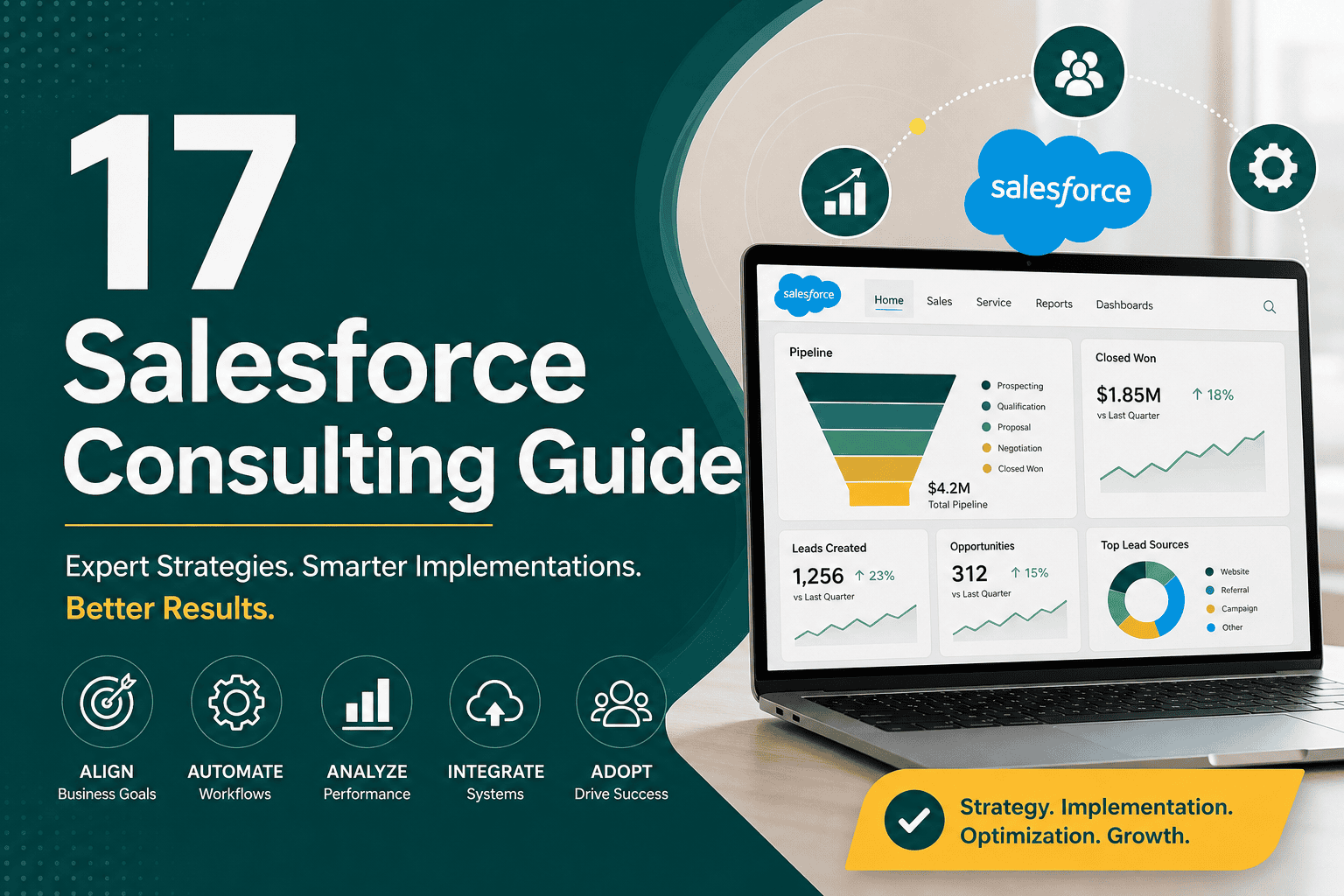
This salesforce consulting guide explains what Salesforce consultants do, when your business should hire one, what services they provide, how consulting projects work, and how to choose the right partner. Salesforce is a powerful CRM platform, but its value depends heavily on strategy, configuration, data quality, automation, integrations, user adoption, and ongoing optimization. A skilled Salesforce consultant helps connect the platform to your real business processes instead of simply setting up software.
Many companies invest in Salesforce because they want better sales visibility, improved customer service, automated workflows, accurate reporting, and scalable growth systems. However, without proper planning, Salesforce can become complicated, expensive, underused, or difficult to maintain. Salesforce consulting helps avoid these problems by aligning the platform with business goals, team workflows, customer journeys, and technical requirements.
Salesforce consulting is the professional service of planning, implementing, customizing, integrating, optimizing, and supporting Salesforce for businesses. A Salesforce consultant helps organizations understand what they need from the platform, design the right architecture, configure features, migrate data, automate processes, train users, and improve performance over time.
Salesforce consulting can cover many areas, including Sales Cloud, Service Cloud, Marketing Cloud, Experience Cloud, Field Service, CPQ, custom apps, reporting, security, integrations, and process automation. The consultant’s role is not only technical. A good consultant also understands business operations, sales processes, customer support workflows, change management, and data-driven decision-making.
Businesses hire Salesforce consultants when they need expertise that internal teams may not have. Salesforce is flexible, but that flexibility can create confusion if there is no clear implementation strategy. Consultants help companies make better decisions before, during, and after Salesforce setup.
If your company is still evaluating whether Salesforce is the right CRM, it may help to review the broader reasons businesses choose the platform in why businesses choose Salesforce CRM.
A Salesforce consultant acts as a bridge between business needs and Salesforce capabilities. Their work usually combines discovery, strategy, configuration, technical implementation, training, and ongoing improvement.
The first step in most Salesforce consulting projects is understanding how the business currently operates. The consultant reviews sales processes, lead management, customer service workflows, reporting needs, data sources, user roles, approval steps, and pain points. This discovery phase helps prevent technical decisions from being made without business context.
After discovery, the consultant creates a roadmap. This may include which Salesforce clouds to use, what data model is needed, which automations should be built, which integrations are required, and which features should be included in the first phase versus later phases. A phased roadmap is especially important for larger projects because trying to build everything at once often leads to delays and poor adoption.
Salesforce consultants configure standard and custom objects, fields, page layouts, record types, list views, apps, permissions, validation rules, flows, email templates, and reports. The goal is to make Salesforce match the way your teams actually work while avoiding unnecessary complexity.
Salesforce can automate many repetitive tasks, including lead assignment, follow-up reminders, approval processes, renewal notifications, case routing, opportunity updates, and customer communications. Consultants decide whether to use Salesforce Flow, approval processes, assignment rules, Apex, managed packages, or external automation tools depending on the requirement.
Many Salesforce projects involve moving data from spreadsheets, legacy CRMs, ecommerce platforms, support tools, or internal databases. Consultants help map old data to the new Salesforce structure, remove duplicates, standardize values, and import the data safely. Clean data is essential because poor data quality weakens reporting, automation, segmentation, and user trust.
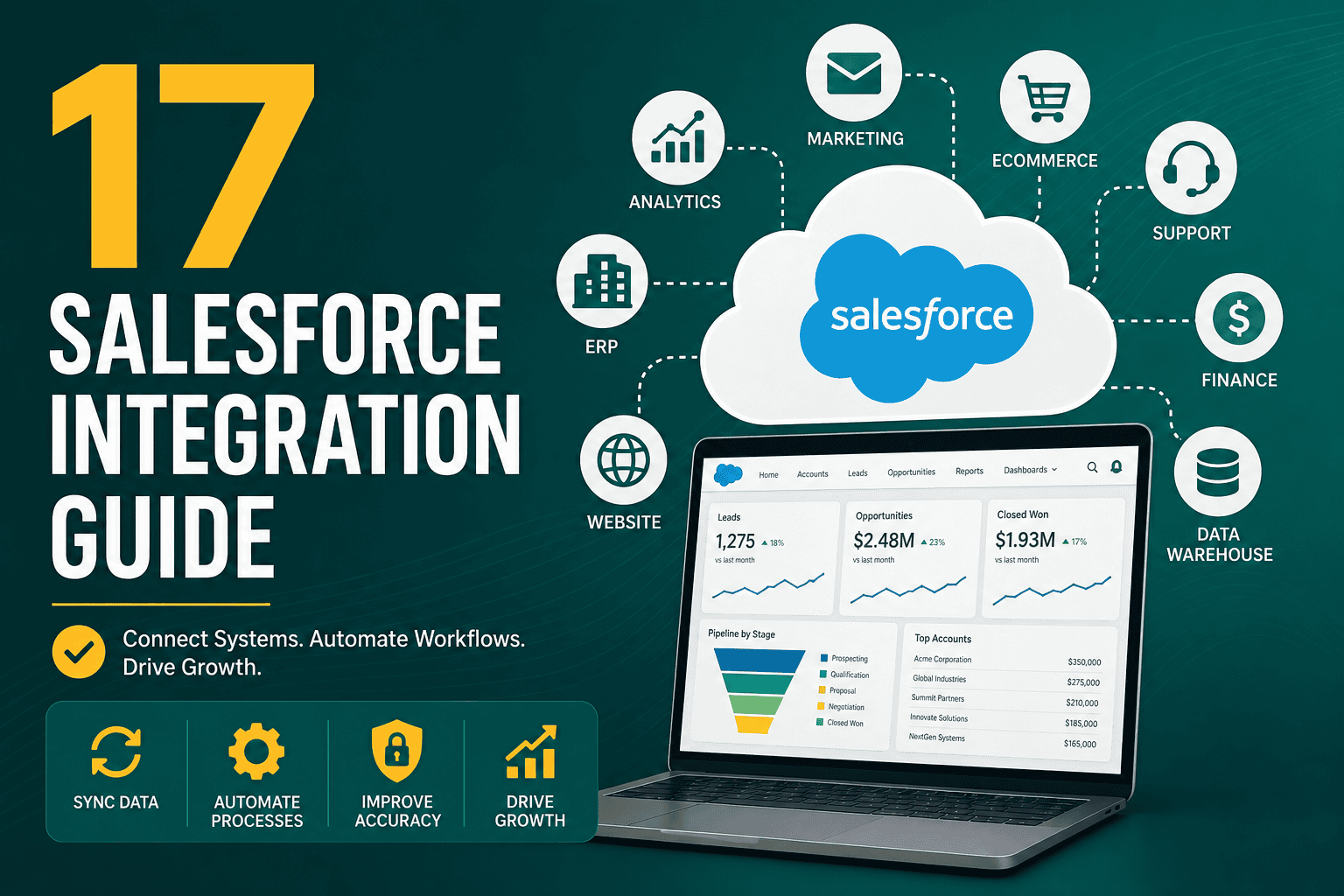
Most businesses need Salesforce to connect with other systems. These may include marketing automation platforms, websites, accounting software, ERP systems, ecommerce stores, customer support tools, call tracking software, analytics platforms, and data warehouses. For a deeper look at integration planning, review this Salesforce integration guide.
A consultant helps design reports and dashboards that show useful business metrics instead of overwhelming teams with irrelevant data. This can include sales pipeline, lead sources, conversion rates, revenue forecasts, service performance, activity tracking, customer retention, and executive summaries.
Salesforce success depends on user adoption. Consultants train salespeople, managers, service agents, administrators, and executives on how to use the system properly. They may also create documentation, process guides, and role-specific training materials.
Salesforce is not a one-time project. As your business changes, the platform should evolve. Consultants can audit your Salesforce org, remove unused fields, improve automation, optimize reports, adjust permissions, enhance integrations, and support new business requirements.
Implementation consulting focuses on launching Salesforce for the first time or rebuilding it from the ground up. This includes planning, configuration, data migration, automation, training, testing, and go-live support. A strong implementation makes Salesforce easier to maintain and scale in the future.
Before starting a project, businesses should understand the budget range and cost drivers. This Salesforce implementation cost guide explains the main factors that affect pricing, including complexity, customization, integrations, data migration, and support.
Customization consulting adapts Salesforce to your processes. This may include custom objects, custom fields, Lightning pages, flows, approval processes, validation rules, custom apps, and tailored user experiences. The key is to customize only where it improves usability, accuracy, automation, or decision-making.
Integration consulting connects Salesforce with external systems so data can move between platforms. Common integrations include marketing tools, websites, ecommerce platforms, finance systems, customer service platforms, telephony systems, and analytics tools.
Data consulting focuses on data structure, migration, cleanup, deduplication, validation, governance, and reporting accuracy. Consultants help businesses decide how accounts, contacts, leads, opportunities, cases, products, and custom objects should be organized.
Sales Cloud consulting improves lead management, opportunity tracking, sales activities, forecasting, pipeline visibility, quotes, territories, and sales team productivity. It is ideal for businesses that want a better sales process and clearer revenue reporting.
Service Cloud consulting helps customer support teams manage cases, service channels, knowledge bases, escalations, SLAs, and support performance. If customer service is a major use case, this Salesforce Service Cloud guide explains the platform’s features, benefits, and setup considerations.
Ongoing Salesforce support includes user management, field updates, report creation, automation fixes, permission changes, troubleshooting, release updates, and small improvements. This is useful for businesses that do not have a full-time Salesforce administrator.
An audit reviews your current Salesforce org to identify issues such as unused fields, duplicate data, broken automations, poor dashboard design, security gaps, permission problems, integration errors, and low adoption. Optimization turns Salesforce into a cleaner, faster, and more useful system.
You should consider hiring a Salesforce consultant when your Salesforce needs are business-critical, complex, or beyond your internal team’s experience. Some companies hire consultants before buying Salesforce, while others bring them in after the platform has already become messy or underused.
A Salesforce administrator usually manages the day-to-day operation of Salesforce. This includes creating users, updating fields, building reports, managing permissions, and supporting internal teams. A Salesforce consultant usually works at a more strategic or project-based level, helping design solutions, implement new functionality, optimize processes, and guide long-term architecture.
In smaller businesses, one person may perform both roles. In larger organizations, administrators, consultants, developers, architects, and business analysts may all work together.
A Salesforce consultant focuses on business requirements, configuration, process design, and solution planning. A Salesforce developer focuses on custom code, Apex, Lightning Web Components, complex integrations, and technical development. Many projects need both roles, especially when standard Salesforce configuration is not enough.
A good consultant should know when to use configuration, when to recommend custom development, and when to avoid unnecessary complexity.
The best Salesforce consultants combine business understanding, platform knowledge, technical awareness, communication skills, and problem-solving ability.
The consultant interviews stakeholders, reviews current systems, documents business processes, identifies pain points, and defines goals. This stage should include both leadership and end users because managers and frontline users often experience Salesforce differently.
The consultant turns discovery findings into clear requirements. These may include user stories, process maps, data requirements, reporting needs, automation rules, integration needs, and security requirements.
The consultant designs the Salesforce architecture. This includes objects, fields, page layouts, automations, permissions, integrations, and reporting structure. A good solution design balances functionality, usability, scalability, and maintainability.
The Salesforce environment is configured according to the approved design. This may include standard configuration, custom objects, flows, validation rules, custom pages, integrations, or code-based development if needed.
Data is cleaned, mapped, transformed, imported, and validated. Consultants often perform test imports before final migration to reduce the risk of errors.
Testing confirms that Salesforce works as expected. This includes functional testing, user acceptance testing, integration testing, automation testing, permission testing, and data validation.
Users receive role-specific training so they understand how to use Salesforce in their daily work. Training should focus on real scenarios, not just feature explanations.
The new Salesforce setup is launched. Consultants may provide go-live support to fix issues quickly, answer user questions, and monitor system behavior.
After launch, the consultant reviews feedback, fixes minor issues, improves reports, adjusts automations, and helps teams adopt the system more effectively.
Depending on the project, Salesforce consulting deliverables may include:
Salesforce has many features, but not every feature is necessary. Start by defining business outcomes such as faster lead response, better forecasting, improved case resolution, fewer manual tasks, or clearer executive reporting.
Trying to build everything at once can delay launch and overwhelm users. A focused first phase helps your team adopt Salesforce successfully before adding advanced functionality.
Salesforce should make work easier, not harder. Consultants should reduce unnecessary fields, simplify page layouts, automate repetitive tasks, and provide users with clear guidance.
Even the best Salesforce configuration will fail if the data is inaccurate, duplicated, incomplete, or inconsistent. Data cleanup should be part of every serious Salesforce project.
Custom development can be powerful, but it can also increase cost and maintenance. A consultant should use standard Salesforce features first when they meet the requirement.
Documentation helps future administrators, consultants, and internal teams understand why the system was built a certain way. This is especially important for automation, integrations, permissions, and data models.
Testing reduces the risk of broken workflows, incorrect permissions, bad data imports, and user frustration. Larger changes should be tested in a sandbox before production deployment.
For long-term quality, it is also useful to follow structured Salesforce operating principles. This guide to Salesforce CRM best practices explains practical ways to improve adoption, data quality, automation, reporting, and system performance.
Choosing the right Salesforce consultant is one of the most important decisions in your project. The wrong consultant can overcomplicate your system, miss important requirements, create weak automations, or deliver a solution your team does not use.
Choose a consultant who has experience with projects similar to yours. A consultant who understands B2B sales, ecommerce, SaaS, professional services, healthcare, real estate, or customer support workflows will be better prepared to recommend practical solutions for your industry.
A good consultant should have a clear process for discovery, design, implementation, testing, training, and support. Avoid consultants who jump directly into configuration without understanding your business.
Salesforce projects require collaboration. Your consultant should be able to explain complex concepts clearly, ask good questions, document decisions, and communicate risks early.
Salesforce success depends on people using the system. Ask how the consultant handles training, adoption, feedback, and post-launch support.
The consultant does not always need to be a developer, but they should understand the technical implications of configuration, automation, integrations, permissions, and data architecture.
Many issues appear after real users begin working in the system. Make sure the consultant offers support after go-live or provides a clear transition plan for your internal team.
Without discovery, Salesforce is often built around assumptions. This leads to missing requirements, confusing workflows, and expensive rework.
Too many custom fields, objects, automations, and page layouts can make Salesforce harder to use and maintain. Customization should support clear business value.
If users do not understand Salesforce or see it as extra work, adoption will suffer. Training, simple design, leadership support, and useful reporting all improve adoption.
Moving messy data into Salesforce creates problems immediately. Clean data before migration and define rules to keep it clean after launch.
Reporting should influence the data model and process design from the beginning. If leadership needs specific metrics, Salesforce must capture the right data at the right time.
Salesforce access should be carefully planned. Users should see the data they need, but sensitive information should be protected. Roles, profiles, permission sets, sharing rules, and field-level security all matter.
If your project involves access planning, this article on Salesforce user roles, profiles, and access provides a practical explanation of how Salesforce security works.
Salesforce consulting cost depends on project scope, complexity, consultant experience, location, timeline, data volume, number of users, integrations, and customization needs. Small advisory projects may cost much less than full implementations, while complex enterprise projects can require a significant investment.
Common Salesforce consulting pricing models include:
Cost should not be evaluated only by the lowest quote. A cheaper project can become expensive if the implementation is poorly designed, users reject it, or you need to rebuild the system later. The best Salesforce consulting investment produces measurable improvements in productivity, visibility, customer experience, and revenue operations.
The timeline depends on scope. A small Salesforce setup may take a few weeks, while a complex implementation with integrations, data migration, custom automation, and multiple departments may take several months.
Timelines are shorter when requirements are clear, stakeholders are available, data is clean, decisions are made quickly, and integrations are limited. Timelines expand when there are multiple departments, unclear ownership, complex approval processes, poor data quality, or custom development needs.
Small businesses often need Salesforce consulting to avoid overbuilding the system. The best approach is usually a practical setup focused on lead management, contact management, pipeline tracking, follow-up automation, simple dashboards, and clean data.
For small businesses, Salesforce should be simple enough for daily use but structured enough to support growth. A consultant can help decide which features are truly necessary and which can wait until the business is ready.
Growing teams often need Salesforce to support more users, more complex sales processes, multiple pipelines, better reporting, customer service workflows, and integrations with marketing or finance platforms. At this stage, consultants often help standardize processes and reduce operational chaos.
Growth-stage businesses should pay close attention to data quality, role-based access, automation governance, and scalable reporting. Decisions made at this stage can determine whether Salesforce remains manageable as the company expands.
Enterprise Salesforce consulting usually involves complex architecture, multi-team coordination, advanced security, integrations, compliance requirements, custom development, release management, and large-scale change management. These projects may require a team of consultants, architects, developers, administrators, and project managers.
Enterprise projects should use strong governance, sandbox testing, deployment planning, documentation, and stakeholder alignment. Without structure, large Salesforce environments can become difficult to maintain.
Use this checklist before hiring a Salesforce consultant or starting a project:
Salesforce consulting helps businesses turn Salesforce from a software tool into a practical growth system. The right consultant can improve sales processes, customer service, automation, reporting, integrations, data quality, and user adoption. The key is to start with business goals, design around real workflows, avoid unnecessary complexity, and continuously improve the platform after launch.
Whether you are implementing Salesforce for the first time, fixing an existing setup, integrating systems, or scaling your CRM for growth, a structured consulting approach can save time, reduce risk, and help your team get more value from Salesforce.