July 16, 2026
Salesforce User Roles Explained: Roles, Profiles & Access
Salesforce User Roles Explained Understanding Salesfor...
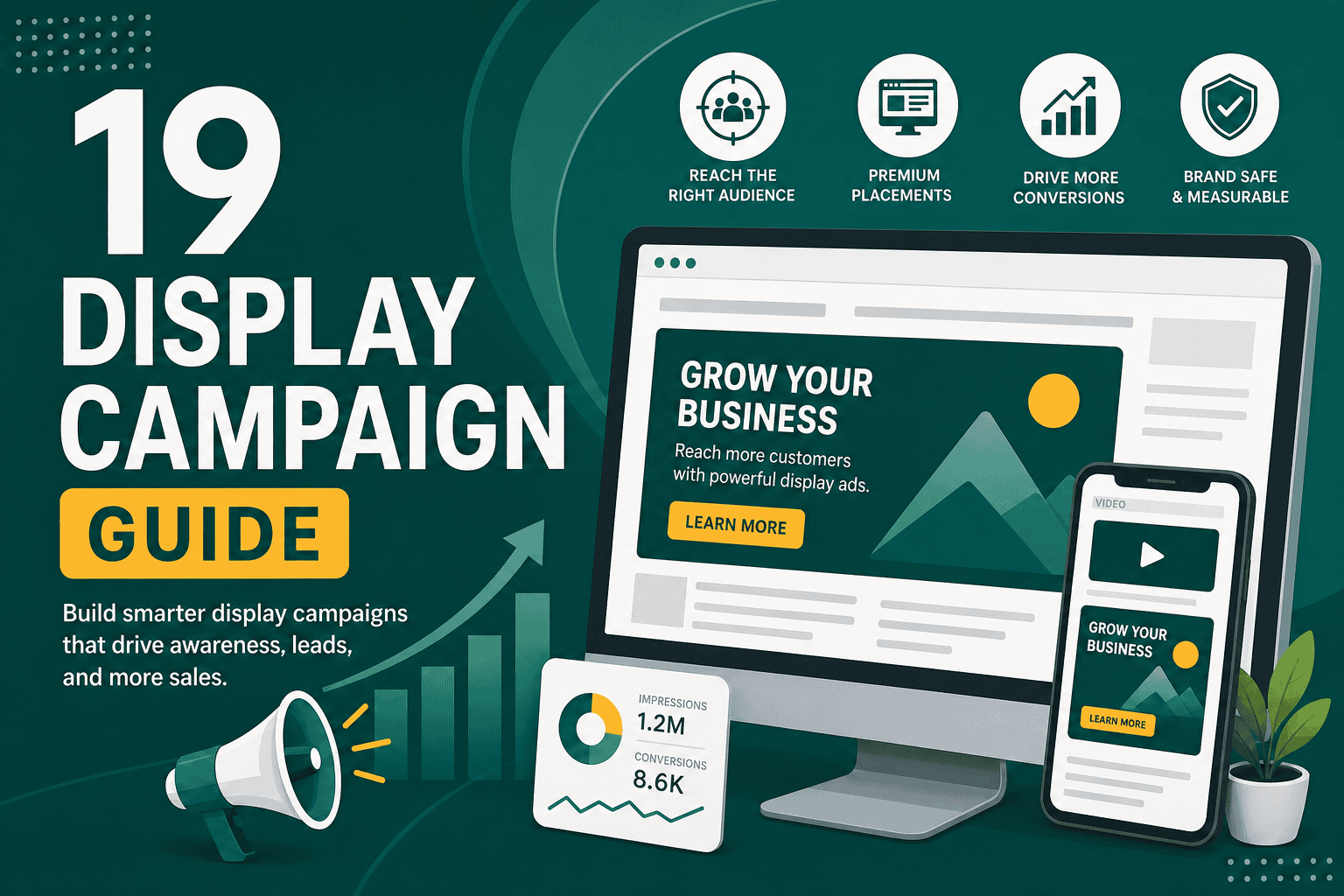
This display campaign guide explains how display advertising works, when to use it, how to structure campaigns, which targeting options matter, and how to measure performance without wasting budget. Display campaigns can help businesses build awareness, re-engage visitors, support lead generation, promote products, and stay visible across websites, apps, YouTube placements, and other digital inventory.
Unlike search ads, which appear when someone types a query into Google, display ads usually reach people while they are browsing content, watching videos, using apps, or reading articles. That means display campaigns often work best when they are planned around audience intent, creative quality, remarketing strategy, and clear measurement.
A well-built display campaign is not simply a banner ad shown to as many people as possible. It should have a defined goal, relevant audience, strong message, compelling creative, controlled placements, accurate conversion tracking, and a clear optimization process.
A display campaign is a type of digital advertising campaign that shows visual ads across websites, mobile apps, video platforms, and ad networks. In Google Ads, display campaigns can appear across the Google Display Network, which includes millions of websites, apps, and Google-owned properties. Other platforms, such as Meta, programmatic networks, and native advertising platforms, also offer display-style placements.
Display ads can include images, responsive ads, HTML5 creatives, animations, product ads, video assets, or rich media. They are designed to capture attention visually and guide users toward a desired action, such as visiting a website, viewing a product, submitting a lead form, downloading a resource, or completing a purchase.
Display and search campaigns are both valuable, but they serve different purposes. Search campaigns target people based on what they actively search for. Display campaigns usually target people based on who they are, what they are interested in, which sites they visit, or how they previously interacted with your business.
If you want to capture high-intent demand, search is often stronger. If you want to generate awareness, create demand, retarget visitors, or stay visible throughout the buyer journey, display can be very effective. For a deeper look at intent-driven advertising, see this search campaign guide for building Google Ads that convert.
Display advertising can be useful at multiple stages of the marketing funnel, but it must be matched to the right business goal. A display campaign that is judged only by last-click conversions may look weak, even if it is influencing users earlier in their decision process. For this reason, display campaigns should be evaluated based on their role in the customer journey.
Display ads can introduce your business to people who may not yet know your brand. This is useful for new companies, product launches, local awareness, event promotion, and competitive markets where visibility matters.
Remarketing is one of the strongest uses of display advertising. Instead of showing ads to cold audiences, you can show ads to people who already visited your site, viewed a product, started checkout, downloaded a resource, or engaged with your content. If this is a priority, this remarketing guide with strategies and best practices explains how to bring interested visitors back more effectively.
For B2B, SaaS, consulting, real estate, financial services, education, and high-ticket purchases, people rarely convert on the first visit. Display ads can support lead nurturing by showing educational content, case studies, offers, webinars, demos, or trust-building messages over time.
Display campaigns can promote products, categories, seasonal sales, abandoned carts, bestsellers, and dynamic product recommendations. Ecommerce brands often use display alongside search, shopping, email, and paid social ads to maintain visibility across the buying journey.
There are several ways to structure display campaigns depending on your objective, platform, and available assets.
Standard display campaigns give advertisers more control over targeting, placements, bidding, and creative. They are useful when you want to define specific audiences, topics, content categories, or managed placements.
Responsive display ads use multiple headlines, descriptions, images, logos, and videos. The ad platform automatically combines these assets to fit different placements and screen sizes. This format is easy to launch and gives platforms flexibility to optimize delivery.
Remarketing campaigns show ads to people who have already interacted with your website, app, landing page, product catalog, or content. These campaigns often perform better than cold display campaigns because the audience already has some level of familiarity.
Dynamic display campaigns automatically show products or services based on a user’s previous behavior. For example, an ecommerce visitor who viewed a specific product may later see an ad featuring that same product or related items.
Programmatic display uses automated media buying to place ads across large networks of websites and apps. It can offer advanced targeting, real-time bidding, audience segmentation, and broader reach, but it also requires careful brand safety and placement controls.
Display campaigns are often most effective when they are aligned with funnel stages. A cold audience should not always see the same message as someone who abandoned a cart or requested a quote. Your creative, offer, landing page, and conversion goal should match the user’s level of awareness.
For a broader framework, this article on the marketing funnel stages, examples, and strategy explains how prospects move from awareness to consideration and conversion.
At the awareness stage, the goal is to introduce your brand, problem, product category, or value proposition. Metrics may include reach, impressions, viewable impressions, engaged sessions, video views, and new visitors.
At the consideration stage, display ads can promote comparison content, educational guides, service pages, testimonials, case studies, demos, or product benefits. Metrics may include landing page engagement, return visits, assisted conversions, form starts, and content downloads.
At the conversion stage, display ads can target users who have shown strong buying signals. Examples include cart abandoners, pricing page visitors, product viewers, quote request starters, demo page visitors, and past leads. Metrics may include conversions, conversion rate, cost per lead, return on ad spend, and revenue.
Targeting is one of the most important parts of display campaign performance. Poor targeting can lead to wasted impressions and low-quality traffic. Strong targeting helps your ads reach people who are more likely to care about your offer.
Audience targeting focuses on the person rather than the page they are viewing. Common audience types include:
Placement targeting allows you to choose specific websites, apps, YouTube channels, or videos where your ads may appear. This can be useful for highly controlled campaigns, niche industries, sponsorship-style visibility, or brand-safe environments.
Topic targeting shows ads on pages related to selected categories. For example, a software company might target business technology topics, while a fitness brand might target health and wellness content.
Contextual targeting matches ads to page content. Instead of focusing only on user identity, it considers the context of the website or article being viewed. This can be useful as privacy changes reduce reliance on third-party cookies.
Demographic targeting may include age, gender, parental status, household income, location, language, and device. These settings should be used carefully. Overly narrow targeting can restrict learning, while overly broad targeting can waste budget.
A successful display campaign starts with strategy before creative or platform setup. Follow these steps to build campaigns with a stronger chance of producing useful results.
Choose one primary goal before launching. Common display campaign goals include:
Your campaign goal affects bidding, targeting, creative, landing pages, budgets, and measurement. A campaign built for awareness should not be evaluated the same way as a campaign built for direct lead generation.
Start with the audience most likely to support your goal. For example, if your objective is conversion, remarketing audiences may be more efficient than broad affinity audiences. If your objective is awareness, broader in-market or custom audiences may be appropriate.
You can also layer audience segments by intent. A pricing page visitor should usually receive a different message from a first-time blog visitor. A past customer should not always see the same ad as a new prospect.
Display ads need a reason for users to pay attention. The offer does not always have to be a discount. It can be a useful resource, free consultation, demo, checklist, product benefit, limited-time promotion, comparison guide, or exclusive bundle.
Examples of display campaign offers include:
Creative quality has a major impact on display campaign performance. Your ad should be visually clear, easy to understand, and relevant to the landing page. Avoid cluttered designs, tiny text, vague messaging, and generic stock images that do not communicate value.
Strong display ads usually include:
Sending display traffic to a generic homepage often reduces performance. The landing page should match the ad message and make the next step obvious. If the ad promotes a free guide, the landing page should focus on downloading that guide. If the ad promotes a product category, the landing page should show that product category clearly.
A strong landing page should load quickly, explain the value proposition, reduce friction, include trust signals, and provide a clear conversion path.
Display campaigns should never run without proper tracking. You need to know what happens after someone clicks or views an ad. Track meaningful actions such as purchases, lead form submissions, calls, booked appointments, signups, downloads, and qualified leads.
If you use Google Ads, this Google Ads conversion tracking setup guide explains how to measure valuable actions more accurately.
Your bidding strategy should match your campaign goal and conversion volume. Common bidding options may include maximize clicks, maximize conversions, target CPA, target ROAS, viewable CPM, or manual bidding depending on the platform.
For awareness campaigns, viewable impressions and reach may matter more. For conversion campaigns, automated bidding can work well when enough conversion data is available. If the account has limited history, you may need to start with a simpler strategy and shift after data improves.
Display networks can include many websites and apps. Without placement controls, ads may appear in low-quality environments, irrelevant apps, or placements that produce accidental clicks. Review placements regularly and exclude poor performers.
Common exclusions may include:
Display ads compete for attention in busy environments. Users are usually not browsing websites to find your ad, so your creative must communicate quickly.
Most users will only glance at a display ad for a moment. Use short headlines, simple visuals, and one main idea. Do not try to explain every feature in one banner.
Your call to action should tell users what to do next. Examples include “Get a Quote,” “Shop the Sale,” “Book a Demo,” “Download the Guide,” “Start Free Trial,” or “View Products.”
Cold audiences may need education, while warm audiences may need proof, urgency, or a direct offer. For example, a first-time visitor might see a brand introduction, while an abandoned cart user might see a reminder or incentive.
Do not rely on one ad design. Test different headlines, images, colors, offers, formats, and calls to action. Over time, pause weak assets and create new variations based on performance patterns.
Many display impressions happen on mobile devices. Text must be readable, buttons must be clear, and visuals must work at small sizes. If an ad only looks good on desktop, it may underperform across much of your inventory.
Your display campaign budget should reflect the campaign objective, audience size, expected conversion value, and testing needs. Display campaigns often require enough budget to gather data across audiences, creatives, and placements.
For small businesses, it is usually better to start with focused campaigns rather than spreading a small budget across too many audiences. For example, a remarketing campaign targeting high-intent website visitors may be a better starting point than a broad awareness campaign across multiple audience segments.
Display campaigns should be measured with the right metrics for their objective. Not every campaign should be judged only by direct conversions, especially if it is designed for awareness or consideration.
Impressions show how many times your ads were served. This is useful for awareness, but impressions alone do not prove business impact.
Reach measures how many unique users saw your ads. This helps you understand audience exposure and avoid overly narrow delivery.
Click-through rate shows the percentage of impressions that became clicks. A low CTR may indicate weak creative, poor targeting, irrelevant placements, or a message mismatch.
Viewable impressions estimate whether the ad had a real opportunity to be seen. This is more useful than raw impressions when evaluating visibility.
Conversions are the actions you want users to take, such as purchases, form submissions, phone calls, signups, or downloads. Conversion quality matters as much as conversion quantity.
Cost per conversion helps you understand efficiency. However, display campaigns may also assist conversions that happen later through search, direct traffic, or email.
For ecommerce and revenue-tracked campaigns, return on ad spend measures revenue generated compared to ad spend. It is most useful when purchase tracking and attribution are reliable.
Frequency shows how often the same users see your ads. High frequency can improve recall, but excessive frequency may cause fatigue, annoyance, and wasted spend.
Display advertising often influences people before they convert. A user might see a display ad, later search for your brand, return through organic search, and then submit a form. If you only evaluate last-click conversions, you may undervalue display’s role in the journey.
Use attribution reports, assisted conversions, audience path analysis, and platform data to better understand how display contributes to results. This is especially important for longer sales cycles, high-ticket purchases, and B2B campaigns.
Display campaigns can waste budget quickly when they are set up without proper structure, targeting, or measurement. Avoid these common mistakes.
Broad targeting can create many impressions but little business value. If your audience is too wide, your ads may reach people with no meaningful interest in your offer.
A homepage is rarely the best destination for display traffic. Use landing pages that match the ad message, offer, and audience intent.
Some placements will spend budget without producing quality traffic or conversions. Review placement data and exclude poor performers regularly.
Generic, unclear, or cluttered banner ads usually struggle. Creative should be built around a clear message, visual hierarchy, and audience-specific value proposition.
Remarketing and prospecting audiences behave differently. Combining them in the same campaign can make performance harder to understand and optimize.
If your campaign optimizes toward low-value actions, such as accidental clicks or shallow page views, the platform may find more of those actions instead of qualified leads or sales.
Use this checklist to improve display campaign performance over time:
Display campaigns usually perform best as part of a broader digital marketing strategy. They can support search, SEO, paid social, email, content marketing, and CRM follow-up.
For example, a user may discover your brand through a display ad, later search for your company, read a comparison article, join your email list, and then convert after receiving a follow-up offer. This is why display advertising should not be planned in isolation. A connected digital marketing strategy for sustainable growth helps align your channels, messaging, data, and goals.
Display can increase awareness and brand searches, while search can capture users when they actively express intent. Together, they can cover both demand generation and demand capture.
Display is one of the most common remarketing channels. It helps bring visitors back after they leave your website without converting.
Email and display can reinforce each other. For example, users who download a guide can receive email nurturing while also seeing display ads promoting a demo, consultation, or related offer.
CRM data can help build stronger audience segments. For example, you can exclude existing customers from acquisition campaigns, target dormant leads with reactivation offers, or build campaigns around lifecycle stages.
Display campaigns can support lead generation, but they usually need a strong offer and a clear qualification process. Cold display traffic may not be ready to request a sales call immediately, so educational offers often work better at the first touch.
Effective lead generation offers for display campaigns include:
If your main objective is building a pipeline, this guide to lead generation strategies for qualified leads can help you connect display advertising with broader acquisition tactics.
Ecommerce display campaigns can promote products visually, recover abandoned carts, increase repeat purchases, and support seasonal campaigns. Dynamic remarketing is especially useful because it can show users products they already viewed or added to cart.
For ecommerce, display campaigns should be connected to product feeds, purchase tracking, audience lists, and lifecycle segments. You may want separate campaigns for new visitors, product viewers, cart abandoners, past purchasers, and high-value customers.
The timeline depends on your budget, audience size, conversion volume, creative quality, and campaign goal. Remarketing campaigns may show results faster because they target warmer users. Prospecting and awareness campaigns often need more time to gather data and influence the buying journey.
As a general rule, avoid making major decisions after only a few clicks. Look for patterns across impressions, placements, audiences, engagement, assisted conversions, and conversion quality. Display campaigns need active optimization, but they also need enough data for meaningful decisions.
A strong display campaign guide should focus on more than launching banner ads. Display advertising works best when strategy, audience targeting, creative, landing pages, tracking, and optimization are aligned. The goal is not simply to generate impressions; it is to reach the right people with the right message at the right stage of their journey.
Start with a clear objective, build focused audiences, create strong visual ads, send users to relevant landing pages, track meaningful conversions, and review performance regularly. When managed properly, display campaigns can support awareness, remarketing, lead generation, ecommerce sales, and long-term brand growth.