August 17, 2026
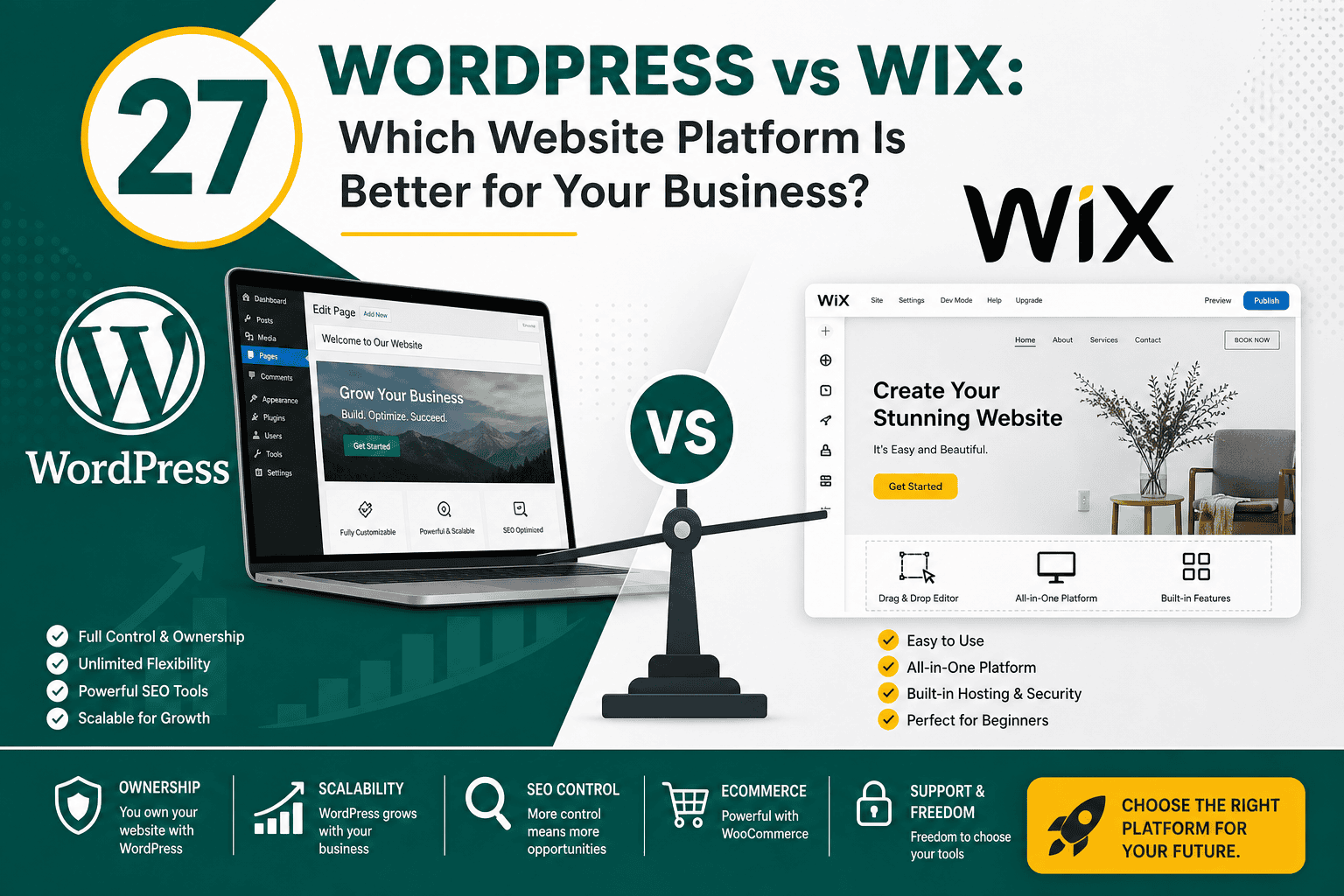
WordPress vs Wix: Which Is Better for Your Business?
WordPress vs Wix: Which Website Platform Is Better for...
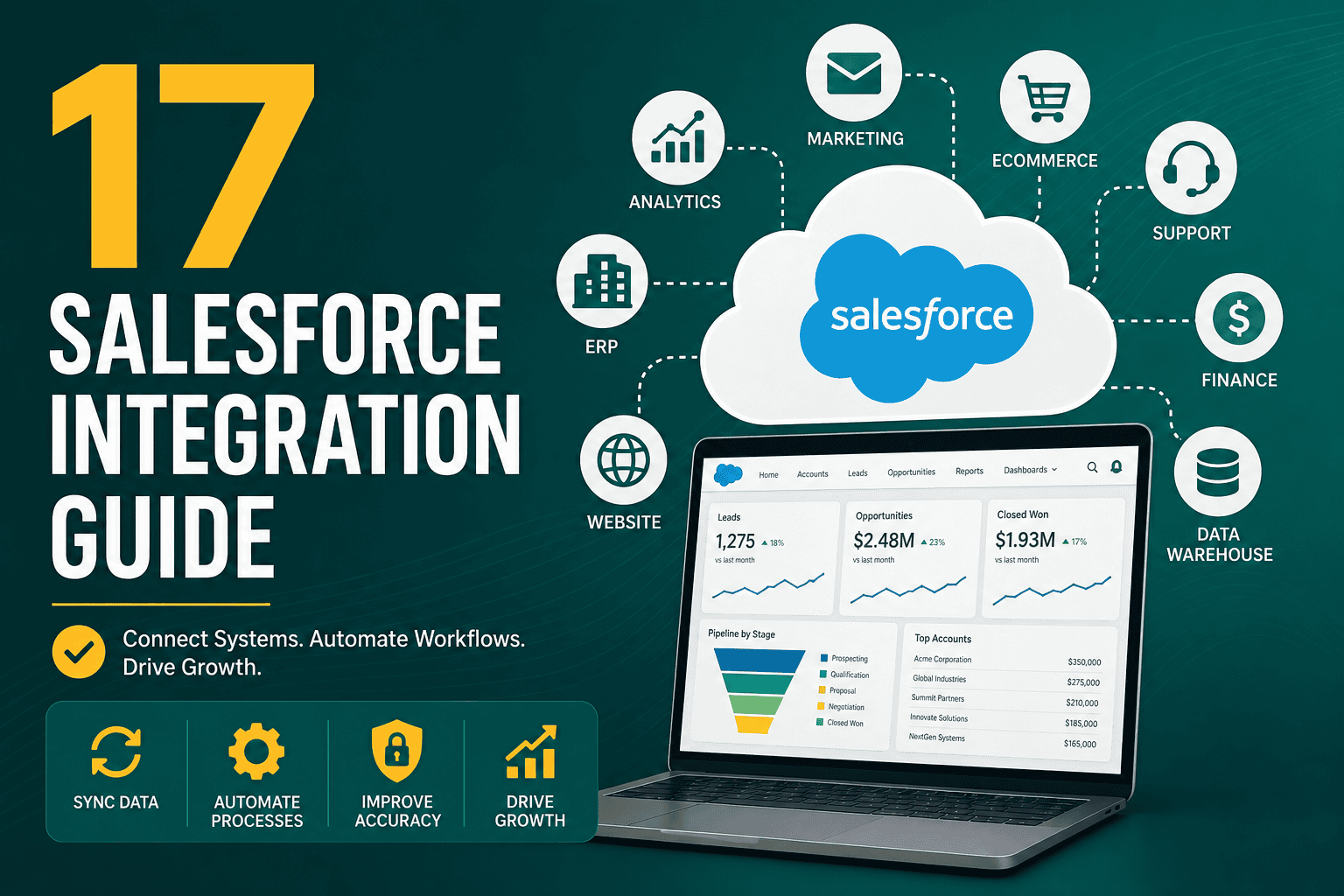
Salesforce integration is the process of connecting Salesforce with other business systems so data, workflows, and customer experiences can move smoothly across your organization. A well-planned integration can connect Salesforce with marketing platforms, ecommerce systems, ERP software, accounting tools, customer support platforms, data warehouses, websites, and custom applications.
This Salesforce integration guide explains what Salesforce integration means, why it matters, common integration types, key methods, planning steps, best practices, and mistakes to avoid. Whether you are connecting Salesforce for sales, marketing, service, operations, or analytics, the goal is the same: reliable data flow, fewer manual tasks, and a better customer experience.
Salesforce integration connects Salesforce with external applications, databases, APIs, or internal systems. Instead of keeping customer, sales, marketing, and operational data in separate platforms, integration allows different tools to exchange information automatically.
For example, a company may integrate Salesforce with:
Salesforce is often chosen because it can act as a central customer platform. If you are still evaluating the platform itself, this overview of why businesses choose Salesforce CRM explains the broader benefits of Salesforce, including customization, automation, analytics, and integrations.
Without integration, teams often rely on manual exports, spreadsheets, duplicate data entry, and disconnected systems. This slows down decisions, creates reporting errors, and makes it difficult to deliver a consistent customer experience.
Salesforce integration helps businesses:
One of the most common Salesforce integrations is connecting website forms to Salesforce. When a visitor submits a form, Salesforce can automatically create a lead, assign it to the right sales representative, trigger a follow-up task, and add the person to a nurturing campaign.
This is especially valuable for businesses investing in online growth. Strong integrations support the broader customer journey described in a practical digital marketing strategy, where lead generation, content, advertising, CRM, and analytics work together instead of operating separately.
Marketing teams often integrate Salesforce with platforms such as Marketing Cloud, Account Engagement, HubSpot, Mailchimp, ActiveCampaign, or other campaign tools. This allows sales and marketing teams to share lead status, campaign activity, email engagement, conversion data, and lifecycle stage updates.
For example, when a lead opens emails, attends a webinar, downloads a resource, or reaches a lead score threshold, Salesforce can notify sales or update the lead record automatically.
Salesforce can also connect with paid advertising platforms or reporting tools to track how campaigns influence revenue. Instead of measuring only clicks and leads, businesses can connect campaign data to pipeline, opportunities, deal value, and customer lifetime value.
This is useful when evaluating social advertising performance. A structured approach to Meta Ads reporting and campaign analysis can become more powerful when advertising data is connected with Salesforce lead quality and sales outcomes.
ERP and finance integrations connect Salesforce with systems that manage inventory, orders, invoices, payments, procurement, and revenue recognition. This gives sales and service teams better visibility into customer accounts while allowing finance and operations teams to work with accurate sales data.
Common examples include integrations with NetSuite, SAP, Oracle, Microsoft Dynamics, QuickBooks, Xero, and custom finance systems.
Salesforce can integrate with customer support tools, help desks, chat platforms, phone systems, and knowledge base software. This helps service teams understand the customer’s full history, including purchases, contracts, open opportunities, cases, and previous communication.
When support and sales data are connected, businesses can improve retention, identify upsell opportunities, and resolve issues faster.
Many organizations connect Salesforce to a data warehouse or BI platform such as Snowflake, BigQuery, Redshift, Tableau, Power BI, or Looker. This allows teams to combine Salesforce data with website analytics, product usage, financial data, advertising spend, and operational metrics.
This type of integration is especially important for leadership reporting, forecasting, attribution, and advanced analytics.
Data integration focuses on moving records between Salesforce and other systems. This may include accounts, contacts, leads, opportunities, products, orders, invoices, cases, or custom objects.
Data integration can be one-way or two-way. In a one-way integration, data moves from one system to another. In a two-way integration, both systems can send and receive updates.
Process integration connects business workflows across systems. For example, when an opportunity is marked as closed-won in Salesforce, the integration may automatically create a customer account in an ERP system, generate an invoice, notify the implementation team, and start an onboarding workflow.
User interface integration allows users to view or interact with external system data inside Salesforce without fully copying that data into Salesforce. For example, a sales representative might view invoice status from an accounting system directly on an account page.
Application integration connects Salesforce with software applications so they can exchange data and trigger actions. This may involve middleware, APIs, platform events, webhooks, or prebuilt connectors.
Salesforce provides several APIs for integration. The right API depends on the data volume, use case, timing requirements, and technical architecture.
Middleware tools sit between Salesforce and other systems. They help manage authentication, mapping, transformations, error handling, scheduling, monitoring, and orchestration.
Popular middleware and integration platforms include MuleSoft, Boomi, Workato, Jitterbit, Zapier, Tray.io, Celigo, and custom integration layers built on cloud services.
Many applications provide native Salesforce connectors. These are often easier to configure than custom API integrations and may be suitable for common use cases such as syncing leads, contacts, campaign data, tasks, or support tickets.
However, native connectors may have limitations around flexibility, custom objects, sync frequency, data mapping, and error handling. Always review connector capabilities before relying on them for business-critical processes.
Salesforce AppExchange includes integration apps for marketing, finance, operations, analytics, document management, telephony, ecommerce, and more. AppExchange tools can reduce development time, but they still require careful evaluation for security, scalability, licensing, and long-term fit.
Custom integrations may be necessary when business requirements are complex or when no suitable connector exists. Developers can use Apex, external services, APIs, webhooks, platform events, or custom middleware to build tailored integrations.
Custom code provides flexibility but also requires stronger governance, documentation, testing, and maintenance.
Start with the business goal, not the technology. Ask what the integration should achieve. For example, do you want to reduce manual data entry, improve reporting, accelerate lead response, connect billing information, or automate customer onboarding?
Clear goals help determine the correct architecture, tools, data model, and success metrics.
List every system that needs to connect with Salesforce. Include the system owner, purpose, data stored, API availability, security requirements, and technical limitations.
Common connected systems include websites, marketing platforms, ERPs, accounting tools, ecommerce platforms, data warehouses, customer support platforms, product databases, and internal applications.
Data mapping defines how fields in one system correspond to fields in Salesforce. For example, a field called “Company Name” in a form tool may map to the “Company” field on a Salesforce Lead record.
During mapping, document:
Determine whether data should flow one way or both ways. A one-way sync is often simpler and safer, while a two-way sync can be useful when both systems need to update shared data.
For two-way syncs, define which system wins if both systems update the same field. This is known as conflict resolution.
Not every integration needs to happen in real time. Some business processes require immediate updates, while others can run every few minutes, hourly, or daily.
Security should be included from the beginning. Review authentication methods, user permissions, data access, encryption, audit logs, connected app policies, API limits, and regulatory requirements.
If the integration includes personal data, financial data, health information, or customer records, confirm compliance obligations before implementation.
Never build or test major integrations directly in production. Salesforce sandboxes allow teams to test integration behavior safely before live deployment. This reduces the risk of corrupted records, broken automation, duplicate data, or accidental customer communication.
For environment planning, this Salesforce sandbox guide explains sandbox types, setup considerations, and best practices for testing changes outside production.
Decide whether Salesforce is the primary source of truth for each type of data. For example, Salesforce may be the system of record for accounts and opportunities, while the ERP is the system of record for invoices and inventory.
When ownership is unclear, systems may overwrite each other, causing data quality issues.
A poor data model makes integration harder. Before connecting systems, review objects, fields, naming conventions, required fields, picklists, validation rules, and duplicate rules.
A clean Salesforce data model makes reporting easier and reduces future integration maintenance.
Every integration should have a clear error-handling process. Errors may happen because of missing required fields, invalid values, expired credentials, API limits, network issues, duplicate records, or validation rules.
Your integration should log errors, notify the right team, retry when appropriate, and provide enough detail to resolve issues quickly.
Salesforce imposes API limits based on edition, licenses, and usage. Poorly designed integrations can consume too many API calls and affect other connected systems.
Use bulk operations, efficient queries, selective sync rules, and proper scheduling to avoid unnecessary API usage.
Two-way syncs can be powerful, but they also increase complexity. They require conflict rules, duplicate management, field ownership, and careful monitoring.
If the business does not need two-way updates, a one-way sync is often more reliable.
Documentation should include architecture diagrams, field mappings, data flow direction, authentication details, error handling, owners, schedules, API usage, dependencies, and deployment steps.
Good documentation helps administrators, developers, and business teams maintain the integration over time.
After launch, integrations should be monitored continuously. Track failed records, latency, API usage, sync volume, authentication errors, and unusual data changes.
Integration monitoring is not optional. A silent failure can cause weeks of missing data before anyone notices.
Use this checklist before starting a Salesforce integration project:
The best integration approach depends on business needs, budget, complexity, data volume, and technical resources.
For many companies, the right answer is a combination of methods. A business might use native connectors for simple marketing syncs, middleware for ERP integration, and custom APIs for a proprietary application.
A Salesforce integration should be measured by business outcomes, not just technical completion. Useful success metrics include:
Technical metrics are also important. Track sync success rate, failed records, API consumption, processing time, and system uptime.
Salesforce integration can transform Salesforce from a standalone CRM into the central hub of your customer, sales, marketing, service, and operational data. The key is to plan carefully, define ownership, clean your data, choose the right integration method, test in a sandbox, and monitor performance after launch.
A successful Salesforce integration is not just a technical connection between systems. It is a business process improvement that helps teams work faster, make better decisions, and deliver a more consistent customer experience.