August 4, 2026
WordPress Plugins You Actually Need: Essential Guide
WordPress Plugins You Actually Need Choosing the wordp...
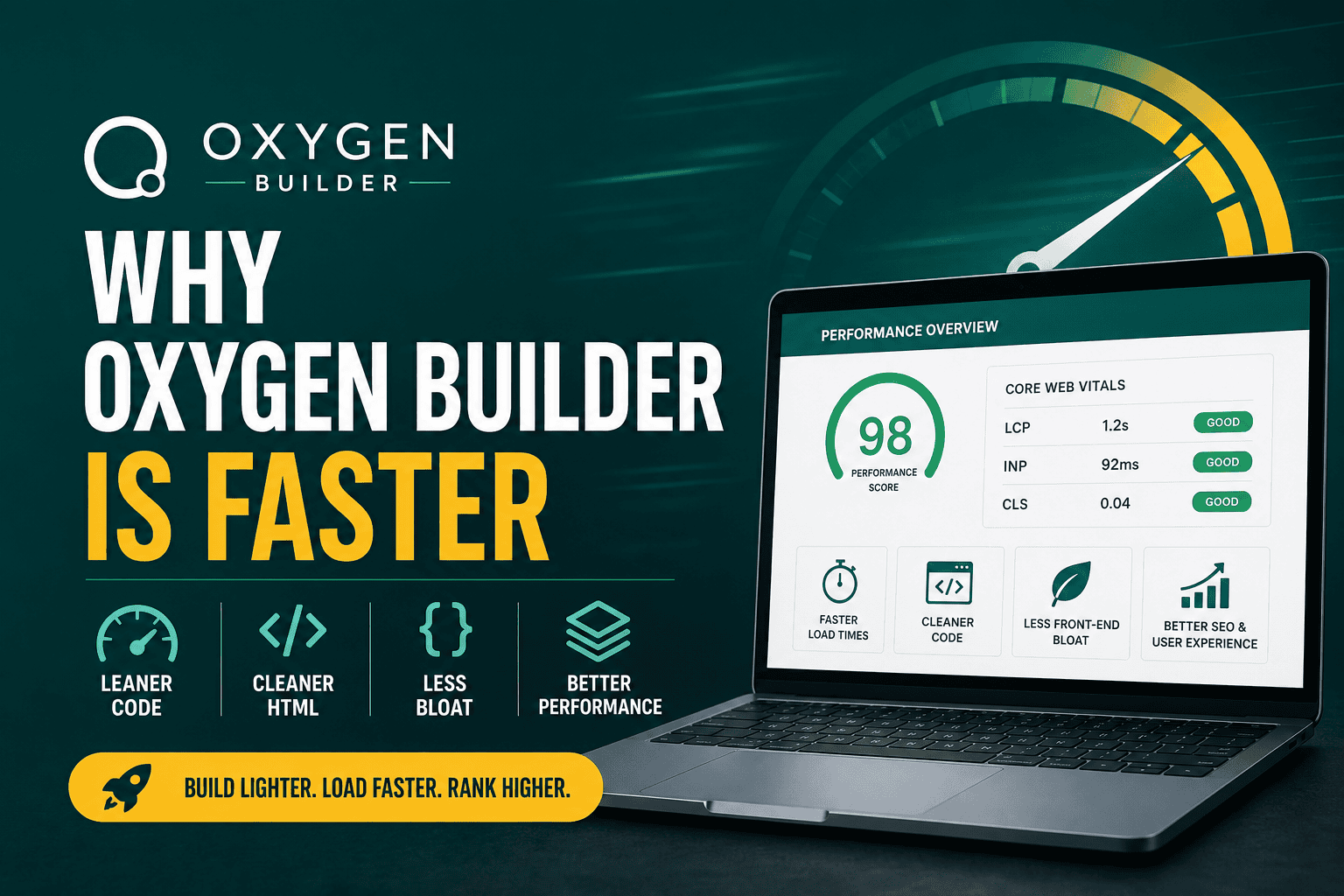
If you are comparing WordPress page builders, one common question is why Oxygen Builder is faster than many traditional visual builders. The short answer is that Oxygen gives developers more control over the final output, avoids unnecessary theme bloat, and produces cleaner front-end code when built properly. Instead of stacking design controls on top of an active WordPress theme, Oxygen replaces the theme layer and lets you build lean templates, reusable components, and optimized layouts from the ground up.
Speed matters because users expect websites to load quickly, and search engines use page experience signals as part of the overall ranking and usability picture. A fast website can improve engagement, reduce bounce rates, support stronger conversion rates, and make paid traffic more efficient. Oxygen Builder is not automatically fast in every situation, but it gives skilled developers the tools to build faster WordPress websites with fewer unnecessary resources.
Before explaining why Oxygen Builder is faster, it helps to understand what usually slows down WordPress websites. Many sites are not slow because of WordPress itself. They become slow because of excessive plugins, bloated themes, heavy page builders, oversized images, poor hosting, render-blocking scripts, unoptimized fonts, and unnecessary CSS or JavaScript.
Common performance problems include:
Oxygen can help solve several of these problems because it allows a more controlled development workflow. However, hosting still plays a major role in performance. If your server is slow, even a well-built Oxygen site can underperform. For businesses evaluating infrastructure, this WordPress hosting guide explains how hosting affects speed, uptime, scalability, and security.
Oxygen Builder is faster mainly because it does not rely on a traditional WordPress theme, gives developers precise control over markup and styling, and avoids much of the default design bloat found in many drag-and-drop builders. Instead of loading a theme plus a builder plus multiple styling layers, Oxygen lets you create the structure directly.
Most WordPress page builders work inside an existing theme. That means the website may load theme styles, theme scripts, page builder assets, plugin assets, and custom CSS all at once. This can create duplication and unnecessary code.
Oxygen works differently. It disables the active theme on the front end and allows you to build the site structure using Oxygen templates. This can reduce the amount of theme-related CSS and JavaScript loaded on the page. By removing the traditional theme layer, Oxygen gives developers a cleaner starting point.
This is one of the main reasons Oxygen is often chosen for custom WordPress builds where performance is a priority. Instead of fighting against theme limitations, developers can create only what the project needs.
Many visual builders create deeply nested HTML. A simple heading or button may be wrapped in several unnecessary container elements. Excessive markup can increase page size, make styling harder, and negatively affect rendering performance.
Oxygen generally gives developers more control over the HTML structure. You can create sections, divs, grids, buttons, headings, and dynamic elements with a more intentional layout hierarchy. Cleaner HTML helps browsers parse and render pages more efficiently.
This does not mean every Oxygen site automatically has perfect markup. A careless build can still become messy. But compared with many beginner-friendly builders, Oxygen encourages a more developer-oriented structure.
Oxygen allows developers to manage styling through classes, reusable selectors, global styles, and custom CSS. This makes it easier to create a consistent design system without repeating inline styles across every element.
When used correctly, class-based styling can reduce duplication. For example, instead of styling every button individually, you can create a reusable button class and apply it throughout the site. This keeps CSS more organized and can reduce unnecessary style output.
In contrast, some builders encourage element-by-element styling, which can lead to bloated pages and inconsistent design patterns. Oxygen supports a more systematic approach, especially when combined with a utility-class workflow or a custom design framework.
One reason Oxygen Builder is faster is that it avoids loading many unnecessary front-end features by default. Some page builders include large libraries for animations, sliders, effects, layout systems, icons, and widgets, even when a page uses only a small portion of them.
Oxygen is more minimal. It gives developers the foundation to build layouts without forcing a large collection of prebuilt design assets onto every page. This can result in smaller CSS and JavaScript files, fewer network requests, and better Core Web Vitals when the site is optimized properly.
Oxygen gives you detailed control over templates for headers, footers, archives, blog posts, WooCommerce products, custom post types, and dynamic content. Better template control improves performance because you can decide exactly what loads in each context.
For example, a product page, blog post, and landing page may not need the same scripts, design sections, or layout components. Oxygen makes it easier to build conditional templates and avoid unnecessary global elements.
This is especially useful for larger websites, membership platforms, directories, and ecommerce stores where different page types have different performance needs.
Core Web Vitals measure important parts of the user experience, including loading speed, interactivity, and visual stability. Oxygen can support strong Core Web Vitals because it gives developers control over layout, assets, responsive design, and code output.
The key Core Web Vitals metrics include:
Oxygen can help improve these metrics when developers optimize images, reduce unused assets, avoid excessive scripts, define image dimensions, use efficient layouts, and implement proper caching. However, Oxygen is only one part of the performance equation. Hosting, plugins, media optimization, database health, and third-party scripts all matter.
Traditional WordPress themes are designed to serve many types of users. To appeal to a wide audience, they often include many layout options, customization settings, demo templates, widgets, scripts, and design features. This flexibility can be useful, but it often comes with performance costs.
Oxygen takes a different approach. Instead of starting with a theme that already contains many features, you start with a blank development environment and build exactly what the site requires. This can produce a leaner website because unnecessary theme features are not loaded.
The difference is similar to building custom furniture instead of buying a large multipurpose cabinet. A multipurpose theme may include features you never use, while Oxygen allows a custom structure designed around actual business goals, content, and conversion paths.
Many page builders focus on ease of use for non-technical users. They often include large widget libraries, preset animations, design panels, and visual controls for every possible scenario. This can make them easier for beginners but heavier on the front end.
Oxygen is more developer-focused. It has a learning curve, but it rewards careful structure and clean implementation. Developers who understand HTML, CSS, responsive design, and WordPress template logic can build highly optimized websites with Oxygen.
Compared with many traditional page builders, Oxygen often provides:
That said, Oxygen is not always the best choice for every user. If a business needs frequent non-technical editing by many team members, a simpler builder may be easier to manage. But when speed, structure, and custom development matter, Oxygen is a strong option.
No. Oxygen Builder does not automatically make every website fast. It provides the tools and structure needed to build fast websites, but performance still depends on implementation quality.
An Oxygen site can still be slow if it has:
In other words, Oxygen is a performance-friendly builder, not a magic speed solution. A fast Oxygen website requires good development decisions, proper asset management, quality hosting, and ongoing optimization.
Oxygen is popular among developers because it combines visual building with code-level flexibility. It allows developers to create custom designs, reusable components, dynamic templates, and advanced layouts without relying heavily on a bloated theme ecosystem.
Businesses that invest in custom WordPress development often care about long-term scalability, search performance, conversion rates, and maintainability. Oxygen supports these goals by giving developers more control over the technical foundation of the site.
For ecommerce projects, performance is especially important because slow product pages and checkout experiences can reduce revenue. If you are planning a store build or redesign, this WooCommerce development cost guide explains the factors that influence ecommerce website pricing, including design, development, hosting, optimization, and ongoing maintenance.
Website speed is not the only SEO factor, but it supports the overall search experience. Fast websites are easier for users to navigate, can improve engagement metrics, and may help search engines crawl pages more efficiently.
Oxygen supports SEO by allowing developers to create clean content structures, optimized templates, responsive layouts, and fast-loading pages. You can still use WordPress SEO plugins for metadata, schema, sitemaps, and content optimization, while Oxygen handles the design and layout layer.
Important SEO benefits of a well-built Oxygen site include:
For best results, Oxygen should be part of a broader growth plan that includes content strategy, technical SEO, conversion optimization, analytics, and marketing channels. A strong digital marketing strategy helps connect website performance with measurable business goals such as leads, sales, retention, and campaign efficiency.
Mobile performance is critical because many users browse websites from mobile devices on variable network connections. A heavy page may feel acceptable on a fast desktop connection but slow on mobile.
Oxygen includes responsive design controls that allow developers to adjust spacing, layout, typography, visibility, and structure across different screen sizes. Because developers can control what appears on mobile, they can avoid loading unnecessary design elements or overly complex layouts.
Good mobile performance with Oxygen depends on practical decisions such as:
When these practices are followed, Oxygen can produce mobile experiences that feel fast, clean, and easy to use.
To get the best performance from Oxygen Builder, you need to use it with a disciplined development process. The following best practices can help reduce bloat and improve real-world speed.
Instead of styling every element individually, create reusable classes for typography, spacing, buttons, cards, grids, sections, and layout patterns. This keeps styling consistent and reduces duplication.
Large images are one of the most common reasons websites become slow. Resize images to appropriate dimensions, compress them, use modern formats where appropriate, and avoid uploading unnecessarily large files.
Every plugin can add database queries, scripts, CSS, or admin overhead. Use only plugins that are necessary and well-coded. Replace heavy plugins with lightweight custom solutions when practical.
Animations can improve visual appeal, but too many effects can hurt performance and usability. Use animations sparingly and make sure they do not delay important content.
Caching helps reduce server processing time and improves repeat visits. A good caching setup may include page caching, browser caching, object caching, CDN integration, and database optimization depending on the site.
Analytics tools, ad pixels, chat widgets, embedded videos, booking systems, and tracking scripts can slow down even a well-built Oxygen site. Load scripts only when needed, delay non-critical scripts, and audit external resources regularly.
No builder can fully compensate for poor hosting. Use a hosting environment with good server response times, modern PHP support, caching features, security, and reliable uptime.
Although Oxygen is powerful, it is not ideal for every project. Its developer-focused workflow can be challenging for beginners or teams that want a very simple editing experience. Some clients may prefer builders with more prebuilt templates and easier inline editing controls.
Oxygen may not be the best fit if:
However, for businesses that value performance, custom design, and long-term scalability, Oxygen can be an excellent choice when handled by an experienced developer.
Oxygen can produce fast websites, but poor implementation can still create slow results. Images, hosting, plugins, scripts, and development practices all matter.
Every WordPress website needs optimization. Oxygen reduces some types of bloat, but caching, image compression, database maintenance, and script management are still important.
Speed supports SEO, but it does not replace keyword research, content quality, internal linking, technical SEO, conversion strategy, or authority building.
Oxygen is developer-friendly, but non-developers can learn it. However, it does require more technical understanding than many beginner-focused builders.
Imagine two WordPress websites with the same visual design. One is built using a multipurpose theme and a general-purpose page builder. The other is built with Oxygen using custom templates, reusable classes, optimized images, and minimal plugins.
The theme-based site may load theme CSS, builder CSS, widget scripts, icon libraries, animation libraries, and styling rules for features not used on the page. The Oxygen site can be built to load only the structure and assets required for that specific design.
The result is usually fewer files, smaller page weight, cleaner markup, and better rendering efficiency. This is the practical reason why Oxygen Builder is faster when used correctly.
Oxygen Builder is faster because it removes the traditional theme layer, gives developers control over HTML and CSS, reduces unnecessary front-end bloat, and supports a more disciplined template-based workflow. It is especially effective for custom WordPress websites where performance, scalability, and design precision are priorities.
However, Oxygen is not a one-click speed solution. The final performance of your website depends on the quality of the build, hosting, plugins, image optimization, caching, and third-party scripts. When combined with proper development practices, Oxygen can produce lean, fast, and highly optimized WordPress websites.
If your goal is a fast, custom, SEO-friendly WordPress site, Oxygen Builder is one of the strongest options available. Its speed advantage comes from control: control over structure, templates, assets, styling, and performance decisions.