August 18, 2026
Digital Transformation: Strategy, Benefits & Roadmap
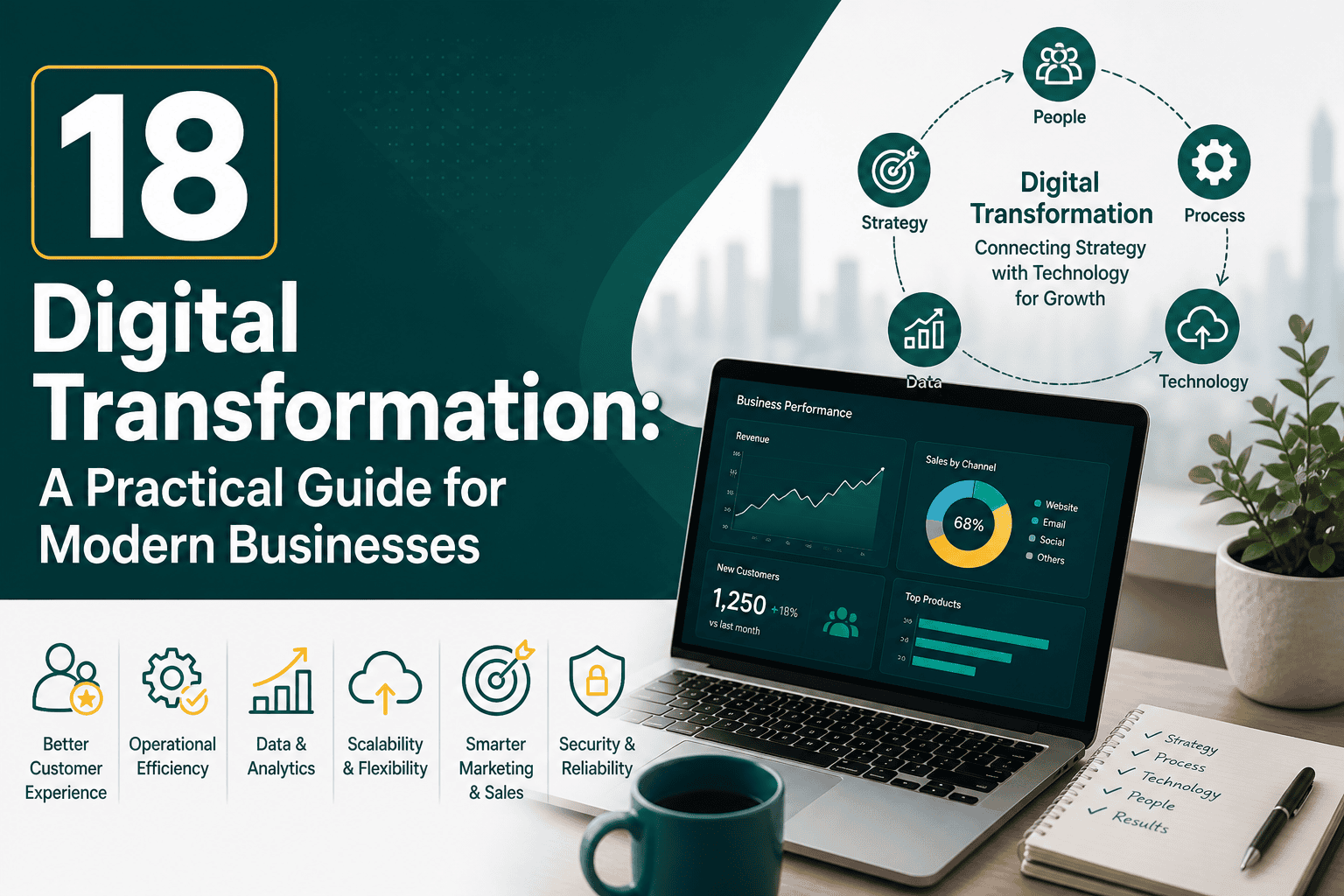
Digital Transformation: A Practical Guide for Modern B...
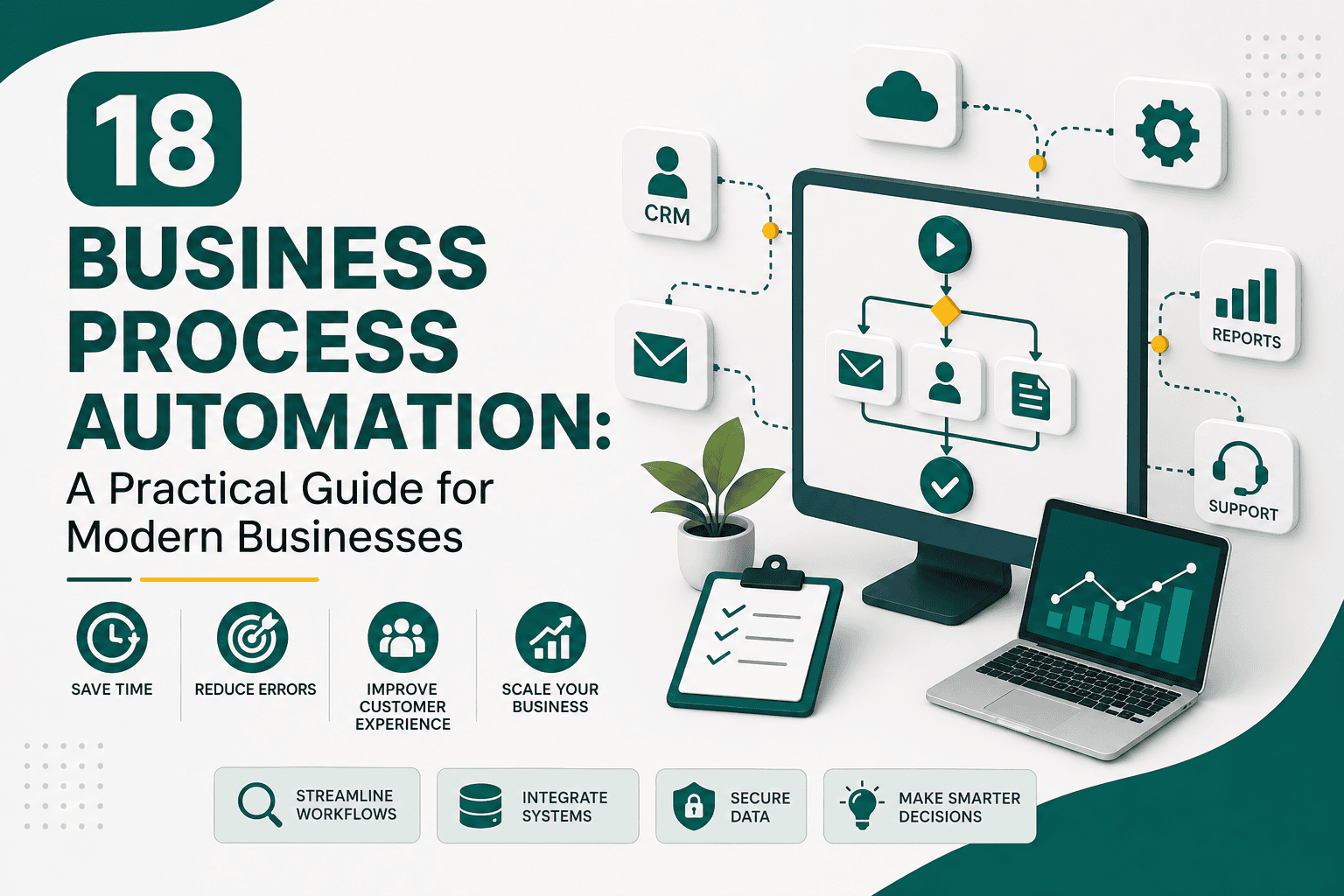
Business process automation is the use of technology to reduce manual work, streamline repetitive tasks, improve consistency, and help teams operate more efficiently. Instead of relying on employees to manually move information between spreadsheets, emails, forms, approvals, invoices, customer records, and reporting tools, automation allows defined tasks and workflows to happen automatically based on rules, triggers, and data.
For modern businesses, business process automation is no longer just a technical upgrade. It is a strategic way to save time, reduce errors, improve customer experience, increase visibility, and scale operations without adding unnecessary complexity. When done well, automation helps people focus on higher-value work instead of spending hours on repetitive administrative tasks.
Business process automation, often shortened to BPA, is the practice of using software, systems, integrations, and workflows to automate routine business activities. These activities may involve sales, marketing, customer service, finance, human resources, operations, inventory, reporting, project management, or internal approvals.
A simple example is an online form that automatically creates a CRM lead, assigns it to the right salesperson, sends a confirmation email to the prospect, notifies the sales team, and schedules a follow-up task. Without automation, each of those steps might require manual copying, emailing, assigning, and tracking.
More advanced business process automation can connect multiple systems together, such as your website, CRM, accounting platform, email marketing tool, project management system, help desk, and analytics dashboard. This makes automation closely related to broader digital improvement efforts, especially when companies are building a structured digital transformation strategy.
Many businesses grow by adding more people, tools, spreadsheets, email threads, and manual checks. At first, this may work. But over time, manual processes become slow, inconsistent, and difficult to manage. Employees spend too much time chasing information, updating records, sending reminders, checking statuses, and correcting mistakes.
Business process automation matters because it creates structure. It turns repeated activities into predictable workflows. It also helps businesses operate with better speed, accuracy, accountability, and visibility.
Business process automation can be applied across almost every department. The best opportunities are usually tasks that are repetitive, rule-based, time-sensitive, data-driven, or prone to human error.
Sales teams often deal with lead capture, qualification, assignment, follow-up, pipeline updates, proposal reminders, and reporting. Automating these activities helps salespeople spend more time speaking with qualified prospects and less time managing administrative work.
Many of these automations are managed inside a CRM. If your team is still defining its customer management foundation, it helps to understand what CRM is and how it works before designing more advanced sales workflows.
Marketing automation helps businesses nurture leads, segment audiences, personalize communication, and measure campaign performance. Instead of sending every email manually, marketing teams can build workflows triggered by behavior, interest, lifecycle stage, or purchase history.
Customer service teams can use automation to improve response times, route tickets correctly, and keep customers informed. Automation should not remove the human element from support, but it can make sure important steps are not missed.
Finance teams often manage repetitive tasks such as invoice creation, payment reminders, approvals, expense tracking, and reporting. Automation improves accuracy and reduces delays in financial operations.
HR teams can automate onboarding, document collection, training reminders, leave requests, performance review cycles, and internal communications. This improves the employee experience while reducing manual coordination.
Operations teams benefit from automation when managing approvals, inventory updates, order processing, vendor communication, fulfillment steps, and internal task assignments.
Business process automation and workflow automation are closely related, but they are not always the same thing. Workflow automation usually refers to automating a specific sequence of tasks, such as sending an approval request or assigning a lead. Business process automation is broader. It can include multiple workflows, systems, departments, rules, integrations, and reporting layers.
For example, a single workflow might automate quote approval. A larger business process automation initiative might automate the full quote-to-cash process, including lead creation, opportunity management, quote generation, approval, contract signing, invoice creation, payment reminders, customer onboarding, and reporting.
CRM systems are one of the most common places where workflow automation begins. For practical inspiration, these CRM workflow examples show how different teams can automate sales, marketing, service, and customer management tasks.
Most business process automation follows a simple structure: a trigger starts the process, rules determine what should happen, actions are performed automatically, and data is updated across relevant systems.
A trigger is the event that starts an automation. This could be a form submission, a new order, a closed deal, a missed deadline, a status change, a support request, a payment, or a scheduled date.
Conditions determine which path the automation should follow. For example, if a lead is from a specific country, it may be assigned to a regional sales representative. If an invoice is overdue by more than 14 days, it may be escalated to finance.
Actions are the tasks the system performs automatically. These may include sending emails, creating records, updating fields, assigning tasks, generating documents, moving deals, creating tickets, sending notifications, or syncing data.
Integrations connect different tools so data can move between them. For example, your website may send leads to your CRM, your CRM may send customer data to your accounting tool, and your accounting tool may send payment updates back to the CRM.
Automation becomes more valuable when you can measure it. Reporting helps teams understand cycle times, completion rates, bottlenecks, conversion rates, error rates, and productivity gains.
The best way to start business process automation is not to automate everything at once. Instead, begin with a clear business problem. Look for processes that waste time, create frustration, delay customers, cause errors, or depend too heavily on one person remembering every step.
Before automating, it is important to understand your tools and how they fit together. A disconnected collection of software can make automation harder. A well-planned business technology stack gives your automation efforts a stronger foundation by clarifying which systems should handle customer data, marketing activity, sales operations, finance, analytics, and communication.
Choose one process that is repetitive, measurable, and important to the business. Avoid starting with the most complex process in the company. Early wins help build confidence and prove value.
Write down every step in the current process. Include who performs each task, what tools they use, what information they need, where delays happen, and what errors are common.
Do not automate a broken process without improving it first. If a step does not add value, remove it. If a task exists only because of poor communication or outdated systems, fix the root problem before building automation around it.
Automation works best when rules are clear. Define what should happen under normal conditions and what should happen when exceptions occur. For example, a standard order may move directly to fulfillment, while a high-value custom order may require manager approval.
Your automation tools may include a CRM, marketing automation platform, project management system, accounting tool, help desk, ecommerce platform, integration platform, or custom application. The right choice depends on your process, budget, data needs, and technical requirements.
Test automation carefully before relying on it. Use sample records, test submissions, internal email addresses, and controlled scenarios. Confirm that data goes to the right place, notifications are accurate, permissions are correct, and exceptions are handled properly.
Automation changes how people work. Explain what the automation does, why it exists, what employees still need to do manually, and how to report problems. Adoption is easier when teams understand the purpose behind the change.
Automation should be reviewed regularly. Business rules change, teams grow, tools evolve, and customer expectations shift. Monitor performance and refine workflows as needed.
There is no single best business process automation platform for every company. The right software depends on your business model, existing systems, team size, compliance needs, and automation complexity.
A CRM is often central to business process automation because it stores customer, lead, opportunity, and account information. When CRM data is accurate and well-structured, automation can support sales follow-up, marketing segmentation, service case routing, renewal reminders, account management, and reporting.
However, CRM automation only works well when the CRM is designed around real business processes. Fields, stages, permissions, reports, integrations, and workflows should match how your teams actually operate. Poor CRM structure can create confusing automation, duplicate records, inaccurate reporting, and low user adoption.
If your automation strategy depends on Salesforce or another advanced CRM, system connections are especially important. A well-planned Salesforce integration strategy can help ensure customer data flows correctly between sales, marketing, ecommerce, support, finance, and reporting tools.
Not every business activity should be fully automated. Some processes require human judgment, empathy, negotiation, creativity, or strategic decision-making. Automation should support people, not blindly replace important thinking.
The goal is not to remove humans from the business. The goal is to remove unnecessary manual friction so people can do more valuable work.
One of the biggest mistakes is building automation before mapping the process. If the current workflow is unclear, inconsistent, or poorly designed, automation may simply make the confusion happen faster.
Automation becomes difficult when every department uses separate tools that do not communicate. This can create duplicate data, broken handoffs, and reporting gaps.
Automation depends on accurate data. If records are incomplete, duplicated, outdated, or inconsistent, automated workflows may assign tasks incorrectly, send the wrong messages, or produce unreliable reports.
Automated emails and messages can be useful, but too many generic messages can make the experience feel impersonal. Balance automation with relevant, thoughtful communication.
Even simple automations can create problems if they are not tested. A broken workflow might send duplicate emails, assign tasks to the wrong person, overwrite data, or fail silently.
Every automation should have an owner. Someone must be responsible for reviewing it, updating it, troubleshooting it, and confirming that it still supports the business process.
To understand whether business process automation is working, define success metrics before implementation. The right metrics depend on the process being automated, but they should connect to time, cost, quality, customer experience, or revenue impact.
Automation should not be judged only by whether a workflow runs. It should be judged by whether it improves the business outcome it was designed to support.
Business process automation is becoming more intelligent as artificial intelligence, machine learning, predictive analytics, and low-code tools become more accessible. Instead of only following fixed rules, modern automation tools can help classify requests, summarize information, recommend next steps, detect anomalies, prioritize leads, and personalize communication.
However, the fundamentals remain the same. Successful automation still requires clear processes, clean data, useful integrations, strong governance, and thoughtful human oversight. Businesses that combine automation with strategy will gain more value than those that simply add tools without a plan.
Business process automation helps companies reduce repetitive work, improve accuracy, increase productivity, and deliver a more consistent customer experience. It can support sales, marketing, service, finance, HR, operations, reporting, and many other areas of the business.
The best approach is to start with a specific problem, map the current process, simplify unnecessary steps, choose the right tools, test carefully, train the team, and measure results. Automation should not be treated as a one-time software project. It is an ongoing improvement strategy that helps businesses operate with more speed, clarity, and scalability.
When business process automation is planned well, it becomes more than a way to save time. It becomes a foundation for better decisions, better customer experiences, and more sustainable growth.