September 2, 2026
Business Process Automation: Practical Guide for Businesses
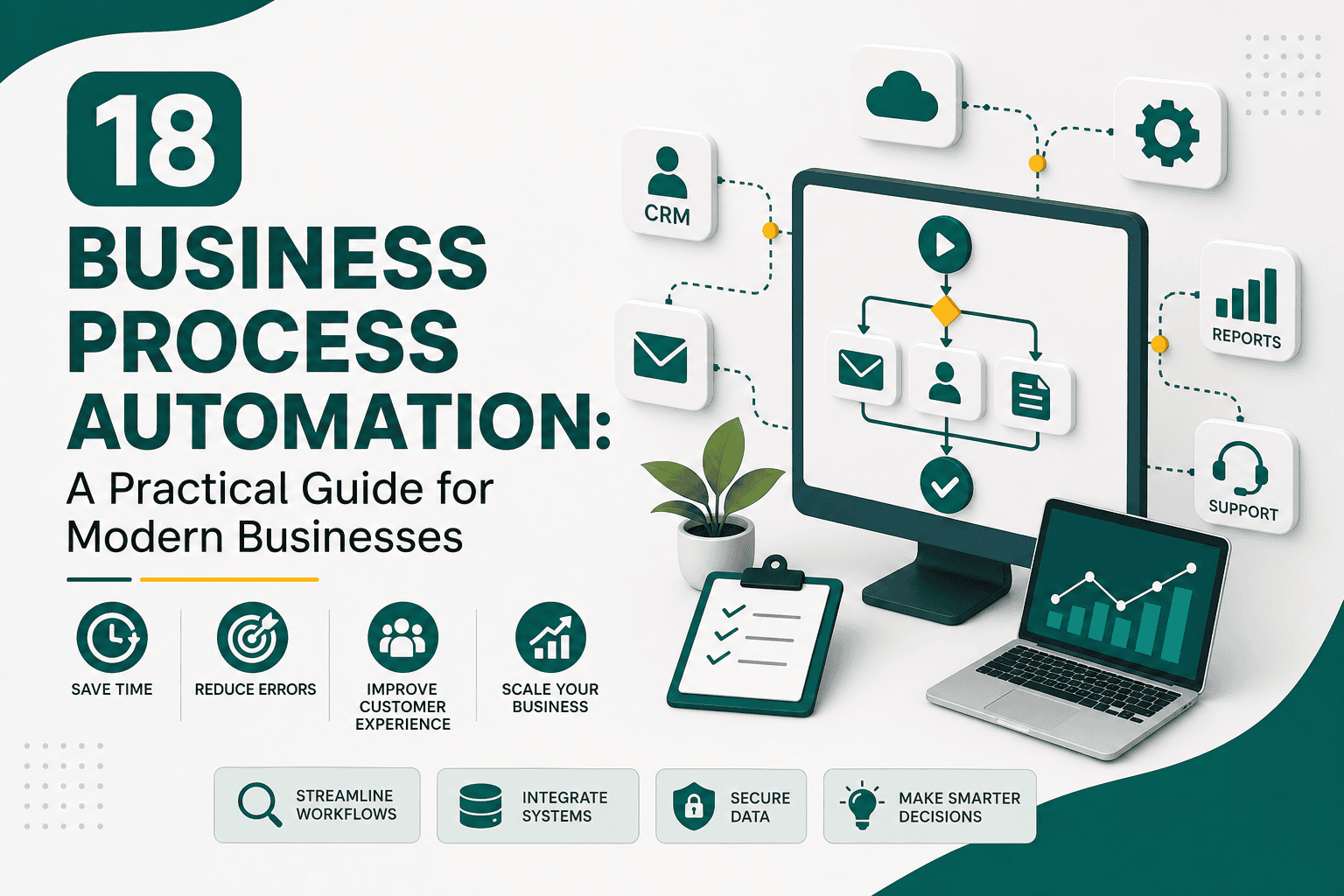
Business Process Automation: A Practical Guide for Mod...

If you want a faster website, better user experience, and stronger SEO performance, you need to understand Largest Contentful Paint. This guide has largest contentful paint explained in practical terms so business owners, marketers, developers, and website managers can understand what LCP means, why it matters, how to measure it, and how to improve it.
Largest Contentful Paint, often shortened to LCP, is a Core Web Vitals metric that measures how long it takes for the main visible content on a web page to load. In simple terms, it answers this question: how quickly does the page feel useful to a visitor?
If a user lands on your homepage, product page, landing page, or blog post, they do not care when every background script finishes loading. They care when the main headline, hero image, product image, banner, or content block appears. That is what LCP helps measure.
Largest Contentful Paint is the time it takes for the largest visible content element in the browser viewport to finish rendering. The viewport is the part of the web page the visitor can see without scrolling.
The LCP element is usually one of the following:
For example, if your homepage has a large hero section with a headline and background image, Google may identify the hero image as the LCP element. If your blog post begins with a large featured image, that image may become the LCP element. If your page is mostly text above the fold, a heading or paragraph block may be the LCP element.
LCP matters because it reflects the user’s first meaningful experience with your page. A page may technically start loading quickly, but if the main content takes too long to appear, the website still feels slow.
A poor LCP can affect several important areas:
LCP is one of the three main Core Web Vitals, alongside Interaction to Next Paint and Cumulative Layout Shift. For a broader overview of how these metrics work together, see this Core Web Vitals guide for improving LCP, INP, and CLS.
Google groups Largest Contentful Paint scores into three categories:
The goal is to have your largest visible content load within 2.5 seconds for most real users. This does not mean your entire page must fully load within 2.5 seconds. It means the main above-the-fold content should appear quickly enough that users feel the page is responsive and useful.
LCP is not the same as full page load time. Traditional page load time measures when all resources on a page have completed loading, including scripts, analytics tags, tracking pixels, images, stylesheets, fonts, and other assets.
LCP focuses on the main visible content instead. This makes it more useful for understanding real user experience. A page might fully load in six seconds but show the main content in two seconds, which can feel acceptable. Another page might start loading quickly but delay the main hero image for five seconds, which creates a poor experience.
Several technical and content-related issues can cause a slow LCP. The most common problems include slow servers, large images, render-blocking resources, poor hosting, excessive JavaScript, and unoptimized page builders.
Before a browser can display your page, the server must respond to the request. If your hosting is slow, overloaded, poorly configured, or far away from the user, LCP may suffer before the page even starts rendering.
Server response time is often measured as Time to First Byte, or TTFB. A slow TTFB delays everything that follows, including HTML delivery, CSS loading, image loading, and final rendering.
Choosing reliable hosting is one of the most important foundations for good performance. If your website runs on WordPress, this WordPress hosting guide explains how hosting affects speed, uptime, security, and scalability.
Images are one of the biggest causes of poor LCP. If your LCP element is a large hero image, banner, product photo, or featured image, it must be properly sized, compressed, and delivered in a modern format.
Common image problems include:
Because images are so often responsible for poor LCP, image performance should be one of the first areas you review. This image optimization guide for faster websites and better SEO covers formats, compression, resizing, lazy loading, and metadata in more detail.
Render-blocking resources are files that prevent the browser from displaying content until they are downloaded, parsed, and processed. CSS is often render-blocking by default because the browser needs it to understand how the page should look.
JavaScript can also block rendering, especially if it is loaded early in the page and not deferred. Large scripts from page builders, sliders, animations, tracking tools, chat widgets, and third-party plugins can delay the moment when the LCP element appears.
Third-party scripts can be useful, but they can also slow down your site. Examples include:
These tools can compete for browser resources and delay important rendering tasks. The solution is not always to remove every script, but to audit which tools are necessary, load them efficiently, and delay non-critical scripts when possible.
Caching helps browsers, servers, and content delivery networks reuse previously generated or downloaded resources. Without caching, the website may need to regenerate pages and reload static assets more often than necessary.
Good caching can improve LCP by reducing server work, speeding up repeat visits, and allowing key files to load faster.
If your visitors are located in different regions, distance from your hosting server can affect performance. A content delivery network, or CDN, stores cached copies of static assets across multiple geographic locations so users can download files from a nearby server.
A CDN can improve LCP by reducing latency for images, CSS, JavaScript, fonts, and other static files. For a practical explanation of how this works, see this guide with CDN explained in simple terms.
Some WordPress themes and page builders load excessive CSS, JavaScript, fonts, icons, animations, and layout wrappers. This can increase the amount of code the browser must process before showing the main content.
Not every page builder is slow, and not every lightweight theme is automatically fast. Performance depends on how the site is built, how assets are loaded, how images are handled, and how much unnecessary code appears on each page.
If your site runs on WordPress, a full performance review can help you identify plugin bloat, theme issues, caching gaps, database problems, and asset loading problems. This WordPress speed optimization guide provides a broader framework for improving site performance.
You can measure LCP using lab data, field data, or both. Lab data comes from controlled tests, while field data comes from real users visiting your website.
Google PageSpeed Insights is one of the easiest tools for checking LCP. Enter a URL, and the tool will show performance data for both mobile and desktop when available.
PageSpeed Insights may show:
Google Search Console includes a Core Web Vitals report that groups URLs based on real-world user experience data. This is useful for identifying sitewide patterns rather than testing one page at a time.
The report can show whether groups of URLs are good, need improvement, or poor for mobile and desktop users.
Chrome DevTools can help developers inspect performance details directly in the browser. The Performance panel can identify the LCP element and show how different resources affect rendering.
Lighthouse is built into Chrome DevTools and also powers many PageSpeed Insights diagnostics. It provides lab-based performance scores and recommendations. While lab data does not always match real-world user data, it is very useful for debugging.
WebPageTest allows more advanced testing from different locations, devices, browsers, and connection speeds. It can show waterfall charts, filmstrips, and visual loading progress, which are useful for diagnosing LCP delays.
Before improving LCP, you need to know which element is being measured. The LCP element may vary by page type, screen size, and device.
For example:
In PageSpeed Insights, look for the section that identifies the Largest Contentful Paint element. This tells you what the browser considered the largest visible content item. Once you know that, you can focus your optimization efforts on the element that matters most.
Improving LCP usually requires a combination of server, content, front-end, and asset optimization. The exact solution depends on what is causing the delay.
A slow server delays the start of the entire page rendering process. To improve server response time:
If your server takes too long to respond, front-end optimization alone may not be enough. Start with hosting, caching, and backend efficiency.
If your LCP element is an image, optimize it carefully. This includes:
One common mistake is applying lazy loading to every image, including the main hero image. Lazy loading is useful for below-the-fold images, but if the LCP image is delayed, LCP can become worse.
Preloading tells the browser that a specific resource is important and should be requested earlier. This can help when the LCP image, font, or key asset is discovered too late in the page loading process.
Preloading can be useful for:
However, preloading should be used carefully. Preloading too many resources can create competition and make performance worse. Prioritize only the assets that are truly critical to above-the-fold rendering.
To reduce render-blocking resources, you can:
The goal is to let the browser render the main content as early as possible without waiting for unnecessary files.
Even after scripts download, the browser must parse and execute them. Heavy JavaScript can block the main thread and delay rendering.
To reduce JavaScript impact:
Web fonts can affect LCP when text is the largest visible element or when fonts delay rendering. Poor font loading can cause invisible text, layout changes, or delayed content display.
Best practices include:
Complex hero sections often cause LCP problems. Large background images, sliders, videos, animations, multiple fonts, and layered effects can delay the main content.
To improve above-the-fold performance:
A CDN can help reduce the time required to deliver images, CSS, JavaScript, fonts, and other static assets. This is especially important if your audience is spread across multiple cities, countries, or regions.
For LCP, a CDN is particularly useful when the LCP element is an image. The faster the browser can download that image, the sooner it can render the page’s main content.
Each plugin, script, and third-party tool should justify its performance cost. Some tools add files to every page, even when they are only needed on one page.
Review tools such as:
Remove tools that are no longer needed, replace heavy plugins with lighter alternatives, and disable assets on pages where they are not used.
LCP optimization depends on the type of page you are improving. A homepage, blog post, ecommerce product page, and lead generation landing page may each have different LCP elements and performance priorities.
On a homepage, the LCP element is often the hero image, headline, or banner section. Keep this section fast by using optimized images, clean layout code, limited animation, and minimal third-party scripts above the fold.
For blog posts, the LCP element is often the title, featured image, or first major content block. Use properly sized featured images, avoid loading unnecessary page builder assets, and make the article template lightweight.
Service pages often rely on headings, hero sections, trust signals, and calls to action. Avoid heavy background videos or large uncompressed hero graphics that delay the first meaningful view.
On ecommerce pages, the main product image is often the LCP element. Product images should be compressed, responsive, and delivered quickly. Avoid delaying the main product image with excessive scripts, image galleries, or third-party tools.
Landing pages need to load quickly because traffic often comes from paid campaigns. A slow LCP can reduce conversion rate and waste advertising budget. Prioritize fast hero rendering, simple layouts, compressed images, and limited scripts.
When analyzing LCP, you may notice that different tools report different numbers. This usually happens because tools use different types of data.
Field data comes from real users. It reflects actual devices, networks, browsers, and locations. Google uses field data from the Chrome User Experience Report when available.
Field data is valuable because it shows how visitors truly experience your website. However, it may take time to update after you make improvements.
Lab data comes from controlled tests. It is useful for debugging because you can run tests repeatedly and compare results after changes.
Lab data may not perfectly match real-world performance because it uses simulated conditions, but it helps identify specific technical bottlenecks.
Many websites make the same LCP mistakes. Avoiding these issues can lead to faster improvements.
LCP is part of Google’s page experience signals, but it is not the only factor in SEO. Content quality, relevance, search intent, internal linking, technical SEO, backlinks, mobile usability, and site structure all matter.
That said, LCP can support SEO in several ways:
LCP should be treated as part of a broader SEO and user experience strategy, not as an isolated metric.
Use this checklist to review and improve Largest Contentful Paint across your website:
LCP should be monitored regularly, especially after website changes. Performance can decline over time as new plugins, scripts, images, design sections, tracking tools, and content updates are added.
You should check LCP:
If you are planning a broader redesign, performance should be included from the beginning rather than treated as a final cleanup task. This website redesign guide with an SEO checklist explains how to plan a redesign without damaging search visibility, usability, or performance.
Largest Contentful Paint measures how quickly the main visible content on a page appears for users. A good LCP score is 2.5 seconds or less, and improving it can support better user experience, SEO, conversion rates, and overall website performance.
The most common LCP issues come from slow hosting, large images, render-blocking CSS and JavaScript, excessive third-party scripts, poor caching, and heavy above-the-fold design. The best approach is to identify the actual LCP element, understand what is delaying it, and optimize the resources that matter most.
When Largest Contentful Paint is explained simply, it comes down to this: your most important content should appear quickly. If visitors can see and use the main part of your page without waiting, your website feels faster, performs better, and creates a stronger first impression.