September 23, 2026
Benefits of CRM: 20 Ways CRM Helps Businesses Grow
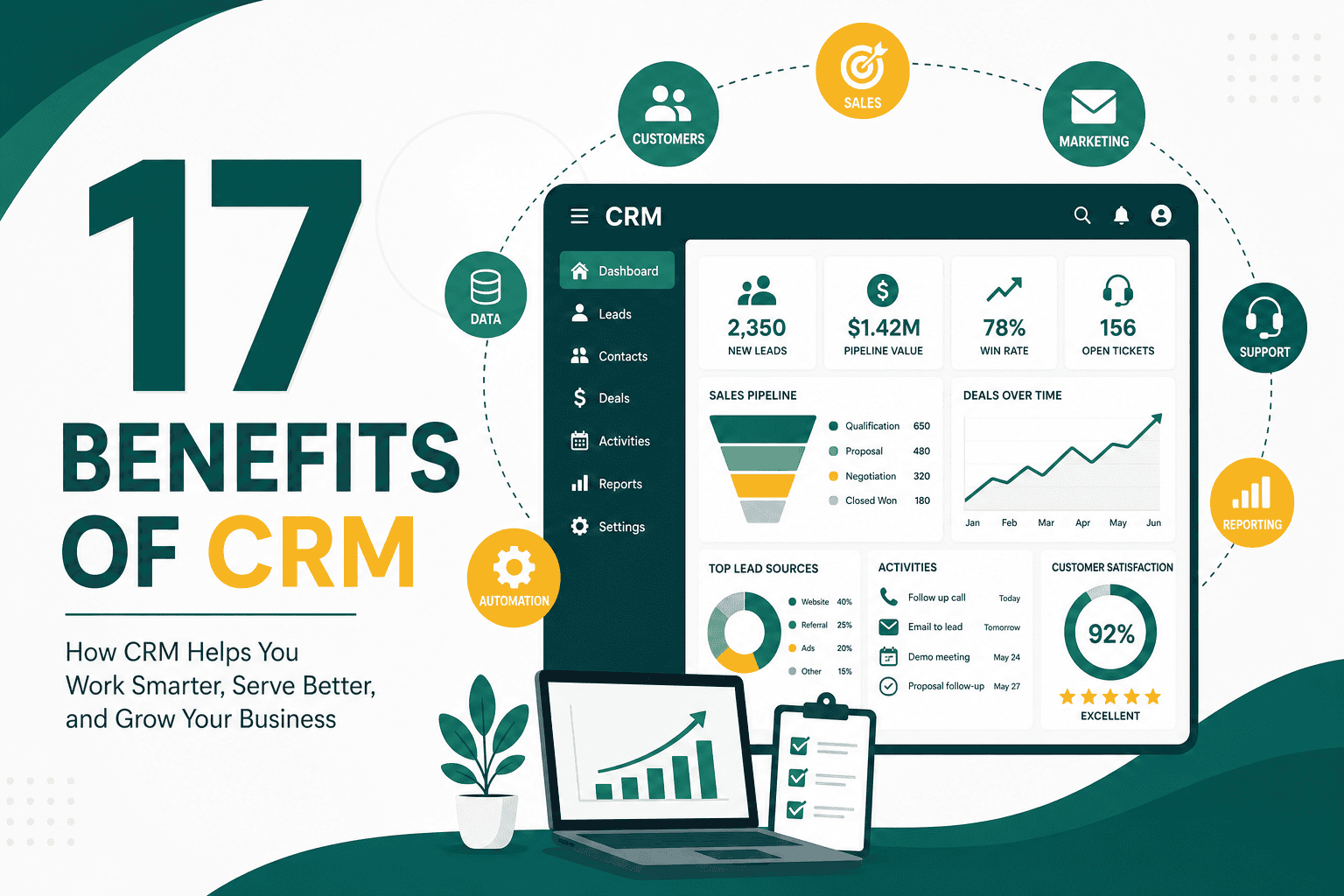
Benefits of CRM The benefits of CRM go far beyond stor...

Choosing the best WordPress themes is one of the most important decisions you can make when building or redesigning a website. Your theme affects design flexibility, page speed, SEO, mobile experience, accessibility, WooCommerce compatibility, maintenance, and how easy it is to manage content over time.
The best WordPress themes are not always the ones with the most demos, animations, sliders, or bundled plugins. In many cases, the best choice is a lightweight, well-coded, regularly updated theme that gives you the design control you need without adding unnecessary bloat. Whether you are building a business website, blog, portfolio, online store, landing page, or membership site, the right theme should support your goals instead of slowing you down.
A good WordPress theme should do more than look attractive. It should provide a strong foundation for performance, usability, SEO, accessibility, and long-term management. A visually impressive theme can still be a poor choice if it loads slowly, depends on too many plugins, locks you into messy shortcodes, or becomes difficult to update.
When comparing the best WordPress themes, focus on practical qualities such as:
Your theme should also match your technical comfort level. A beginner may prefer a theme with visual controls and starter templates, while a developer may prefer a lean framework with fewer design restrictions.
GeneratePress is one of the best WordPress themes for users who care about speed, stability, and clean code. It is lightweight, flexible, and works well for blogs, business websites, affiliate sites, service pages, and content-heavy websites.
The free version is usable, but GeneratePress Premium unlocks more layout controls, theme building options, hooks, typography settings, spacing controls, and site library templates. It is especially popular among developers, SEO professionals, and performance-focused site owners.
Best for:
GeneratePress is not the flashiest theme out of the box, but that is part of its strength. It gives you a reliable foundation without forcing unnecessary design elements on your site.
Astra is one of the most popular WordPress themes because it combines speed, flexibility, and a large library of starter templates. It works well with Gutenberg, Elementor, Beaver Builder, and other popular page builders.
Astra is a strong choice for small businesses, agencies, bloggers, course creators, and WooCommerce stores. Its starter templates make it easier to launch a professional-looking website quickly, while its customization options allow you to adjust headers, footers, layouts, colors, typography, and spacing.
Best for:
Astra can be very fast when configured carefully, but like any theme, performance depends on your plugins, images, hosting, fonts, scripts, and page builder choices.
Kadence is a modern WordPress theme that offers strong design control, excellent header and footer building, global color palettes, typography settings, and WooCommerce support. It has become a favorite among users who want flexibility without relying too heavily on a separate page builder.
Kadence works especially well with the WordPress block editor and Kadence Blocks. This makes it a good option for users who want visually rich pages while staying close to native WordPress editing.
Best for:
Kadence offers a good balance between ease of use and performance. It is particularly appealing if you want advanced design controls without building everything from scratch.
Blocksy is a fast, modern, highly customizable WordPress theme built with the block editor in mind. It includes a polished customizer experience, flexible header and footer options, WooCommerce enhancements, and strong design controls.
Blocksy is often praised for how modern its default designs feel compared with many older multipurpose themes. It is suitable for blogs, business websites, online shops, portfolios, and niche content sites.
Best for:
Blocksy is a good choice if you want a theme that feels current, performs well, and provides many customization options without immediately needing a heavy page builder.
Neve is a lightweight WordPress theme designed for speed, mobile responsiveness, and compatibility with major page builders. It works well for startups, small businesses, blogs, portfolios, and WooCommerce websites.
One of Neve’s strengths is its simplicity. It provides starter sites and flexible layout controls while remaining relatively lightweight. It is also a good option for users who want a clean foundation that can work with Gutenberg or visual builders.
Best for:
Neve is a practical choice if you want a theme that is easy to set up and does not overwhelm you with too many advanced settings.
OceanWP is a versatile WordPress theme with strong customization options and WooCommerce features. It has been popular for years because it supports many website types and integrates with page builders such as Elementor.
OceanWP can be used for business websites, ecommerce stores, blogs, portfolios, and landing pages. It offers many extensions, which can be useful, but you should install only the features you actually need to avoid unnecessary overhead.
Best for:
OceanWP is powerful, but it works best when configured carefully. Avoid enabling too many extensions if performance is a priority.
Hello Elementor is a minimal theme created for use with Elementor. It is intentionally barebones, which makes it useful if you plan to design nearly every part of your website with Elementor Pro’s theme builder.
Hello Elementor is not ideal if you want a theme that provides many built-in design options by itself. Its purpose is to stay out of the way and let Elementor handle the design.
Best for:
If you choose Hello Elementor, pay close attention to performance. Elementor can create beautiful designs, but heavy layouts, too many widgets, large images, and extra addons can slow down your site.
Storefront is the official WooCommerce theme. It is simple, reliable, and built to work well with WooCommerce. While it may not look as polished as some premium ecommerce themes out of the box, it provides a stable foundation for online stores.
Best for:
Storefront is especially useful when you want a dependable ecommerce base and plan to customize the design separately.
GeneratePress, Kadence, Blocksy, Astra, and Neve are among the strongest options for speed-focused websites. However, theme choice is only one part of performance. Hosting, image sizes, caching, plugins, scripts, fonts, and page design all affect loading time.
If performance is a major priority, pair a lightweight theme with a careful optimization process. This WordPress speed optimization guide explains the broader steps needed to make a WordPress site load faster beyond simply choosing a good theme.
Astra, Kadence, GeneratePress, Blocksy, and Neve are excellent choices for small and mid-sized business websites. They offer professional design flexibility, service page layouts, strong mobile responsiveness, and compatibility with contact forms, analytics, SEO plugins, and CRM integrations.
For a business website, the best WordPress theme should make it easy to present services, build trust, capture leads, and publish useful content. Avoid themes that prioritize flashy animations over clarity and conversion.
For WooCommerce, consider Astra, Kadence, Blocksy, OceanWP, and Storefront. These themes support product pages, shop layouts, cart pages, checkout flows, and ecommerce-specific design controls.
A good WooCommerce theme should not only look good but also make shopping easy. Product filters, fast product pages, simple navigation, mobile-friendly checkout, and trust signals all matter. If you are building an online store, a complete WooCommerce store checklist can help you evaluate the theme alongside payments, shipping, analytics, security, and launch preparation.
GeneratePress, Kadence, Blocksy, Astra, and Neve are all strong choices for blogs. The best blog theme should prioritize readability, clean typography, fast article pages, useful category layouts, author pages, and simple navigation.
Avoid blog themes that overload posts with sliders, excessive sidebars, intrusive ads, or heavy scripts. For content websites, speed and readability often matter more than decorative design features.
Agencies often need flexible themes that work across many client requirements. Astra, Kadence, GeneratePress, and Blocksy are good agency-friendly choices because they are reusable, well-documented, and compatible with different workflows.
Agencies should also think about maintainability. A theme that is easy for clients to update can reduce support requests and make long-term management easier.
GeneratePress is a strong developer-friendly theme because of its clean structure, hooks, filters, performance, and minimal approach. Kadence and Blocksy also provide modern customization systems that can work well for developer-led projects.
Some developers prefer to avoid traditional themes altogether and use builder-based systems or custom block development. If you are comparing native WordPress editing with more advanced site-building tools, this guide on Gutenberg vs Oxygen Builder explains the differences between a block-editor approach and a more developer-controlled builder workflow.
Many of the best WordPress themes offer both free and premium versions. The free version may be enough for a simple blog or small business website, but premium versions usually provide more control and support.
Premium does not automatically mean better. Some expensive themes are bloated, while some free themes are excellent. The key is to choose based on quality, performance, support, and fit for your project.
Before comparing themes, define what your website needs to do. A local service business, ecommerce store, personal blog, nonprofit website, SaaS landing page, and online course platform all have different requirements.
Ask questions such as:
The best WordPress theme is the one that supports your actual business and content needs, not just the one with the most attractive demo.
A slow theme can hurt user experience, SEO, and conversions. When evaluating a theme, test demo pages using tools such as PageSpeed Insights, GTmetrix, or WebPageTest. Keep in mind that demo sites may include unoptimized images or extra scripts, but they still give you clues about the theme’s baseline quality.
Look for themes that avoid excessive CSS, JavaScript, icon libraries, animation scripts, and unnecessary dependencies. Clean output matters, especially if you care about Core Web Vitals. This Core Web Vitals guide explains how metrics such as LCP, INP, and CLS affect the real-world experience of your visitors.
Most websites receive a significant share of traffic from mobile devices. A theme should look good and function properly on phones and tablets, not just desktops.
Check mobile menus, buttons, forms, product pages, blog layouts, image scaling, spacing, and tap targets. A theme with a beautiful desktop demo may still have weak mobile usability.
A theme does not replace an SEO strategy, but it can support or harm your SEO foundation. Look for clean HTML structure, proper heading support, schema compatibility, fast loading, mobile responsiveness, and compatibility with major SEO plugins.
Avoid themes that force poor heading structures, hide important content behind scripts, or create bloated pages. Search engines need to understand your content clearly, and users need pages that load quickly and are easy to navigate.
The best WordPress themes provide enough customization without overwhelming you. Useful controls include:
Too few options can make your site feel restricted. Too many options can make the theme bloated and confusing. The best balance depends on your needs and experience level.
Your theme should work well with essential WordPress plugins, including SEO tools, caching plugins, form plugins, security plugins, analytics tools, WooCommerce, and backup solutions.
However, avoid themes that require too many companion plugins just to function. A theme should handle presentation, while plugins should handle functionality. If you are unsure which plugins matter most, this guide to WordPress plugins you actually need can help you avoid installing unnecessary tools that slow down or complicate your site.
A theme should be actively maintained. Check the theme’s update history, support forum activity, changelog, documentation, and compatibility with the latest version of WordPress.
Using an abandoned theme can create security risks, compatibility problems, and design limitations over time. This is especially important for business websites and ecommerce stores where downtime or broken layouts can affect revenue.
Theme demos are designed to look impressive. They often use professional photography, carefully written copy, polished icons, and ideal spacing. Your actual website may look very different once you add your own content.
Instead of judging only the demo, evaluate the theme’s structure, customization controls, performance, documentation, and long-term flexibility.
Some multipurpose themes include dozens or hundreds of features you may never use. While this can seem like good value, unused features can add complexity and performance issues.
If your website is simple, choose a lean theme. Add only the functionality you actually need.
A beautiful website is less effective if visitors leave before it loads. Heavy themes can create large CSS files, excessive JavaScript, layout shifts, and poor mobile performance.
Page speed should be part of the theme decision from the beginning, not something you try to repair after launch.
Starter templates can save time, but they may also import extra pages, images, plugins, forms, and settings. After importing a template, remove anything you do not need.
A clean website is easier to manage, faster to load, and less likely to break.
A theme should make it easy to manage content after launch. If every small change requires a developer, the site may become expensive and frustrating to maintain.
Choose a theme that matches the skill level of the people who will update the website.
| Theme | Best For | Strength | Consideration |
|---|---|---|---|
| GeneratePress | Speed, SEO, developers, blogs | Lightweight and clean | May feel plain without customization |
| Astra | Business sites, agencies, WooCommerce | Large starter template library | Needs careful setup to stay lean |
| Kadence | Business sites, ecommerce, block editing | Strong design controls | Advanced options may take time to learn |
| Blocksy | Modern sites, blogs, WooCommerce | Polished customization experience | Some features require the pro version |
| Neve | Startups, simple business sites, blogs | Lightweight and beginner-friendly | Less advanced than some competitors |
| OceanWP | WooCommerce and Elementor sites | Many customization options | Can become heavy with extensions |
| Hello Elementor | Elementor Pro builds | Minimal base for custom design | Depends heavily on Elementor |
| Storefront | WooCommerce stores | Official WooCommerce compatibility | Basic design without customization |
WordPress themes and page builders serve different purposes, but they often overlap. A theme controls the general design foundation of your website, while a page builder gives you visual control over layouts and sections.
For many websites, a lightweight theme combined with the WordPress block editor is enough. For more complex landing pages or highly custom designs, a page builder may be useful. However, page builders can add extra code and require more care to maintain performance.
If speed and code control are priorities, some users choose advanced builders that replace traditional theme workflows. This article on why Oxygen Builder is faster explains how cleaner output and reduced theme bloat can affect performance when a site is built properly.
Even the best WordPress themes cannot fix poor hosting. If your server is slow, overloaded, or poorly configured, your website may still feel sluggish. Theme performance matters, but hosting provides the foundation for uptime, response time, caching, scalability, and security.
Before launching a serious business website, review your hosting environment carefully. This WordPress hosting guide explains how to choose hosting that supports speed, reliability, and long-term growth.
Use this step-by-step process to choose the best WordPress theme for your website:
There is no single best WordPress theme for every website, but several themes consistently stand out. GeneratePress is one of the best choices for speed and clean code. Astra is excellent for users who want many starter templates and broad compatibility. Kadence offers a strong balance of design control and performance. Blocksy is a modern option with polished customization. Neve is a simple, lightweight choice for fast setup.
If you want the safest general recommendation, choose one of these five: GeneratePress, Astra, Kadence, Blocksy, or Neve. They are widely used, actively maintained, and flexible enough for most business websites.
The best WordPress themes are fast, flexible, reliable, mobile-friendly, and easy to maintain. They support your website goals without adding unnecessary complexity. Instead of choosing the theme with the most features, choose the one that gives you the right features in the cleanest way.
For most websites, a lightweight theme such as GeneratePress, Astra, Kadence, Blocksy, or Neve will be a better long-term choice than a bloated multipurpose theme packed with features you will never use. Pair the right theme with quality hosting, essential plugins, optimized images, clear content, and regular maintenance, and your WordPress website will have a strong foundation for growth.