October 7, 2026
Meta Catalog Setup: Complete Guide for Facebook & Instagram
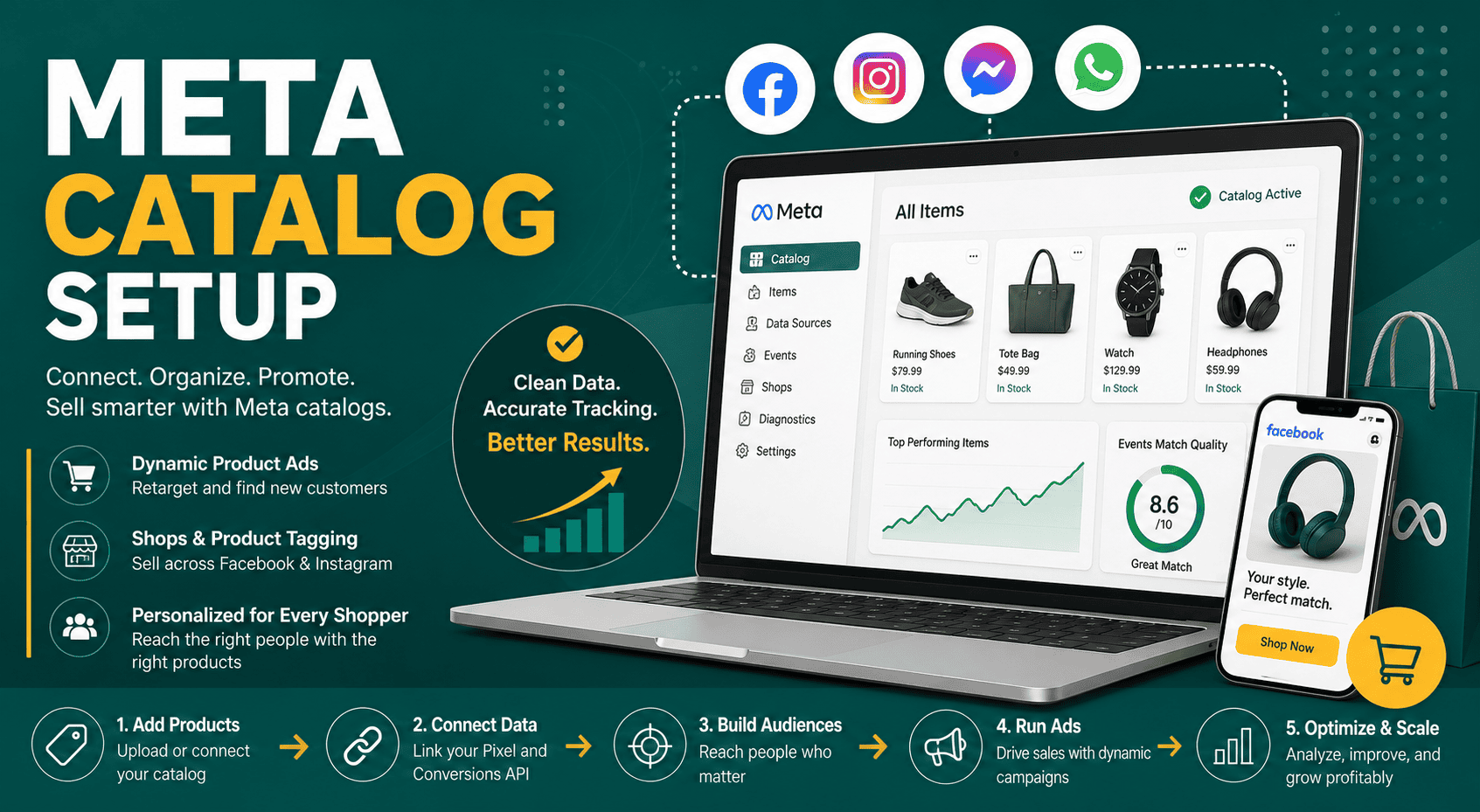
Meta Catalog Setup Meta catalog setup is the process o...
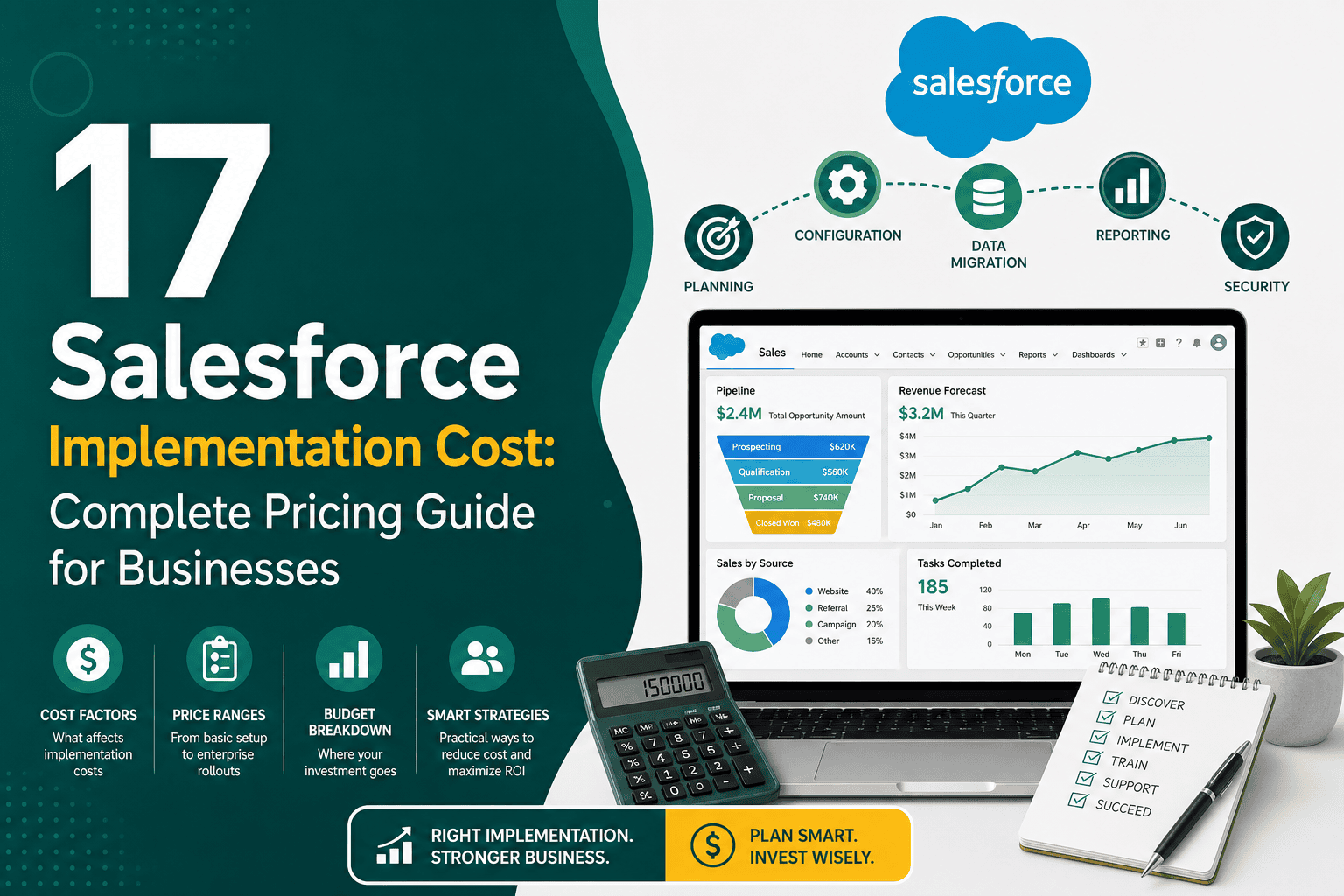
Understanding salesforce implementation cost is essential before investing in Salesforce as your customer relationship management platform. Salesforce is powerful, flexible, and scalable, but the total cost of implementation depends on far more than license pricing. Businesses also need to consider discovery, CRM strategy, data migration, customization, automation, integrations, user permissions, reporting, testing, training, deployment, and ongoing support.
For a small business, Salesforce implementation may cost a few thousand dollars if the setup is simple. For a mid-sized or enterprise organization with complex workflows, integrations, data migration, custom development, and multiple departments, the cost can reach tens or hundreds of thousands of dollars. The key is not to ask only, “How much does Salesforce cost?” but also, “What do we need Salesforce to do, and what does success look like?”
This guide explains the main cost factors, typical price ranges, implementation stages, hidden expenses, and practical ways to control your Salesforce implementation budget without sacrificing quality.
Salesforce implementation is the process of setting up Salesforce so it matches your business processes, data structure, sales pipeline, customer service workflow, reporting needs, automation rules, integrations, and user roles. It is not simply creating accounts and adding users. A successful implementation turns Salesforce into a working operating system for your sales, marketing, service, and management teams.
A typical Salesforce implementation may include:
If you are still comparing CRM platforms, it may help to review how Salesforce compares with other popular systems in this guide to Salesforce vs HubSpot.
Salesforce implementation cost varies widely depending on business size, complexity, and the scope of work. However, most projects fall into one of the following ranges:
These ranges usually refer to implementation services only. They may not include Salesforce subscription licenses, third-party apps, integration platforms, long-term support, or internal staff time.
One of the most common mistakes businesses make is confusing Salesforce license cost with Salesforce implementation cost. They are separate expenses.
License cost is the recurring subscription fee you pay to Salesforce for each user and product. Pricing depends on the edition and cloud you choose, such as Sales Cloud, Service Cloud, Marketing Cloud, Experience Cloud, or Salesforce Platform licenses. Most Salesforce licenses are billed monthly or annually per user.
Implementation cost is the one-time or project-based cost of configuring Salesforce for your business. It includes planning, setup, customization, migration, automation, integrations, testing, training, and launch support.
For example, a company may pay $3,000 per month in Salesforce licenses but spend $30,000 to implement the system properly. Another company may pay $15,000 per month in licenses and invest $200,000 in implementation because it needs enterprise workflows, advanced integrations, custom objects, and multiple departments using the platform.
The more users you have, the more planning, configuration, permissions, training, and support your implementation usually requires. A five-user sales team is much easier to configure than a 300-user organization with sales, service, marketing, operations, finance, and management teams.
User count affects:
A simple Sales Cloud implementation is usually less expensive than a multi-cloud Salesforce implementation. Costs increase when you add Service Cloud, Marketing Cloud, Experience Cloud, CPQ, Field Service, Data Cloud, Commerce Cloud, or custom platform development.
Each additional product may require specialized configuration, technical knowledge, user training, and integration planning.
Salesforce can be used out of the box, but many businesses need customization to match their processes. Customization can include fields, objects, page layouts, Lightning record pages, validation rules, automation, approval processes, custom apps, and Apex development.
Light configuration costs less. Deep customization costs more because it requires additional planning, development, testing, and maintenance. Before customizing heavily, review practical CRM customization best practices to avoid building a system that becomes difficult to manage later.
Data migration is often one of the most underestimated parts of Salesforce implementation. Moving clean, structured data from one CRM to Salesforce is relatively straightforward. Migrating years of messy spreadsheets, duplicate contacts, incomplete records, inconsistent naming, and outdated pipeline data is more complex.
Data migration cost depends on:
Salesforce automation can save significant time, but it also increases implementation scope. Automation may include lead assignment, task creation, email alerts, opportunity stage updates, renewal reminders, approval workflows, onboarding processes, and customer service routing.
Simple automations are usually affordable. Complex workflows with multiple conditions, exceptions, approvals, and cross-object updates require more design and testing. For inspiration, see these practical CRM workflow examples.
Integrations can significantly affect Salesforce implementation cost. Many businesses need Salesforce to connect with systems such as:
Basic native integrations may be inexpensive. Custom API integrations require more planning, development, authentication, error handling, testing, and monitoring. If integrations are part of your project, review this Salesforce integration guide before finalizing your scope.
Salesforce is valuable when leadership can clearly see pipeline health, revenue forecasts, sales activity, lead sources, customer service performance, and team productivity. Reporting setup may include custom report types, dashboards, role-based views, KPI tracking, and executive summaries.
Basic reports are usually included in most implementations. Advanced dashboards with multiple departments, custom metrics, joined reports, and complex data models increase cost. A strong reporting strategy should connect directly to the business metrics that matter most. These CRM KPIs every business should track can help define what to measure.
Salesforce security design affects both cost and long-term scalability. A simple organization may only need basic profiles and permission sets. A larger business may require a complex role hierarchy, territory management, sharing rules, field-level security, record visibility rules, and compliance controls.
Poor security setup can create serious problems, such as users seeing sensitive records they should not access or managers being unable to view the records they need. Proper permission design takes time but is essential for protecting data and supporting accurate reporting.
Even a well-built Salesforce system can fail if users do not understand how to use it. Training and change management should be included in the implementation budget.
Training may include:
The more teams involved, the more training is required. Strong training improves adoption, data quality, and return on investment.
Estimated cost: $5,000 to $15,000
A basic Salesforce setup is suitable for small teams with simple requirements. It usually includes standard object configuration, user setup, simple fields, basic pipeline stages, email setup, reports, and limited training.
This type of project may be enough for a small sales team moving from spreadsheets to Salesforce.
Estimated cost: $10,000 to $40,000
A small business implementation often includes more customization, data import, lead management, opportunity tracking, dashboards, simple automations, and basic integrations. This is common for growing businesses that need a structured CRM but do not require enterprise-level complexity.
Estimated cost: $40,000 to $150,000
Mid-market implementations usually involve multiple teams, more custom fields and objects, complex pipeline management, approval processes, integrations, dashboards, advanced automation, and more detailed training. These projects require stronger discovery, solution design, testing, and deployment planning.
Estimated cost: $150,000 to $500,000+
Enterprise implementations may include multiple Salesforce clouds, custom development, large-scale data migration, complex integrations, advanced security, multiple business units, compliance requirements, user acceptance testing, phased rollouts, and ongoing governance.
Enterprise Salesforce projects need careful planning because mistakes can affect revenue operations, customer service, reporting, and operational efficiency across the organization.
Although every project is different, a Salesforce implementation budget may be divided across the following areas:
Projects with minimal data migration and no integrations will usually sit at the lower end. Projects with custom development, many systems, and heavy automation will sit at the higher end.
The quoted implementation fee is not always the full cost. Businesses should also plan for hidden or indirect expenses.
Your team will need to participate in discovery calls, process reviews, testing, feedback, training, and decision-making. This internal time has a real cost, especially for managers and department heads.
If your existing data is messy, duplicate-heavy, or incomplete, cleanup may require extra work before migration. Data quality issues can delay implementation and increase cost.
Salesforce AppExchange tools can add functionality, but many have monthly or annual subscription fees. Common add-ons include document generation, e-signature, deduplication, marketing automation, phone integration, and advanced reporting tools.
Some integrations require middleware platforms such as MuleSoft, Zapier, Make, Workato, or custom API infrastructure. These tools may add subscription and setup costs.
After launch, Salesforce needs maintenance. Users need support, fields may need updates, reports may change, automations may need adjustments, and new business requirements will appear.
The most expensive hidden cost is rework. If discovery is rushed or the system is built without understanding the business process, you may need to rebuild parts of Salesforce later.
Implementation cost is closely related to timeline. A short implementation with a simple scope costs less. A long project with many teams, integrations, and custom requirements costs more.
Rushing a complex project can increase risk. A phased rollout is often better than trying to launch everything at once.
The implementation team reviews your current process, pain points, goals, data sources, reporting needs, and user requirements. This stage defines the project scope and prevents unnecessary work.
The team designs how Salesforce should be structured. This may include objects, fields, page layouts, automations, permissions, integrations, and reporting architecture.
Salesforce is configured according to the approved design. This may include standard settings, custom fields, record types, flows, validation rules, dashboards, and user access.
Existing customer, lead, opportunity, case, and activity data is cleaned, mapped, imported, and validated inside Salesforce.
Salesforce is connected with relevant business systems such as websites, marketing tools, accounting platforms, support software, or custom applications.
Testing ensures that workflows, data, permissions, automations, reports, and integrations work correctly before launch.
Users and administrators are trained based on their roles. Training should focus on real workflows, not just generic platform features.
The system goes live, users begin working in Salesforce, and the implementation team monitors issues, adoption, and early feedback.
After launch, Salesforce should be refined based on real usage. Reports, automations, fields, and workflows may need improvements as teams adopt the system.
Define what Salesforce must achieve before implementation begins. Common goals include improving lead follow-up, increasing sales visibility, reducing manual work, improving forecasting, centralizing customer data, or scaling service operations.
Separate requirements into must-have, should-have, and future-phase features. Trying to build everything at once increases cost and complexity.
Custom development is powerful but expensive. Use native Salesforce functionality where it meets the business need. Customize only when there is a clear reason.
Remove duplicates, outdated contacts, incomplete records, and irrelevant fields before migration. Clean data reduces import time and improves user trust.
A phased implementation helps control cost and risk. For example, launch core Sales Cloud first, then add service workflows, marketing integrations, or advanced automation later.
Implementation is faster when your sales stages, lead sources, customer lifecycle, approval rules, and reporting needs are already documented.
Poor user adoption leads to wasted investment. Training may feel like an extra cost, but it protects the value of the implementation.
A low-cost Salesforce implementation can work for a simple setup, but it may be risky if the provider skips discovery, ignores data quality, avoids documentation, or builds quick fixes that do not scale.
Warning signs include:
Cheap implementation can become expensive if you need to rebuild the system later.
A Salesforce consultant or implementation partner brings experience, structure, and technical knowledge. This is usually the best option for businesses that need custom workflows, integrations, data migration, reporting, or multi-team rollout.
Partner costs are higher upfront, but a good partner can reduce mistakes, speed up the project, and build a system that supports long-term growth.
An in-house implementation may cost less if your requirements are simple and your team has Salesforce experience. However, hidden costs can appear if internal staff are learning while building, making architecture mistakes, or spending excessive time on setup.
Many businesses use a hybrid approach: an external consultant handles architecture and complex setup, while internal admins manage day-to-day configuration and support.
Salesforce is not a one-time project. After implementation, businesses should budget for ongoing optimization and support.
Ongoing costs may include:
Businesses that treat Salesforce as an evolving system usually get more value than those that launch once and never improve it.
To estimate your Salesforce implementation cost, answer these questions:
The more complex the answers, the higher your implementation budget should be.
A 10-user B2B sales team needs Sales Cloud configured with leads, accounts, contacts, opportunities, simple pipeline stages, imported spreadsheet data, basic dashboards, and user training.
Estimated implementation cost: $8,000 to $20,000
A 40-user company needs Sales Cloud and Service Cloud, lead assignment, opportunity tracking, case management, email templates, dashboards, data migration from an old CRM, and website form integration.
Estimated implementation cost: $30,000 to $80,000
A 150-user organization needs sales, service, custom objects, approval processes, advanced permissions, ERP integration, data migration, custom dashboards, management reporting, and phased training.
Estimated implementation cost: $100,000 to $250,000
A large organization needs Sales Cloud, Service Cloud, Experience Cloud, custom integrations, complex data migration, advanced security, multiple business units, sandbox strategy, custom development, user acceptance testing, and change management.
Estimated implementation cost: $250,000 to $750,000+
Salesforce implementation is worth the cost when the platform helps your business generate more revenue, improve productivity, reduce manual work, strengthen reporting, increase customer retention, and support growth. The return on investment depends on how well the system is planned, adopted, and maintained.
Potential benefits include:
To get more long-term value from the platform, follow proven Salesforce CRM best practices after launch.
Salesforce implementation cost depends on the size of your business, the complexity of your processes, the quality of your data, the number of integrations, the level of customization, and the amount of training and support required. A simple setup may cost under $20,000, while a complex enterprise implementation can cost several hundred thousand dollars or more.
The best way to manage cost is to define clear goals, prioritize essential requirements, clean your data, avoid unnecessary customization, implement in phases, and invest in proper training. Salesforce can become one of the most valuable systems in your business, but only if it is implemented with a clear strategy and a realistic budget.
Instead of choosing the cheapest implementation option, focus on building a Salesforce environment that is usable, scalable, secure, and aligned with how your business actually works.