July 27, 2026
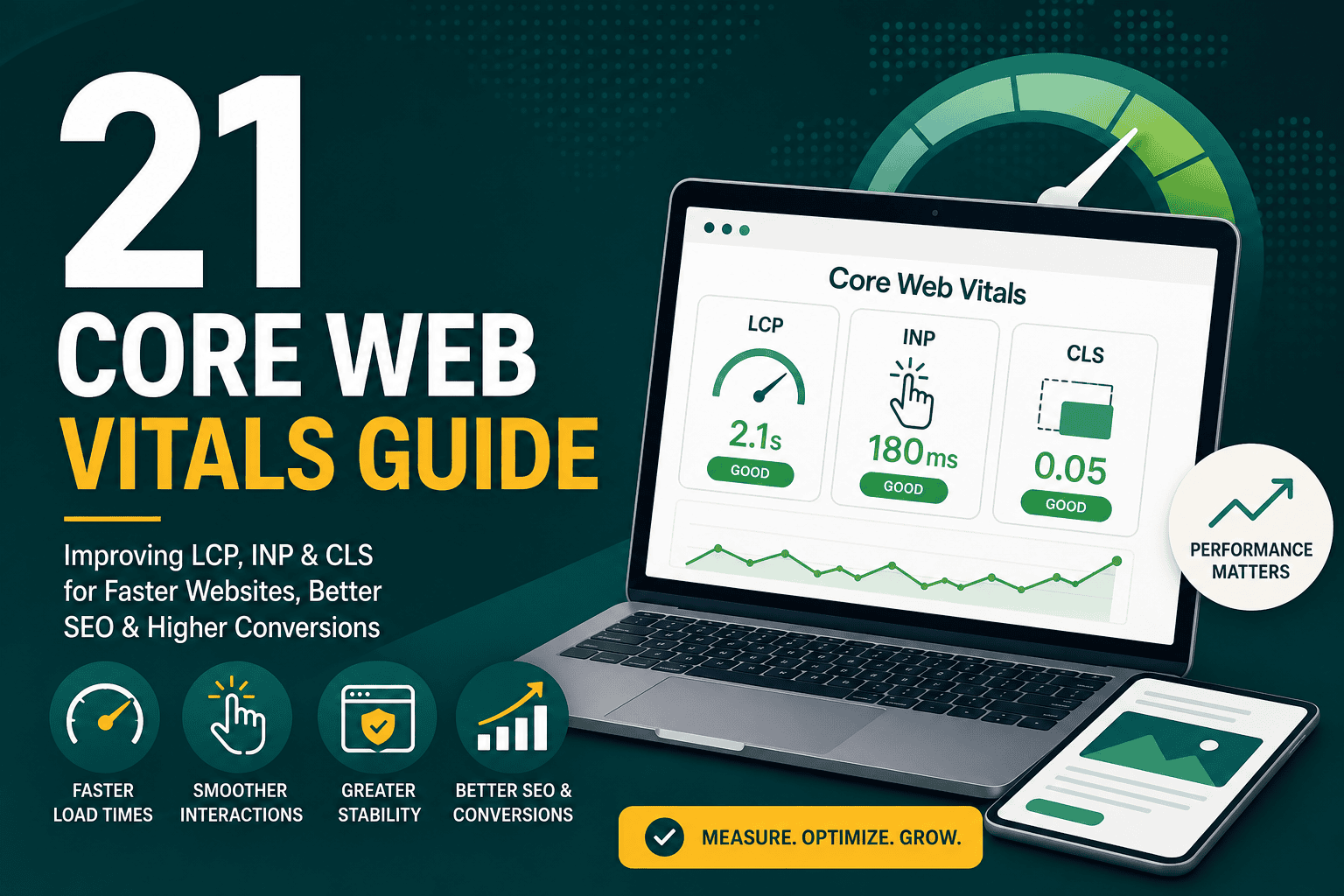
Core Web Vitals Guide: Improve LCP, INP & CLS
Core Web Vitals Guide This core web vitals guide expla...
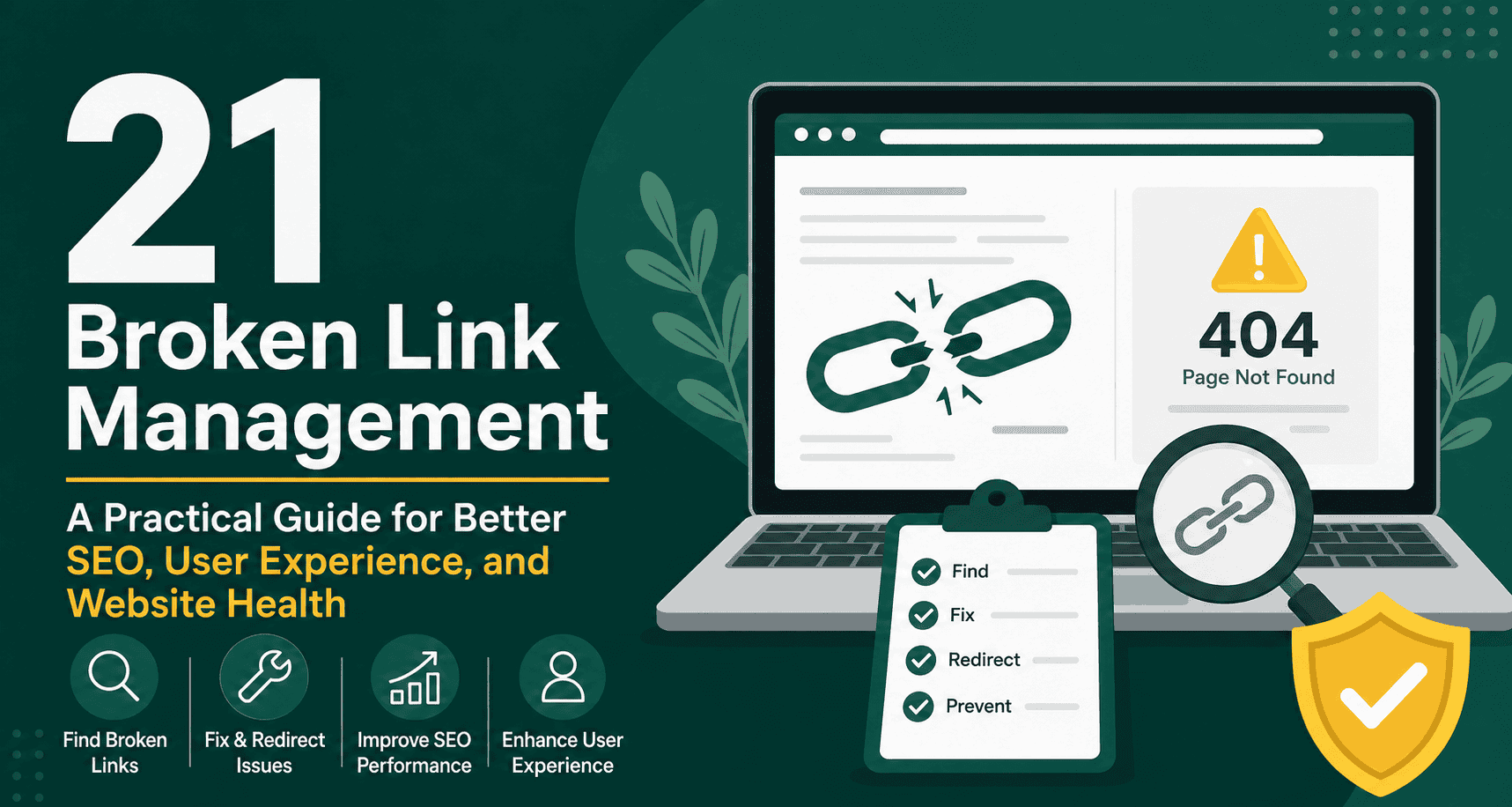
Broken link management is the process of finding, fixing, redirecting, replacing, and preventing links that no longer work on your website. A broken link usually leads users to a 404 error page, an unavailable resource, a deleted page, an expired domain, or a URL that has changed without a proper redirect. While a few broken links may seem harmless, unmanaged link issues can damage user experience, waste crawl budget, weaken SEO performance, and reduce trust in your website.
For business websites, ecommerce stores, blogs, service pages, and large content libraries, broken link management should be part of regular website maintenance. Links connect your pages, guide visitors toward important actions, help search engines understand your site structure, and pass authority between pages. When those pathways break, both users and search engines may struggle to access valuable content.
This guide explains what broken links are, why they matter, how to find them, how to fix them, and how to build a repeatable broken link management process for long-term website health.
Broken link management is the ongoing practice of monitoring and maintaining all internal and external links on a website so they continue to lead users and search engines to valid, useful destinations. It includes identifying broken URLs, diagnosing the cause, applying the right fix, documenting changes, and preventing the same problems from recurring.
A strong broken link management process usually covers:
Broken link management is not only a technical SEO task. It is also a content quality, conversion, branding, and customer experience task. If someone clicks a product link, contact link, booking link, or resource link and lands on an error page, that broken path can cost you leads, sales, and credibility.
Internal broken links point from one page on your website to another page on the same website, but the destination no longer works. This often happens when pages are deleted, slugs are changed, categories are restructured, or old landing pages are unpublished.
For example, if a blog post links to an old service page that was removed during a redesign, visitors and search engines may be sent to a 404 page. Internal broken links are especially important because they affect site architecture and how authority flows through your website.
External broken links point from your website to another website, but the destination is no longer available. This may happen because the third-party website deleted an article, changed a URL, shut down completely, restricted access, or moved content behind a login.
External broken links are common in older articles that reference studies, tools, reports, vendors, statistics, or news sources. Even though you do not control third-party sites, you are still responsible for the quality of links you provide to your visitors.
Broken backlinks are links from other websites that point to pages on your site that no longer exist. These can be valuable SEO opportunities because an external website may still be sending authority to a dead URL. Instead of letting that value go to waste, you can redirect the broken URL to the most relevant live page.
Broken links can also affect images, documents, videos, PDFs, scripts, stylesheets, and downloadable files. If a file path changes or a media item is deleted, users may see missing assets or failed downloads. These issues can make a page feel outdated or unreliable.
Not every broken link leads directly to a 404 page. Some links pass through multiple redirects, point to temporary redirects, create loops, or end at irrelevant pages. Redirect chains and loops can slow down crawling, confuse search engines, and create a poor visitor experience.
Users expect links to work. When a visitor clicks a link and ends up on an error page, they may become frustrated, lose trust, or leave your website entirely. This is especially harmful when the broken link appears in a conversion path, such as a pricing page, checkout page, booking form, contact page, lead magnet, or product category.
Broken links interrupt the user journey. They can prevent people from finding information, comparing options, completing purchases, or contacting your business.
Search engines use links to discover, crawl, understand, and rank pages. Internal links help communicate which pages are important and how content is related. When those links break, search engines may have a harder time crawling your website efficiently.
Broken links can also create wasted crawl activity. Instead of spending time discovering useful pages, search engine crawlers may repeatedly encounter dead URLs, redirect chains, or irrelevant destinations. For large websites, this can reduce crawl efficiency and delay indexing of important updates.
Links help distribute authority across a website. If an important page receives internal links or external backlinks but no longer exists, some of that value may be wasted unless a relevant redirect is in place. Proper broken link management helps preserve SEO value by redirecting users and search engines to the best available alternative.
A website with many broken links can feel neglected. Visitors may wonder whether your information, products, services, or business details are still current. This is especially important for professional services, ecommerce stores, SaaS companies, healthcare providers, consultants, and any business where trust influences conversions.
If a broken link blocks access to a form, checkout page, quote request, product page, calendar, or downloadable resource, the issue becomes a direct revenue problem. Managing broken links helps protect conversion paths and supports better performance from SEO, paid ads, email marketing, and referral traffic.
Broken links can appear for many reasons. Understanding the cause helps you apply the right fix instead of treating every issue the same way.
Many broken link problems appear after major website changes. If your site is being rebuilt, migrated, or optimized, it is also worth reviewing broader technical performance factors. For WordPress sites, a complete approach to maintenance often includes speed, redirects, and crawlability alongside link checks, as explained in this WordPress speed optimization guide.
Website crawlers scan your site and report URLs that return errors, redirect issues, missing files, and problematic links. These tools are useful because they imitate how search engines and users move through your website.
A crawler can help you identify:
Google Search Console can show indexing and crawl issues discovered by Google. While it may not report every broken link on your site, it can highlight important problems such as missing pages, server errors, redirect issues, and URLs that Google attempted to crawl but could not access.
Search Console is especially useful for identifying broken URLs that search engines already know about, including old pages, outdated backlinks, and URLs submitted in sitemaps.
Analytics tools can help you find 404 pages that users are landing on. If your 404 page has a unique title or URL pattern, you can track visits to it and identify where users came from. This helps prioritize broken links that affect real visitors, not just crawler reports.
If you are already measuring key marketing actions, make sure broken links are not disrupting your conversion paths. Accurate tracking is essential for identifying where users drop off, and this connects closely with proper measurement setup, such as the practices covered in this Google Ads conversion tracking guide.
Automated tools are helpful, but manual review is still important for high-value pages. Check your homepage, main service pages, pricing pages, product pages, contact pages, landing pages, and top-performing blog posts. These pages often drive the most business value, so broken links on them should be fixed quickly.
Backlink tools can show external websites linking to URLs on your domain. If those URLs are broken, you can either restore the page, redirect the URL, or contact the linking website and request an update. Broken backlinks are often one of the most valuable issues to fix because they may preserve authority from other domains.
If the destination page still exists but the link is wrong, update the link directly. This is the cleanest solution for typos, changed slugs, outdated internal links, and incorrect media paths.
For example, if a blog post links to an old version of a guide and the updated version exists under a new URL, replace the old link with the current one.
If a page has been permanently moved, use a 301 redirect from the old URL to the new relevant URL. A 301 redirect tells browsers and search engines that the page has moved permanently. This helps preserve user access and may help transfer SEO signals to the new destination.
Use 301 redirects when:
Sometimes the best fix is to restore the original page. If a deleted page had valuable traffic, backlinks, rankings, or conversions, recreating it may be better than redirecting it elsewhere. This is especially true if there is no strong replacement page.
For broken external links, find a new reputable source that supports the same point. Avoid linking to low-quality replacements just to remove the error. The goal is to preserve content quality and usefulness.
If a link is no longer useful and there is no relevant replacement, remove it. This is common for outdated promotions, expired events, old tools, discontinued resources, and irrelevant references.
A redirect chain happens when one URL redirects to another URL, which redirects to another URL, and maybe another after that. Instead of forcing users and crawlers through several hops, update the original link to point directly to the final destination.
For example, change:
Page A → Old URL → New URL → Final URL
To:
Page A → Final URL
A redirect loop happens when URLs redirect in a circle and never resolve. This can make a page completely inaccessible. Redirect loops should be fixed immediately because they block both users and search engines.
WordPress websites are flexible, but broken links can appear easily when pages, categories, plugins, themes, media files, or permalink settings change. A good WordPress broken link management process should include careful URL planning, regular audits, and controlled redirects.
For WordPress sites, review links after:
If your website uses many plugins, link health can be affected by redirects, SEO tools, page builders, membership plugins, ecommerce plugins, and media management tools. Choosing the right plugin setup matters for both maintenance and performance, which is why it helps to understand the WordPress plugins you actually need before adding more tools to your site.
Ecommerce websites are especially vulnerable to broken links because products change often. Items go out of stock, categories are reorganized, seasonal landing pages expire, and product URLs may change when titles are updated.
Broken links on ecommerce websites can directly affect revenue. A broken product link, category link, checkout link, or promotion link can stop a customer from buying.
For WooCommerce stores, broken link management should be part of the broader launch and maintenance process. A structured WooCommerce store checklist can help ensure product pages, checkout flows, analytics, security, and internal links are reviewed before and after launch.
Website redesigns and migrations are some of the most common causes of broken links. When a site moves to a new platform, changes domains, updates URL structure, or removes old content, links can break at scale.
Before launching a redesigned or migrated site, create a URL mapping document. This document should list old URLs and their new destinations. Every important old URL should have a clear plan: keep, redirect, merge, update, or remove.
A redesign should not only focus on visuals. It should protect SEO value, conversion paths, speed, tracking, and overall digital performance. If your website is part of a broader technology upgrade, broken link management also fits into a larger digital transformation strategy where data, systems, and user journeys need to stay connected.
Not all broken links have the same impact. A broken link on an old low-traffic post may be less urgent than a broken checkout link or a broken page with high-value backlinks. Prioritization helps you focus on the issues that matter most.
Even low-priority issues should not be ignored forever, but prioritization helps teams avoid spending time on small problems while serious revenue or SEO issues remain unresolved.
A repeatable workflow makes broken link management easier and more consistent. Instead of reacting only when someone reports an error, build a process that regularly checks, fixes, and documents problems.
Run a full crawl to identify broken internal links, broken external links, missing images, redirect chains, redirect loops, and server errors. For large sites, crawl by section to make the data easier to manage.
Organize broken links by type, source page, destination URL, status code, and priority. Separate internal links, external links, media links, and redirect issues.
For each issue, decide whether to update the link, redirect the URL, restore the page, replace the external resource, or remove the link entirely.
Make changes in the CMS, redirect manager, server configuration, or content editor. For high-value pages, test fixes before publishing when possible.
After applying fixes, crawl again to confirm the errors are resolved. This step is important because one fix can sometimes create another issue, especially with redirects.
Continue monitoring crawl errors, 404 visits, indexing issues, and user behavior. Some issues only appear after search engines or users interact with the updated site.
Keep a record of redirects, removed pages, merged content, URL changes, and recurring issues. Documentation helps future developers, marketers, SEO specialists, and content managers understand why changes were made.
The right frequency depends on website size, update frequency, and business importance. A small brochure website may only need a monthly or quarterly check, while a large ecommerce site or active publishing website may need weekly monitoring.
If your website is a major source of leads, sales, bookings, or customer support, broken link management should be treated as routine operational maintenance rather than an occasional SEO cleanup.
A logical and stable URL structure reduces the likelihood of broken links. Avoid changing URLs unless there is a clear reason. If you must change a URL, create a proper redirect and update internal links.
Before deleting a page, check whether it receives traffic, ranks in search results, has backlinks, or supports user journeys. If it has value, redirect it to a relevant alternative or improve the page instead of removing it.
When you merge, rename, or move content, update links across the site. Do not rely only on redirects. Direct internal links are cleaner, faster, and easier for search engines to interpret.
External resources can disappear over time. Schedule periodic reviews of older articles, especially posts that include statistics, tools, legal references, studies, or news links.
When working on a staging site, make sure staging URLs do not accidentally remain in live content. This is a common issue after redesigns, especially when content is copied between environments.
Keep a simple record of major redirects, including the old URL, new URL, date, reason, and owner. This helps prevent duplicate rules, redirect chains, and confusion during future updates.
Broken link management should include more than text links. Test call-to-action buttons, form confirmation pages, calendar links, payment buttons, download buttons, and login links.
Status codes help explain what happens when a browser or crawler requests a URL. Understanding common codes makes broken link management easier.
Not every 404 is automatically bad. Some pages should no longer exist. The issue is whether important users, crawlers, links, or backlinks are being sent to those dead URLs without a useful next step.
Broken links can also affect perceived performance. A page filled with missing images, failed scripts, or redirect chains may feel slower and less polished. While link management and speed optimization are different disciplines, they often overlap during technical audits.
For example, redirect chains can increase load time, missing scripts can break interactive features, and failed resources can create layout problems. If your site is being audited for performance, it is smart to include link checks alongside Core Web Vitals and technical SEO reviews. For a deeper look at experience-related performance metrics, see this Core Web Vitals guide.
Use this checklist to guide your ongoing broken link management process:
Redirecting every broken URL to the homepage is usually a poor practice. It may confuse users and search engines because the destination does not match the original intent. Redirect to the most relevant equivalent page whenever possible.
Some website owners only fix internal links and ignore broken outbound links. External links still affect content quality and user trust. If your article references a resource that no longer exists, replace it with a better source or remove the link.
Redirects are useful, but they should not replace good internal link hygiene. If an internal link points to an old URL that redirects, update the link to the final destination.
Before removing content, review traffic, rankings, backlinks, conversions, and internal links. A page that appears outdated may still support SEO or customer journeys.
Always re-test after applying fixes. Redirect rules, plugin settings, caching, and CDN behavior can sometimes produce unexpected results.
Broken link management is an essential part of maintaining a healthy, trustworthy, and search-friendly website. Broken links create dead ends for visitors, waste crawl activity, weaken internal linking, and can reduce the value of backlinks. For businesses that depend on their website for leads, sales, support, or credibility, link maintenance should be handled proactively.
The best approach is simple: crawl your site regularly, prioritize the most important issues, fix links with the right method, monitor results, and document changes. Over time, this process protects SEO value, improves user experience, and keeps your website working as a reliable business asset.
Whether you manage a small business site, a WordPress blog, a WooCommerce store, or a large content platform, consistent broken link management helps ensure visitors and search engines can always reach the pages that matter most.